What is DbSchema?
DbSchema is a desktop application for working with databases. It draws your database as diagrams, lets you change tables without writing SQL, runs queries, and writes documentation. It works with many SQL and NoSQL databases, such as PostgreSQL, MySQL, SQL Server, Oracle and MongoDB.
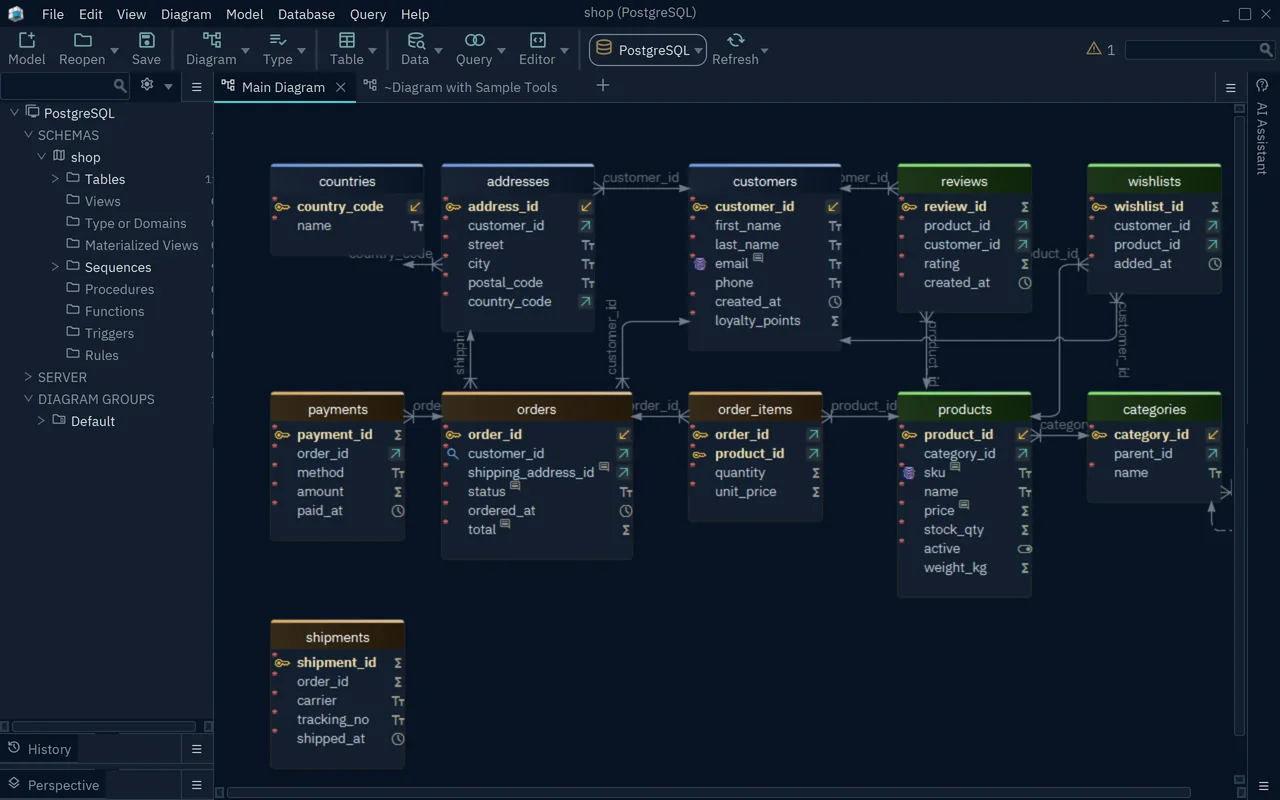
The picture shows a small shop database: customers, orders, products and the tables around them. Each box is a table, and each line between two boxes is a foreign key, a link from one table to another.
What you do with DbSchema
- See a database you did not build. DbSchema reads the tables of an existing database and draws them as diagrams.
- Design a new database. Draw the tables first, then create them in the database.
- Change a database safely. Compare your design with the database and review the SQL before it runs.
- Query and edit data. Write SQL in the SQL editor, or browse rows and follow their links in the Data Explorer.
- Document a database. Export the diagrams and the comments of every table as an HTML5 or PDF document.
- Work as a team. Keep the design in Git, next to your application code.
The design model
DbSchema keeps your schema in a design model, saved as a .dbs file.
The schema is the set of tables, columns, keys and other objects of a database.
The model holds the schema and the diagrams that you draw from it.
The model is not the database. That gives you three ways to work:
- Connected: a change that you confirm in a dialog runs in the database at once.
- Offline: changes stay in the model. Later, DbSchema compares the model with the database and shows you the SQL that would bring the database up to date.
- From the file alone: a saved model opens without any database. You can read the diagrams on a train, or review them in a pull request.
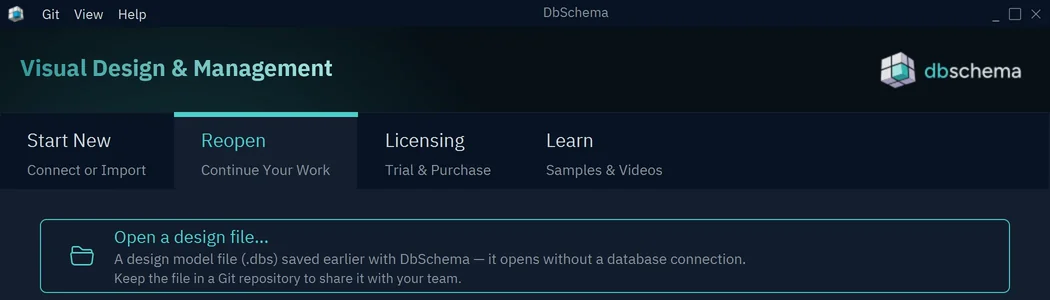
The .dbs file is a text file in XML, so Git can show what changed between two versions.
See Git and Schema synchronization.
Which edition you need
DbSchema has three editions. A new installation starts with a 15-day trial of Architect, the edition with every feature. After the trial, DbSchema continues as the free Community edition until you register a license.
| Edition | What it covers |
|---|---|
| Community (free) | Connecting to databases, diagrams and the SQL editor |
| Pro | Adds saving the model file, documentation export, the query builder, synchronization, model validation, the data editors, the data generator and the importer |
| Architect | Adds logical design and the AI Assistant with your own key |
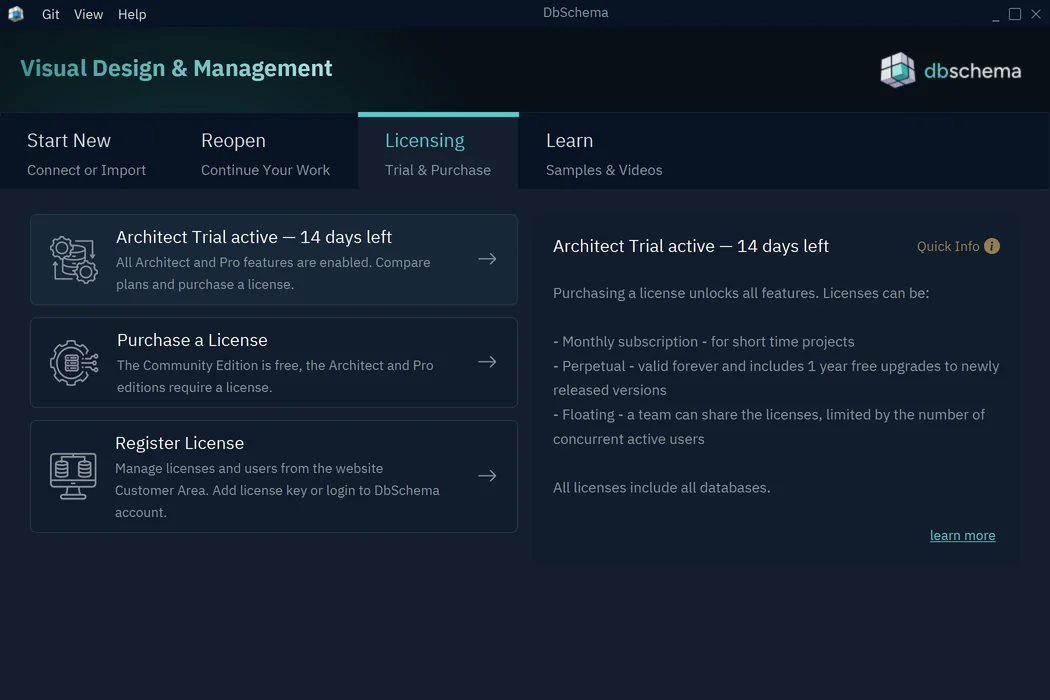
The Licensing tab of the Welcome Screen shows which edition runs now. For prices and license types, see Licensing.
Where to start
- Install DbSchema on Windows, macOS or Linux.
- Start it. The Welcome Screen asks whether to connect, design or import.
- Follow the tutorial: connect, edit a table, run a query and generate documentation.
- Keep Menus and Layout open when you look for a command.