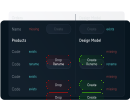
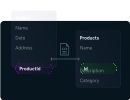
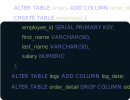
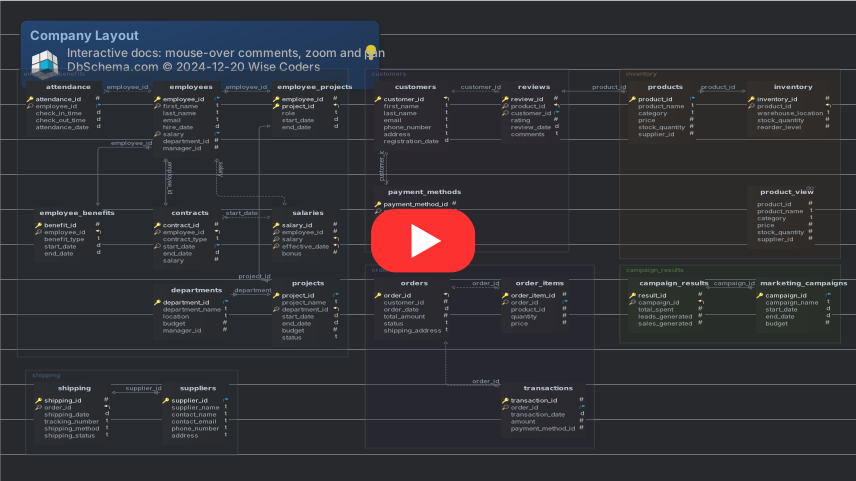
Interactive diagrams, drawn from a live database or from scratch

ER Diagram Tool
for Database Schema Diagrams

DbSchema draws the tables of a database and the relationships between them as an interactive ER diagram. Connect to a database you already run and DbSchema reverse-engineers it into a diagram, or start on an empty canvas and design the schema first.

Runs on Windows, macOS and Linux, over 100 SQL and NoSQL databases. The free Community edition draws diagrams with no table limit and no expiry.

Free Download View Pricing

Two Ways to Get
Your First Diagram

Reverse engineer a database into an ER diagram

Connect and reverse engineer

Point DbSchema at a live database and it reads the catalog, then draws the tables and the foreign key lines automatically. An inherited schema becomes readable before you write a query against it. Available in the free Community edition.

Design an ER diagram on an empty canvas

Design on an empty canvas

Right-click the canvas, choose New Table, and build the schema from nothing. Drag from a column in the child table to the parent column and DbSchema draws the foreign key. Designing without a connection open and saving the result to a file are DbSchema Pro.

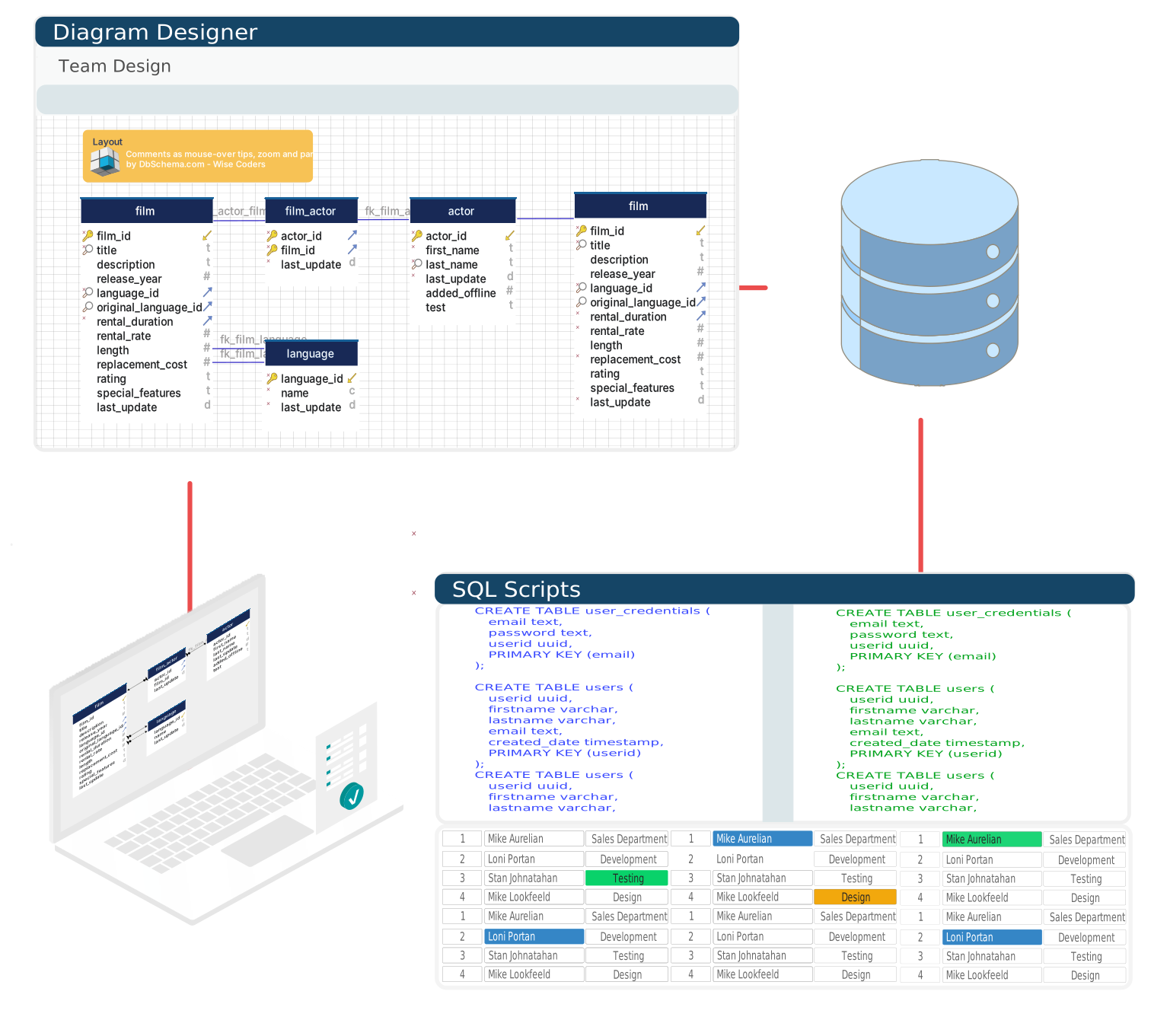
What DbSchema Diagrams Do
Once the Tables Are on the Canvas

Free for any use, with no table limit and no expiry.

DbSchema Community: A Free ER Diagram Tool
& Where Pro Starts

Free diagram tools usually cap the number of tables, expire, or draw a picture that has no connection to a database. The DbSchema Community edition reads a live schema, draws it, and keeps working at no cost. The table below shows which side of the line each capability sits on before you install anything.

DbSchema edition comparison, as listed on the pricing page.
Capability Community Pro Architect
All supported databasesYesYesYes
Connect and reverse engineerYesYesYes
Interactive ER diagramsYesYesYes
Create tables and columnsYesYesYes
SQL editorYesYesYes
HTML5, PDF and Markdown documentationNoYesYes
Visual query builderNoYesYes
Design offline and save to fileNoYesYes
Schema synchronizationNoYesYes
Relational data browseNoYesYes
Data generator and data importerNoYesYes
Logical and conceptual designNoNoYes

The Pro features run for 15 days on the same installation, so the boundary costs nothing to try. Read the longer answer in what a free database design tool can actually do.

Download Free Compare Editions

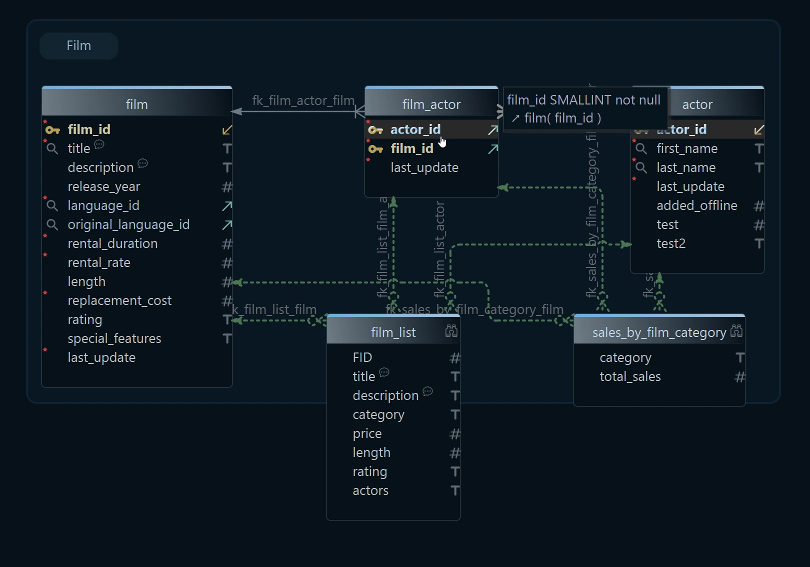
An ER diagram kept in step with the live database schema

Diagram Any Database
You Already Run

DbSchema reads over 100 SQL and NoSQL engines through their JDBC drivers, which it downloads on the first connection. For a document store such as MongoDB, DbSchema infers the structure from a sample of documents and draws collections and their fields the same way it draws tables.

Video Tutorials
Learn by Watching

Frequently Asked Questions

An ER diagram tool draws the tables of a database and the relationships between them, so the structure is readable as a picture instead of as DDL. DbSchema builds the diagram either from a database you connect to or from tables you create on the canvas.

The DbSchema Community edition draws interactive ER diagrams free for any use, with no table limit and no expiry. It connects to every database DbSchema supports, reverse-engineers the schema into diagrams, creates tables and columns, and runs SQL. Saving the diagram to a file and exporting it as documentation start at Pro.

Yes. Connect DbSchema to the database and it reads the catalog, then draws the tables and the foreign key lines automatically. Reverse engineering is available in the free Community edition.

Over 100 SQL and NoSQL databases, including PostgreSQL, MySQL, MariaDB, SQL Server, Oracle, SQLite, MongoDB, Cassandra, Snowflake, DB2 and SAP HANA.

Yes. A DbSchema project holds many diagrams over the same schema definition, each with its own layout and its own set of visible tables, so a large database can be split into a diagram per subsystem.

Three notations are switchable from the Diagram menu: Default, which draws crow-foot symbols, Barker, and Simple, which draws plain lines.

DbSchema Pro exports the diagram from the File menu as an image, as PDF, as interactive HTML5 documentation with searchable tables and zoomable diagrams, or as Markdown.

The schema is the definition the database holds: its tables, columns, keys and constraints. The ER diagram is a view of that definition, laid out so the relationships are visible. DbSchema keeps the two connected, reading the diagram out of the live schema and writing schema changes back.
Download DbSchema for Free!

The universal installer supports both Community and Pro Editions.

DbSchema Newsletter

Get our latest news by
subscribing to our newsletter