Visual schema design, SQL editing and documentation in one tool

Database Design Tool
for ER Diagrams, SQL and Documentation

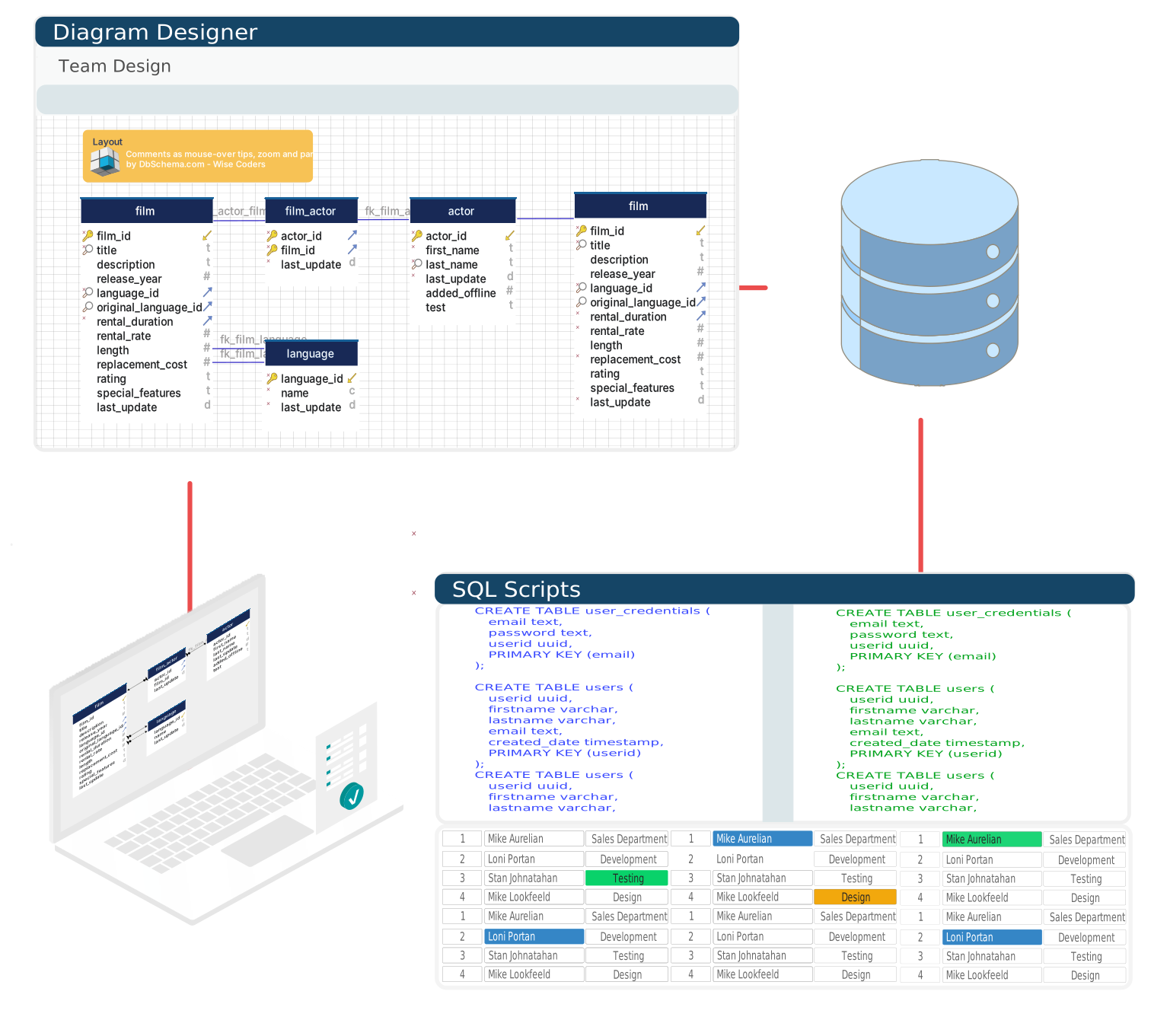
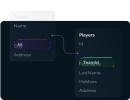
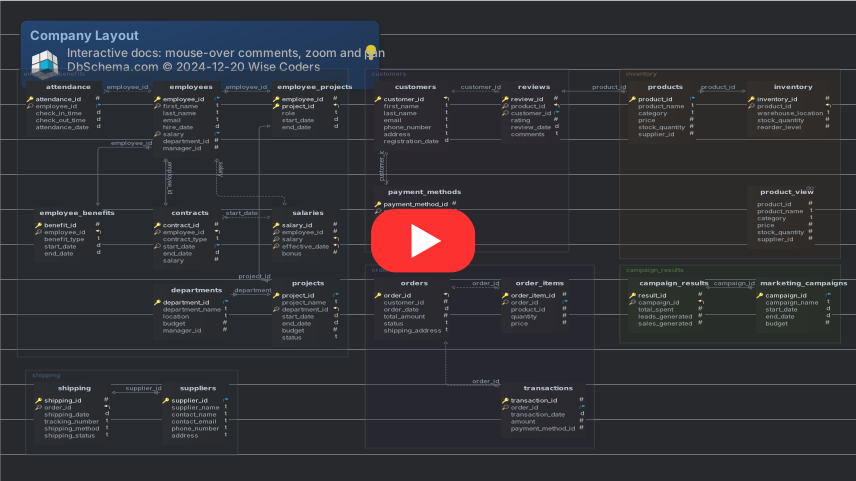
DbSchema is a visual database designer for over 100 SQL and NoSQL databases. Draw the schema as an interactive ER diagram, reverse engineer a database you already run, write SQL against it, and turn the design into a migration script.

Runs on Windows, macOS and Linux. The free Community edition has no table limit and no expiry, and the same installer carries a 15-day Pro trial.

Free Download View Pricing

What DbSchema Does
From First Connection to Deployed Schema

Free for any use, with no table limit and no expiry.

DbSchema Community: A Free Database Design Tool
& Where Pro Starts

Most free design tools cap the number of tables or expire. The DbSchema Community edition does neither: it covers every supported engine, reverse-engineers a live schema, and runs SQL, at no cost and with no deadline. The table below draws the line so you know which side each capability sits on before you install anything.

DbSchema edition comparison, as listed on the pricing page.
Capability Community Pro Architect
All supported databasesYesYesYes
Connect and reverse engineerYesYesYes
Interactive ER diagramsYesYesYes
Create tables and columnsYesYesYes
SQL editorYesYesYes
HTML5, PDF and Markdown documentationNoYesYes
Visual query builderNoYesYes
Design offline and save to fileNoYesYes
Schema synchronizationNoYesYes
Relational data browseNoYesYes
Data generator and data importerNoYesYes
Logical and conceptual designNoNoYes

The Pro features run for 15 days on the same installation, so the boundary costs nothing to try. Read the longer answer in what a free database design tool can actually do.

Download Free Compare Editions

Stay connected with your team and collaborate on databases.

Design the Schema in a Team
& Deploy It Anywhere

DbSchema Pro keeps the design in a single model file rather than in the server, so the schema travels the way the application code does: through a branch, a review and a merge.

Design the database schema offline
Design Offline

Work on the model with no database connection open, on a laptop or a plane, and deploy it once you are back.

Commit the model file to Git
Git Integration

The model is one .dbs file, so it commits beside the code and a schema change gets reviewed in the pull request.

Generate migration scripts
Migration Scripts

Generate the SQL that moves a database from its current state to the model, and read it before anything runs.

Deploy the same model on several engines
Deploy on Any Engine

One model deploys against development, staging and production, and across the engines a mixed estate runs.

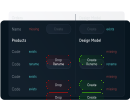
Database schema synchronization between the model and the live database

One DbSchema Model
for Every Database You Run

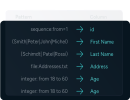
DbSchema speaks to over 100 SQL and NoSQL engines through their JDBC drivers, which it downloads for you on the first connection. A team running PostgreSQL in one service and MongoDB in another designs both in the same tool.

Video Tutorials
Learn by Watching

Dedicated Solutions for Every Role

Who benefits from designing a schema in DbSchema?

Frequently Asked Questions

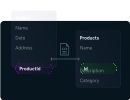
A database design tool lets you model tables, columns, keys and relationships visually instead of writing DDL by hand. DbSchema also works in the other direction: it connects to a database you already run, reads the catalog, and draws the existing schema as an interactive ER diagram.

The Community edition is free for any use, with no table limit and no expiry. It connects to every database DbSchema supports, reverse-engineers the schema into interactive diagrams, creates tables and columns, and runs SQL in the editor. Saving the model to a file, documentation export, schema synchronization and the data tools start at Pro, which runs for 15 days from the same installer.

Over 100 SQL and NoSQL databases, including PostgreSQL, MySQL, MariaDB, SQL Server, Oracle, SQLite, MongoDB, Cassandra, Snowflake, DB2 and SAP HANA. One model can be deployed against any of them, so a team running several engines uses a single tool.

Yes, with DbSchema Pro. The model lives in a .dbs file rather than in the server, so you can design on a laptop with no connection and deploy later. The Community edition requires a live connection to work against.

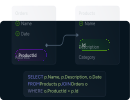
DbSchema Pro compares the model against a live database and writes the migration SQL from the difference, so a column added on the diagram becomes a reviewed script rather than a hand-written changeset.

Yes. The same installer covers Windows, macOS and Linux, and the same model file opens on all three.

The DbSchema Pro model is a single .dbs file, so it commits to Git alongside the application code and follows the usual branch and review workflow. Schema changes are reviewed as part of a pull request rather than announced after the fact.

A diagram editor draws a picture that has no connection to the database. DbSchema reads the schema out of the live catalog and writes changes back to it, so the diagram stays an accurate view of the database rather than a drawing that ages.
Download DbSchema for Free!

The universal installer supports both Community and Pro Editions.

DbSchema Newsletter

Get our latest news by
subscribing to our newsletter