Sample Projects
A sample project is a ready-made model that you can open from the Welcome screen. Use one to try DbSchema before you connect your own database.
Open a sample project
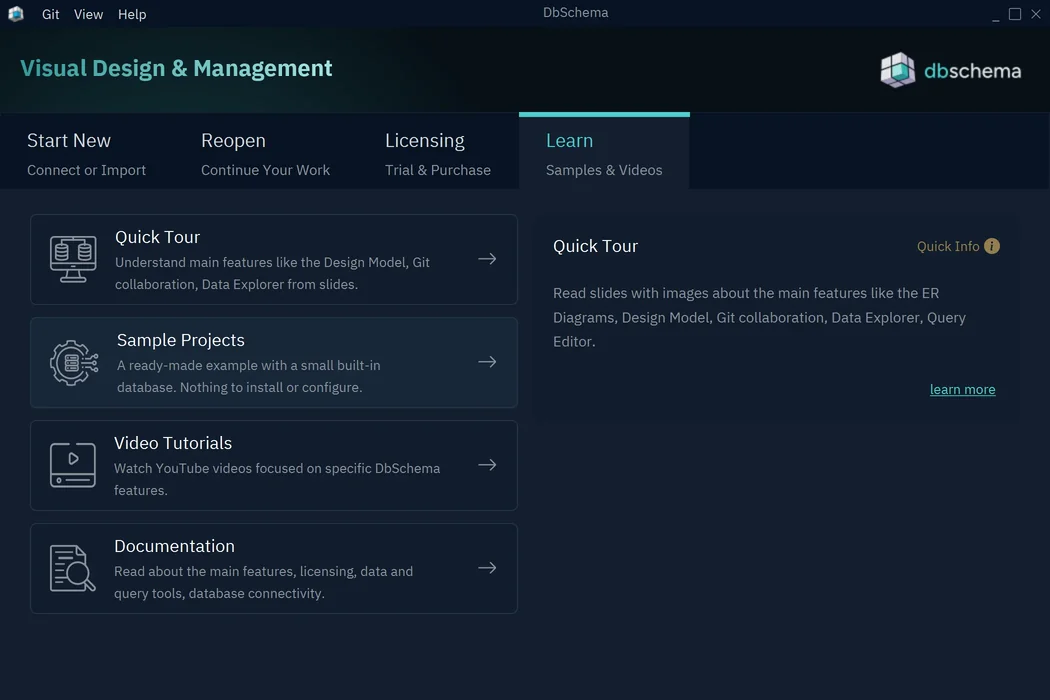
- On the Welcome screen, open the Learn tab.
- Press Sample Projects.
- Choose a sample, such as SqliteSample.
The Start New tab has a Sample Projects button too. If a model is open, choose File → Close to get back to the Welcome screen.
The first time, DbSchema downloads the samples from dbschema.com, so it needs an internet connection. After that, the samples open from your computer.
Choose a sample
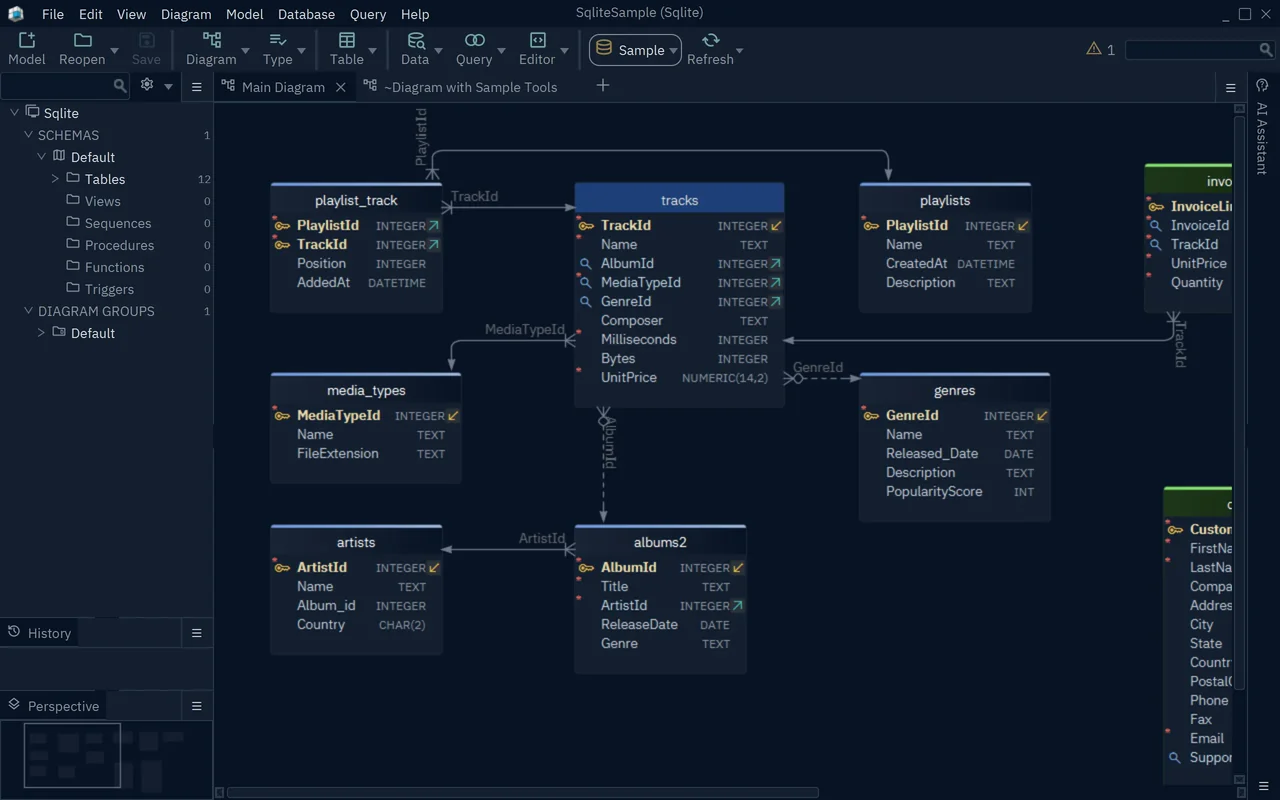
- SqliteSample: a music store with 12 tables, such as
tracks,albums2,artists,playlistsandcustomers. It comes with a small SQLite database, and DbSchema connects to it when you open the sample. So you can also browse and edit the data and run queries. - MongoDBSample: a MongoDB model named StreamFlix, with collections such as
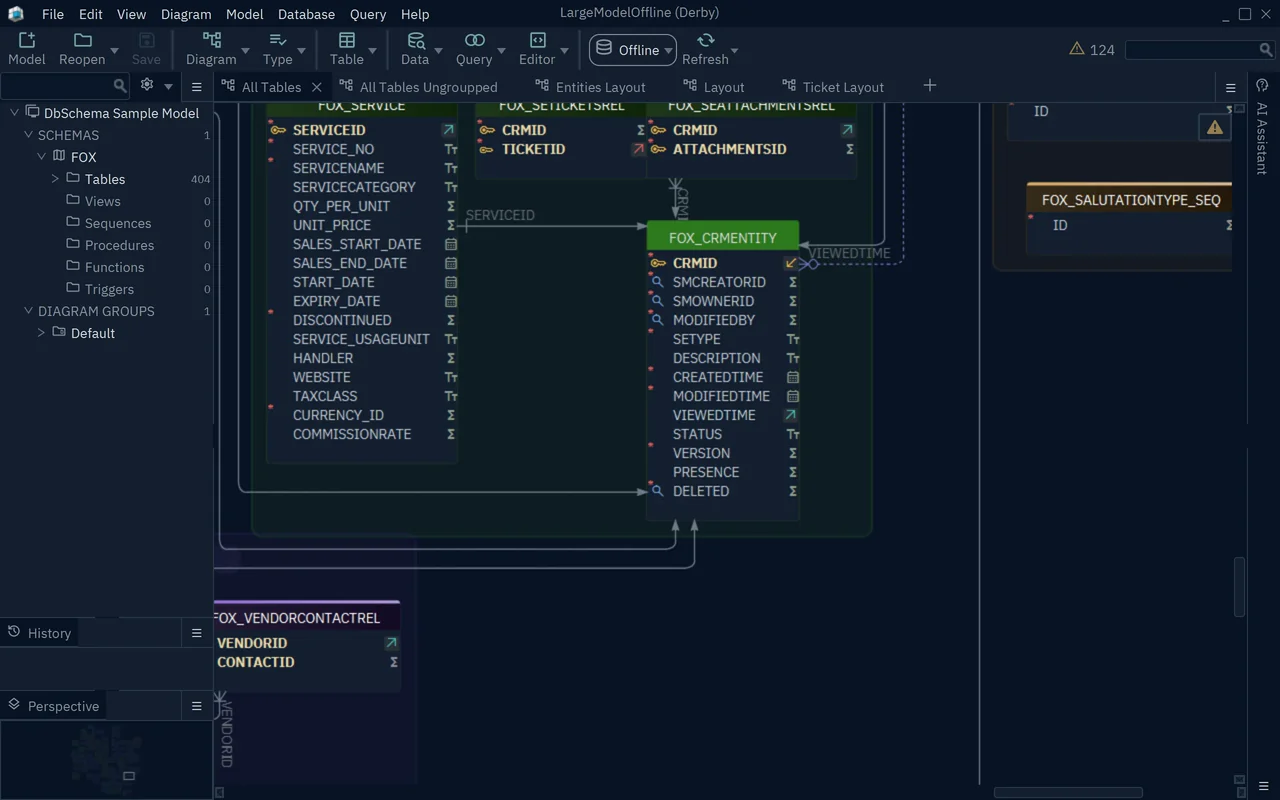
users,movie,reviewsandsubscriptions. It opens offline. - LargeModelOffline: a large model with 404 tables in one schema, split over several diagrams. It opens offline. Use it to see how DbSchema handles a big schema.
What to try in a sample
- Double-click a table header to see its columns and keys. See Tables, Columns and Indexes.
- Follow the lines between the tables to see the foreign keys.
- Open the related tables of one table on a new diagram.
- In SqliteSample, browse the rows of a table with the Data Explorer, or write a query in the SQL Editor.
Changes to SqliteSample reach its SQLite database, which lives on your computer only.