Reverse Engineering an Oracle Database
For database architects who inspect an existing Oracle database and need to know whether the model they got back holds every table and every relation.
On this page
The run finishes without a warning, the diagram is drawn, and tables you know the application uses are not on it. Oracle answered the metadata query with the objects your connecting account is allowed to see, and said nothing about the rest. Connect with an account that can read the DBA_ views, then count what arrived against what the catalog holds.
How an Oracle schema maps to a database user
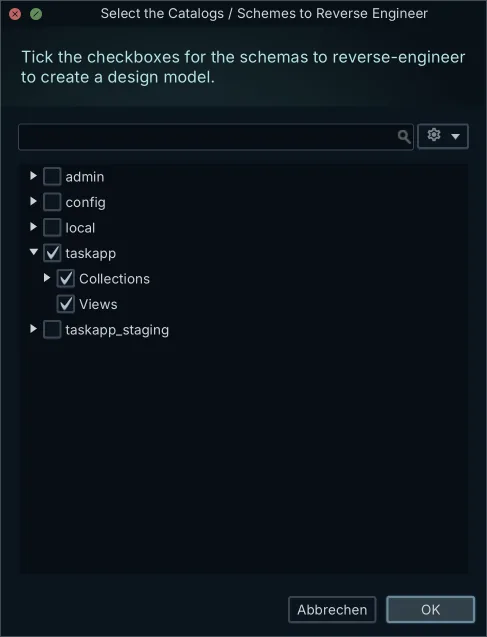
In Oracle AI Database 26ai a database user owns a database schema, and that schema has the same name as the user[1]. Creating the account creates the container for everything the account goes on to own. PostgreSQL and MySQL keep schemas as separate namespaces inside a catalog, so the word means a container there and an account here.
When you point DbSchema at an Oracle instance and choose what to read, you are choosing among database users. Pick the account that owns the application tables, and DbSchema asks the dictionary for the objects owned by that account alone.
Three kinds of account appear in that list:
- the account that owns the application tables
- shared utility accounts that several applications read from
- Oracle's own administrative accounts, SYS, SYSTEM and AUDSYS among them, which you leave out of an application diagram
Comparing the USER, ALL, and DBA dictionary views
Oracle exposes its data dictionary through views, and most dictionary tables have three of them, separated by a prefix[2]. The prefix decides how much of the database the connecting account is shown.
- USER_ views display the information from the schema of the current user, and need no special privilege.
- ALL_ views display everything accessible to the current user, including objects in other schemas reached through a grant of privileges or roles.
- DBA_ views display all relevant information in the entire database, and answer only to the SYSDBA system privilege, SELECT ANY DICTIONARY, the SELECT_CATALOG_ROLE role, or a direct grant.
DbSchema reads a small set of these static views to build the entity-relationship model. ALL_TABLES carries the tables. ALL_TAB_COLUMNS describes the columns of the tables, views, and clusters accessible to the current user[3]. ALL_CONSTRAINTS describes constraint definitions on tables accessible to the current user[4]. ALL_CONS_COLUMNS describes columns that are accessible to the current user and that are specified in constraints[5].
A foreign key is a row in ALL_CONSTRAINTS whose CONSTRAINT_TYPE is R, for referential integrity. Its R_CONSTRAINT_NAME names the unique constraint on the referenced table, and ALL_CONS_COLUMNS supplies the column pairs at both ends of the relation.
Why a low-privilege connection returns a partial model
A low-privilege account gets no error when tables exist outside its grants. Oracle filters those objects out of the ALL_ views, the run finishes without a warning, and the diagram comes back clean and short. A table the connecting account holds no SELECT or REFERENCES privilege on is simply absent from it.
So count what the account can see. Run this in the SQL Editor, naming the owner whose tables you expected:
SELECT owner, COUNT(*) AS visible_tables
FROM all_tables
WHERE owner = 'SALES_APP'
GROUP BY owner;
With administrative privileges, count the same owner in the catalog:
SELECT owner, COUNT(*) AS catalog_tables
FROM dba_tables
WHERE owner = 'SALES_APP'
GROUP BY owner;
A visible_tables lower than catalog_tables is the gap, and the difference is the number of tables missing from your diagram. Granting SELECT_CATALOG_ROLE to the connecting account opens the dictionary views without giving that account any right to change data in the application tables.
Reading structure with DBMS_METADATA.GET_DDL
Reverse engineering reads structure rather than rows: tables, views, columns, data types, constraints, indexes, sequences and comments. When you want the exact creation statement for one of those objects, Oracle's DBMS_METADATA package retrieves metadata from the database dictionary as XML or as creation DDL[6].
GET_DDL takes the object type, the object name and the owner, and returns a CLOB. Run it from SQL*Plus:
SET LONG 2000000
SET PAGESIZE 0
SELECT DBMS_METADATA.GET_DDL('TABLE', 'ORDERS', 'SALES_APP') FROM DUAL;
What comes back is the CREATE TABLE text for that one table, its columns and its constraints, as a single flat string. That is exact, and it is one object at a time: nothing in it groups the tables, positions them, or carries a relation the dictionary never recorded. DbSchema queries the same dictionary and puts the answer on a canvas, where a foreign key is a line between two tables.
The Oracle JDBC connection and its three name forms
Oracle's thin driver, oracle.jdbc.OracleDriver, is written in Java and talks to the listener directly, so the machine doing the reverse engineering needs no Oracle Client and no OCI installation. DbSchema downloads that driver itself, which leaves a host, a port, a name for the database and a set of credentials as the whole of the setup.
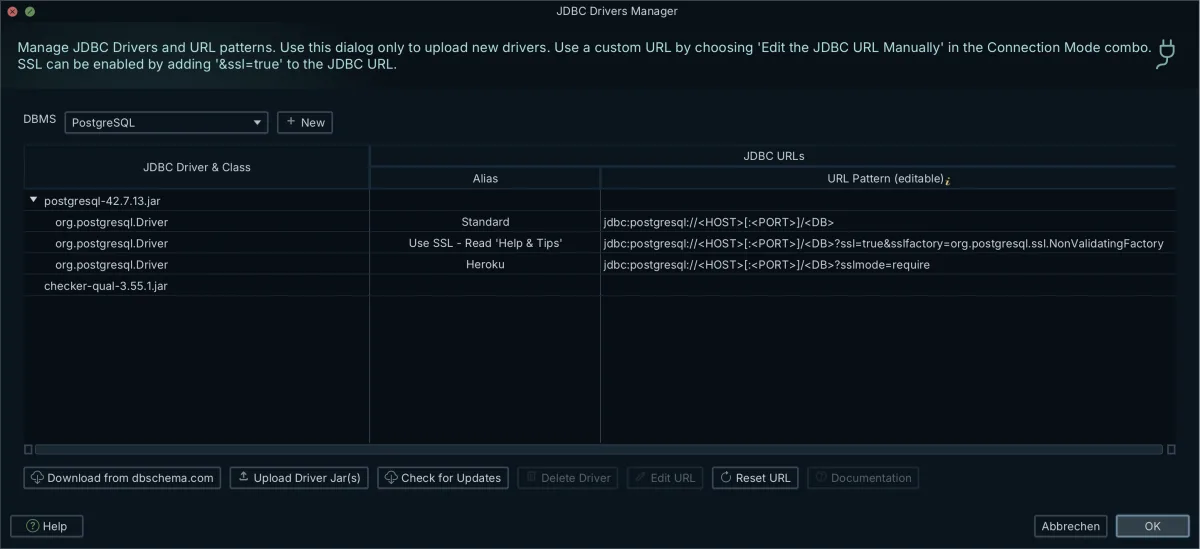
Oracle accepts three different names for the same database, and the Method list in the DbSchema Connection Dialog has an entry for each. "Connect via SID" builds jdbc:oracle:thin:@host:port:SID and takes the instance name. "Connect via Service Name" builds jdbc:oracle:thin:@//host:port/service and takes a name from the listener's services summary. "TNS" takes a full descriptor. The listener's default port is 1521, and the JDBC Driver Manager is where you supply the jar by hand if downloads are blocked on your network.
Once DbSchema is connected, it reads the dictionary views above and lays the tables, columns, foreign keys and indexes onto a diagram. Everything to this point has only read from Oracle. The diagram and the design model are on your machine, and no statement has changed the database.
Drawing relations the dictionary does not declare
Some Oracle schemas carry no declarative foreign keys, with referential integrity enforced in PL/SQL packages or in application code instead. Reverse engineering one of those returns a page of tables with nothing drawn between them.
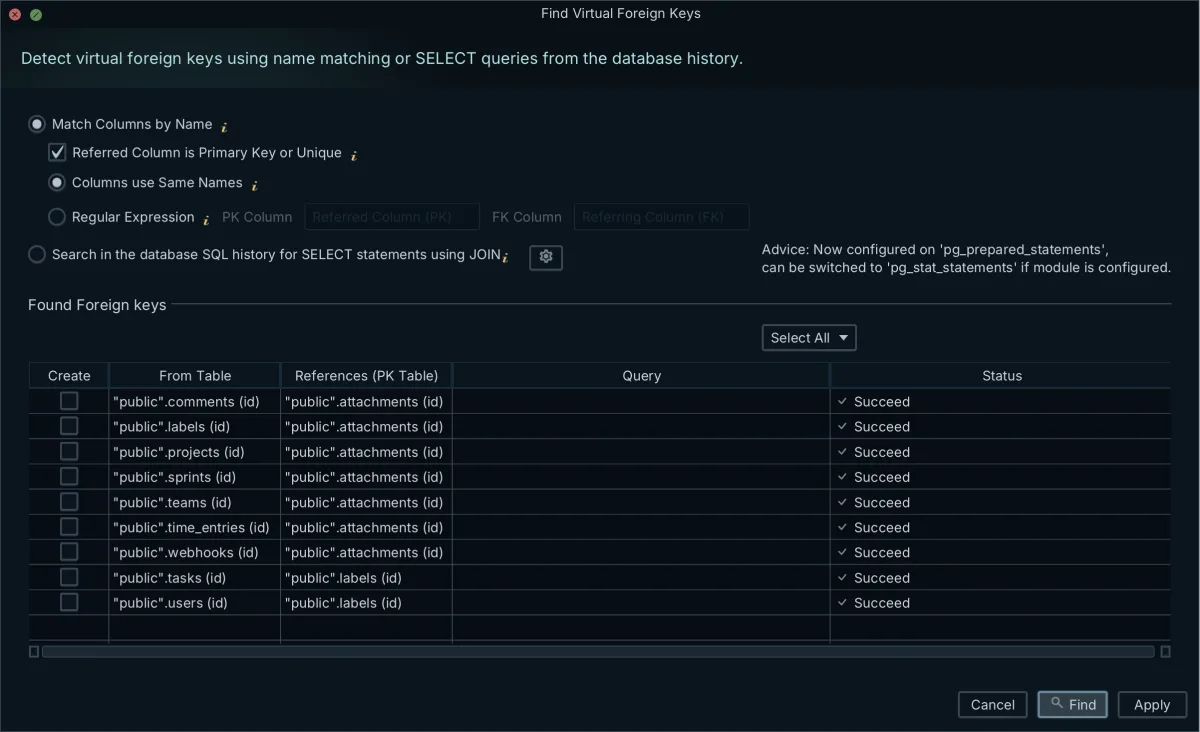
In DbSchema you draw the relation yourself. Drag a column in the child table onto the matching column in the parent, and a virtual foreign key appears as a line on the canvas. That line lives in the design model file and nowhere else: adding one runs no ALTER TABLE, writes nothing to the dictionary, and takes no lock on a production table. The article on foreign keys and virtual keys goes through the cases where the two differ.
Virtual foreign keys then do two jobs. They document the relation for whoever opens the diagram, and they let the Relational Data Editor, in the Pro edition, walk from a parent row to its child rows across as many levels as the schema has.
What the offline design model file holds
DbSchema keeps the reverse-engineered structure in a local XML file with a .dbs extension. It holds the table metadata, the data types and the constraints, and beside them the virtual foreign keys, the diagram layouts, the groups, the colors and the callouts.
Because the file is plain XML, you can open it in a text editor, commit it to Git, and read a schema diff between two branches the way you read a code diff. It also opens with no database behind it, so a diagram or a set of database documentation comes out of a laptop with no route to the server. Saving the model to a file is in the Pro edition, along with the documentation export.
The check is worth running before the next diagram is shared, not after. Download DbSchema at https://dbschema.com/download.html, connect to Oracle with an account that can read the DBA_ views, reverse-engineer the schema, and compare the table count on the diagram with the one in the catalog. That much runs on the free Community Edition, which covers the connection, the diagrams and the SQL editor. Keeping the result is what needs Pro: the saved .dbs file, the documentation export and the Relational Data Editor.
Frequently asked questions
Why does reverse engineering an Oracle database return missing tables?
Oracle answers the metadata queries with the objects your account is allowed to see and says nothing about the rest. The run therefore succeeds on a model that is short. The section on the partial model carries the two counting queries that measure the gap and the role that closes it.
What is the difference between USER_, ALL_, and DBA_ dictionary views in Oracle?
For a single dictionary table the three views are built on nearly the same columns[2], which is why the two counting queries above differ only in the view they read. The prefix changes the scope: your own schema, everything your grants reach, and the whole database. The privileges the DBA_ views answer to are listed in the section that compares the three.
Can I extract the DDL of an Oracle database object from SQL*Plus?
GET_DDL takes the owner as its third argument and defaults it to the current user[6], so an object in your own schema needs only its type and its name. How much physical detail comes back is a session setting: DBMS_METADATA.SET_TRANSFORM_PARAM(DBMS_METADATA.SESSION_TRANSFORM, 'STORAGE', false) leaves the storage clauses out of the text.
How do I draw relationships in a data warehouse where foreign keys are missing?
Dragging the child column onto the parent column in the DbSchema diagram draws the line, and a relation over two columns is drawn the same way: a composite foreign key pairs each referencing column with the column it references, and the parent side needs a primary key or a unique index on that same set of columns. DbSchema reads the cardinality of the line from the NOT NULL and UNIQUE constraints on the referencing column, so a nullable column with no unique constraint on it gives you the dashed crow's foot line.
What does an offline design model file hold?
A model can also be built with no database in the picture: Model → Import from External Format reads a folder of Flyway migration scripts in the order a database would have applied them, and executes none of them. The .dbs file it writes is the same XML as a reverse-engineered one, the structure and the diagram layouts together. Saving that file is in the Pro edition.
Sources
- Oracle AI Database Concepts: Introduction to Oracle AI Database
- Oracle AI Database Reference: About Static Data Dictionary Views
- Oracle AI Database Reference: ALL_TAB_COLUMNS
- Oracle AI Database Reference: ALL_CONSTRAINTS
- Oracle AI Database Reference: ALL_CONS_COLUMNS
- Oracle AI Database PL/SQL Packages and Types Reference: DBMS_METADATA
Create ER diagrams in minutes
DbSchema reverse-engineers your database into a diagram, keeps the layout readable, and exports interactive documentation. The Community Edition is free.









