Best Database Schema Design Tools in 2026: Visual Comparison
For the person picking a tool to draw a database schema, keep the diagram in step with the live database, and hand documentation to the rest of the team.
On this page
A shortlist of design tools tends to start after someone has drawn the same schema twice: once in a drawing app for the design review, once in the database when the tables were finally created. DbSchema is the pick for that job. It reverse-engineers a live schema into a diagram you edit, keeps the design in a model file you commit next to the application code, compares that file against the database, and generates the migration script from the difference.
The other nine tools each cover part of that path, several of them across a narrower set of engines. The licence, platform and scope facts below come from each vendor's own pages, linked in the sources at the end.
What a database design tool has to do
The jobs that separate a design tool from a SQL client are these:
- design a new schema visually before the database exists
- reverse-engineer an existing schema without redrawing it
- organize a large database into diagrams a colleague can read
- export documentation the rest of the team can browse
- compare the design against the live database and generate the change script
- carry the design through Git the way application code travels
DbSchema does all six from one model file. The other tools are ordered by the reach of the job they take on: cross-engine desktop designers first, then the desktop suites that bundle comparison and data tools, then the browser modelers, then the tools built around a single engine. For narrower cuts of the same field, see Top Free Tools for Database Design, Best ER Diagram Tools, Best Tools for Database Documentation and DBeaver Alternative. The product page is Database Design Tool.
The ten tools side by side
| Tool | Built around | Runs on | Licence |
|---|---|---|---|
| DbSchema | An offline model file | Windows, macOS, Linux | Free Community, paid Pro and Architect |
| DBeaver | The live connection | Windows, macOS, Linux | Free Community, paid editions |
| DataGrip | SQL editing | Windows, macOS, Linux | Free non-commercial, paid commercial |
| dbForge Studio | One engine per product | Windows | Paid, free Express for some tools |
| Navicat | The live connection | Windows, macOS, Linux | Paid, free Premium Lite |
| Vertabelo | A browser canvas | Browser | Paid |
| SQLDBM | A browser canvas | Browser | Paid, quoted on request |
| MySQL Workbench | MySQL | Windows, macOS, Linux | Free Community under the GPL |
| Toad Edge | MySQL and PostgreSQL | Windows, macOS | Paid |
| HeidiSQL | The live connection | Windows, Linux, macOS | Free, open source |
Cross-engine desktop design tools
DbSchema
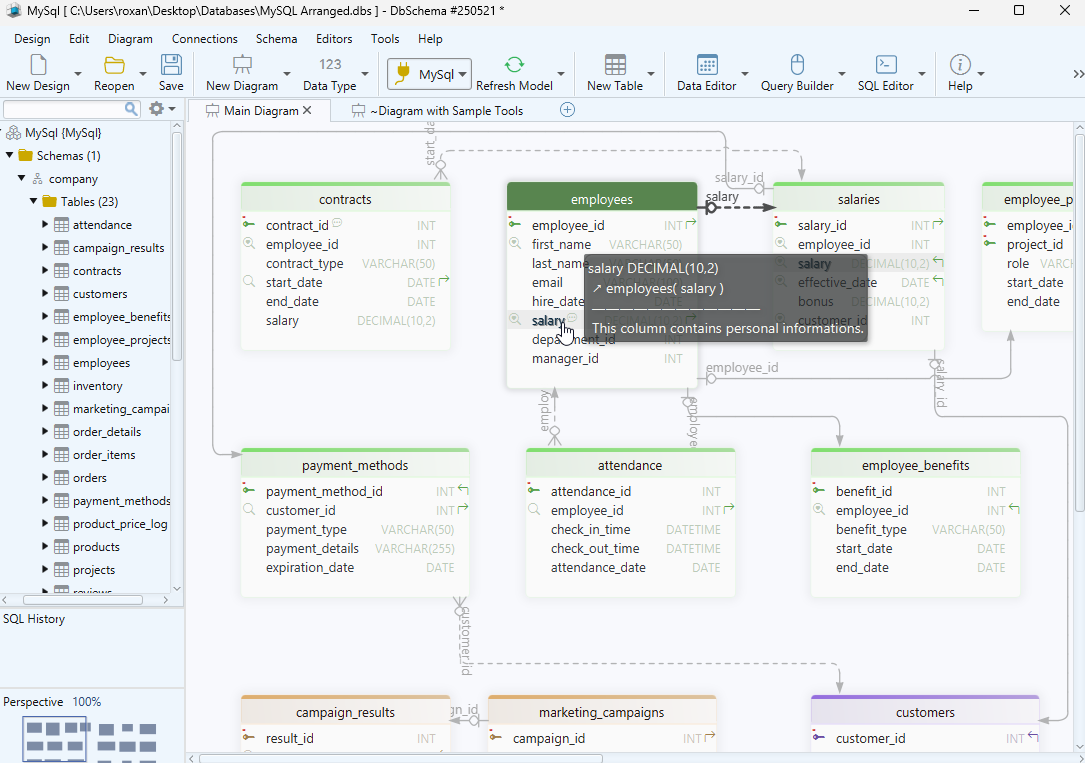
DbSchema runs on Windows, macOS and Linux, and reaches every engine it supports from the same window. Connect to a database and DbSchema reads the schema into an interactive diagram; the connection, the reverse-engineering and the diagrams are in the free Community Edition. The design itself lives in a .dbs model file, plain XML, which you commit next to the application code and reopen later with no database in reach.
- SQL and NoSQL engines from one window, listed on the databases page
- several diagram layouts over the same schema
- logical design and offline modeling
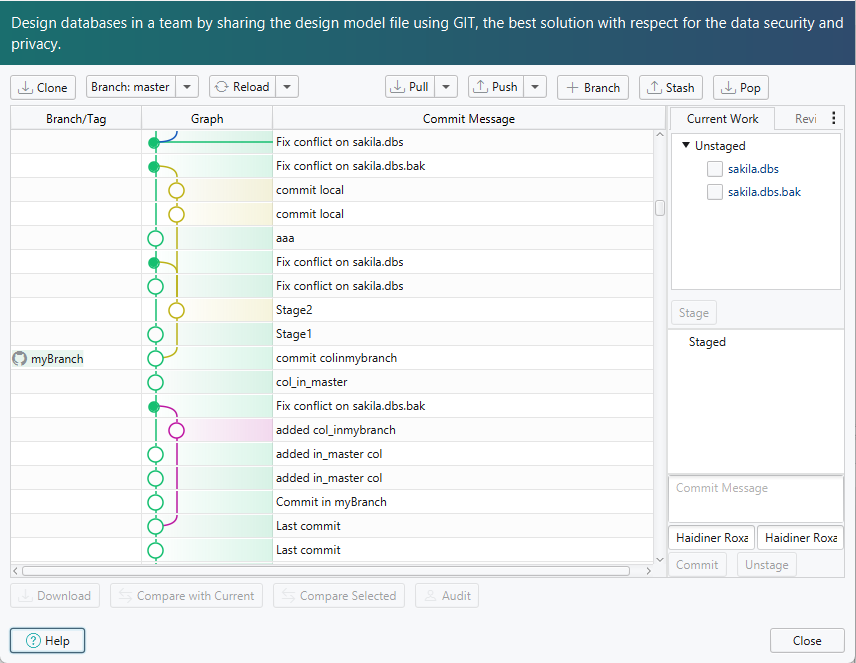
- Git version control of the model file
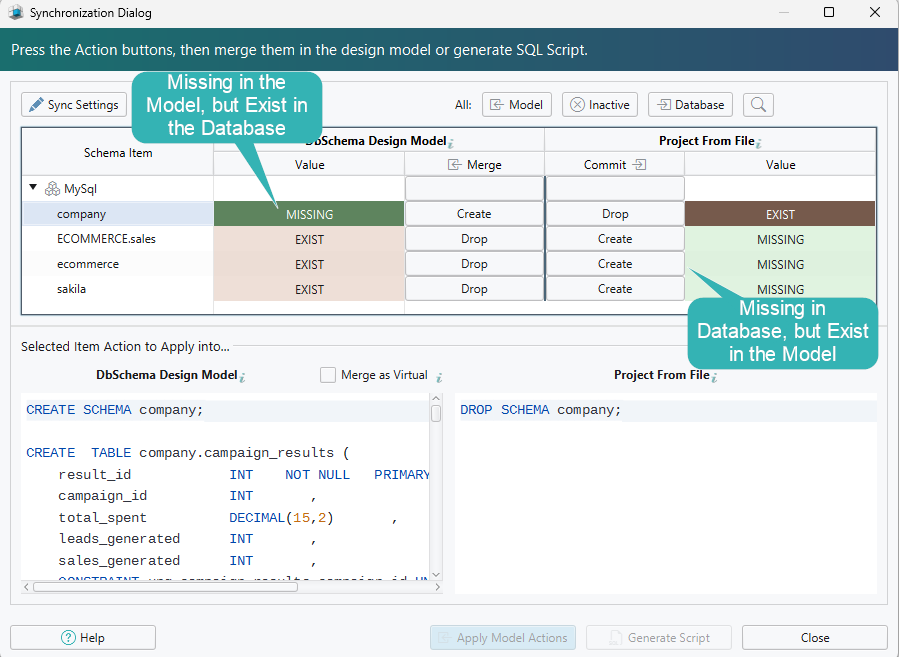
- schema synchronization against the live database
- shareable interactive documentation
- test data from the random data generator
Two menu paths carry the rest of the work. Diagram → Export HTML5 or PDF Documentation writes an interactive HTML5 page with the diagram as a vector image, a searchable table list, and table and column descriptions as mouse-over tooltips. The same dialog writes PDF and Markdown. Schema → Synchronize Model with Database compares the model file against the live database and generates the SQL that closes the gap, which you can edit before clicking Execute.
Editing a table on the diagram changes the .dbs model file and nothing else. The database keeps the shape it had until you run that generated SQL against it. Git works on the same file: the Git dialog stages, commits and pushes the .dbs file, and Compare with Current opens the Synchronization Dialog on what a teammate changed.
Saving the design to a model file, the documentation export and schema synchronization are Pro features; logical and conceptual design is Architect. There is a longer guide to the database diagram tool and to designing a relational database schema.
DBeaver
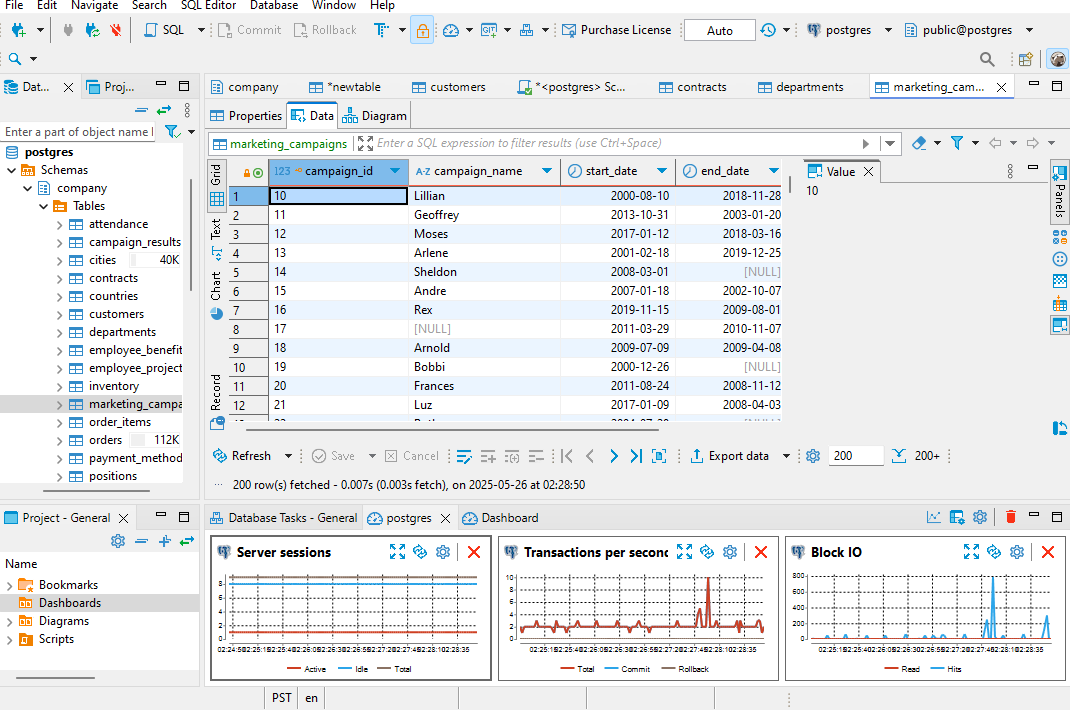
DBeaver Community Edition is free and open source under the Apache licence[1], and everything in it hangs off the live connection.
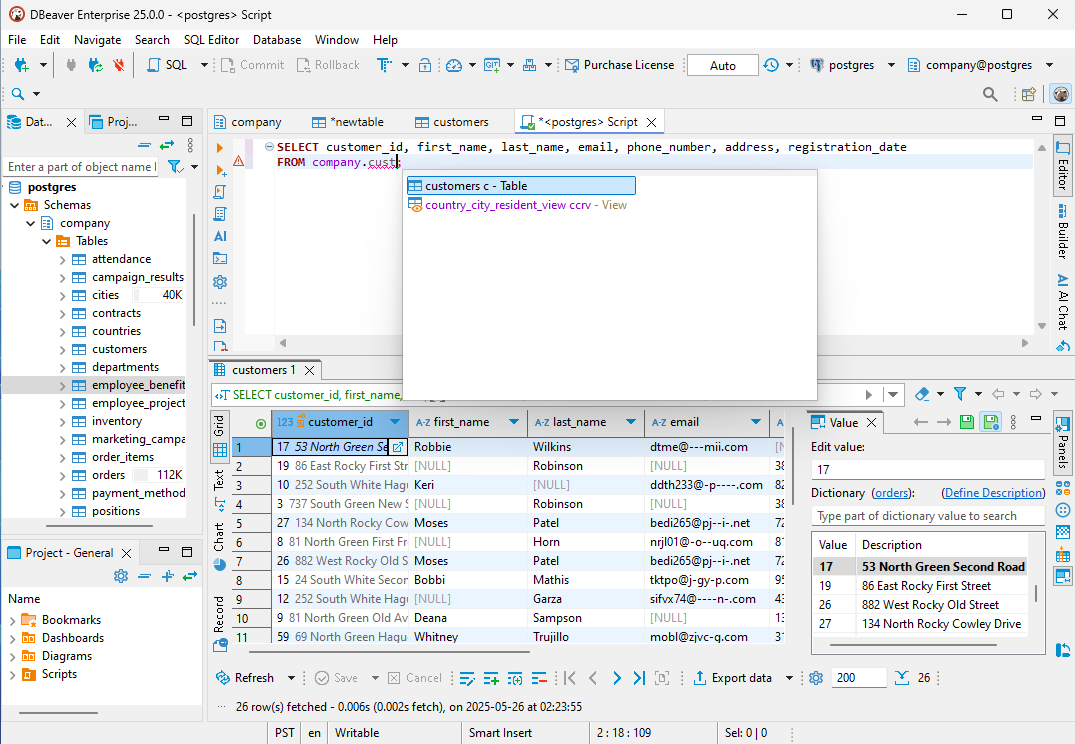
- browse and edit table data
- run SQL against the connected database
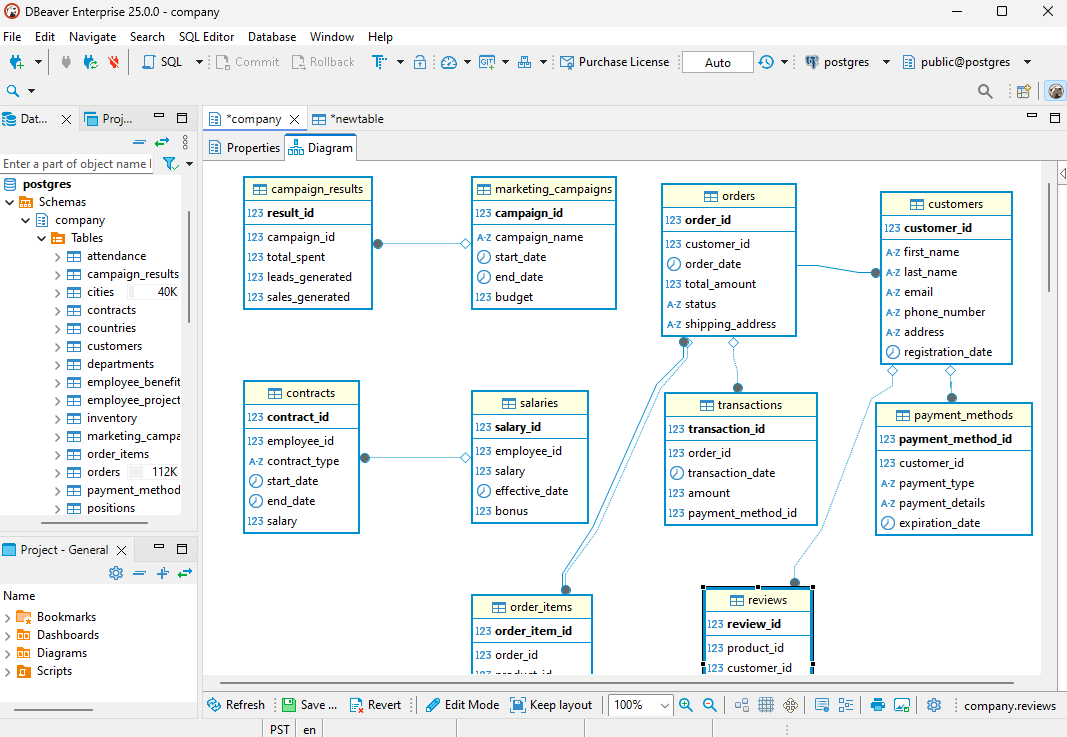
- open an ER diagram of the schema you are attached to
DBeaver Corp also sells Lite, Enterprise, Ultimate and Team editions, and CloudBeaver Enterprise for the browser[2].
DataGrip
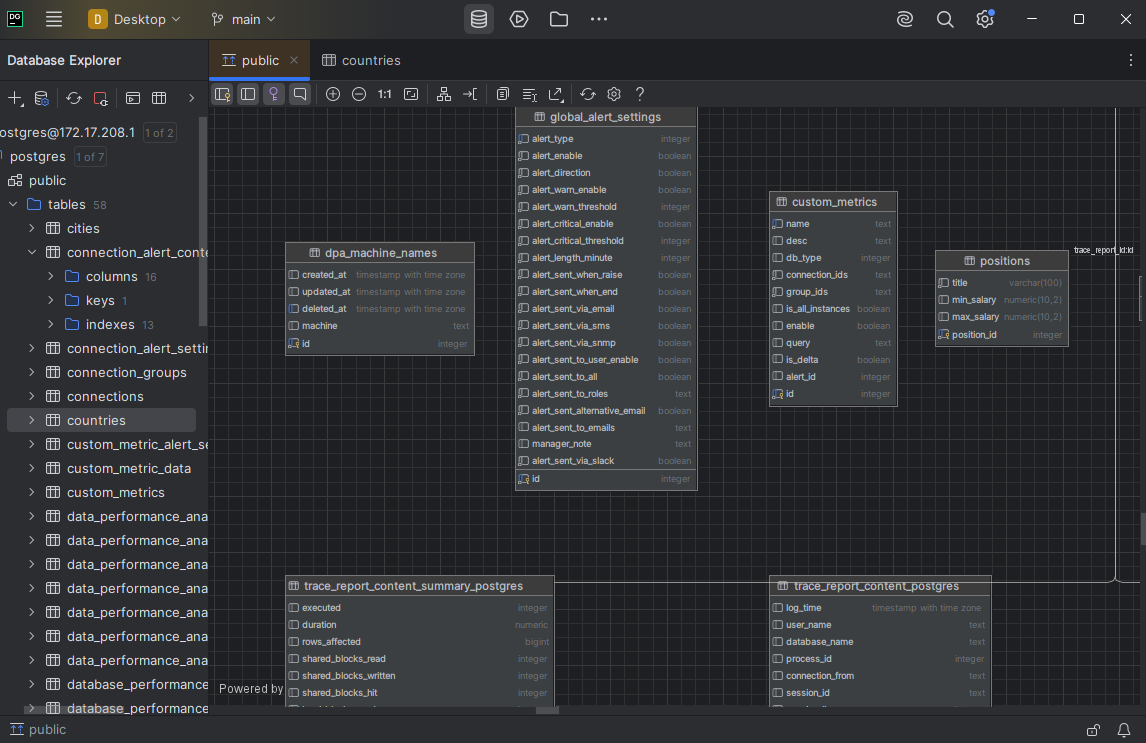
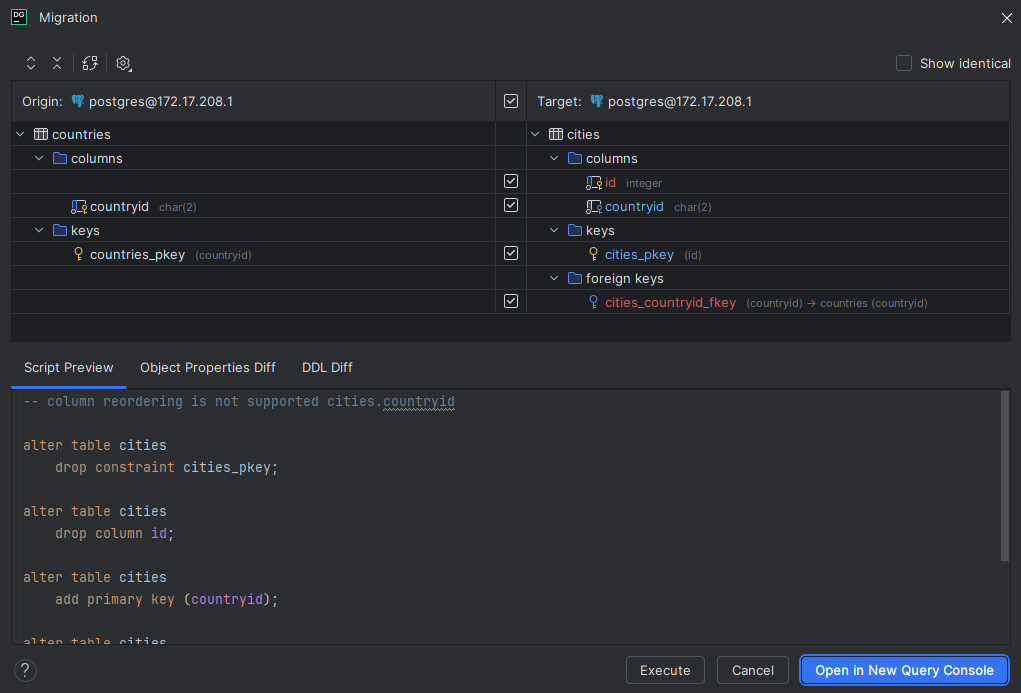
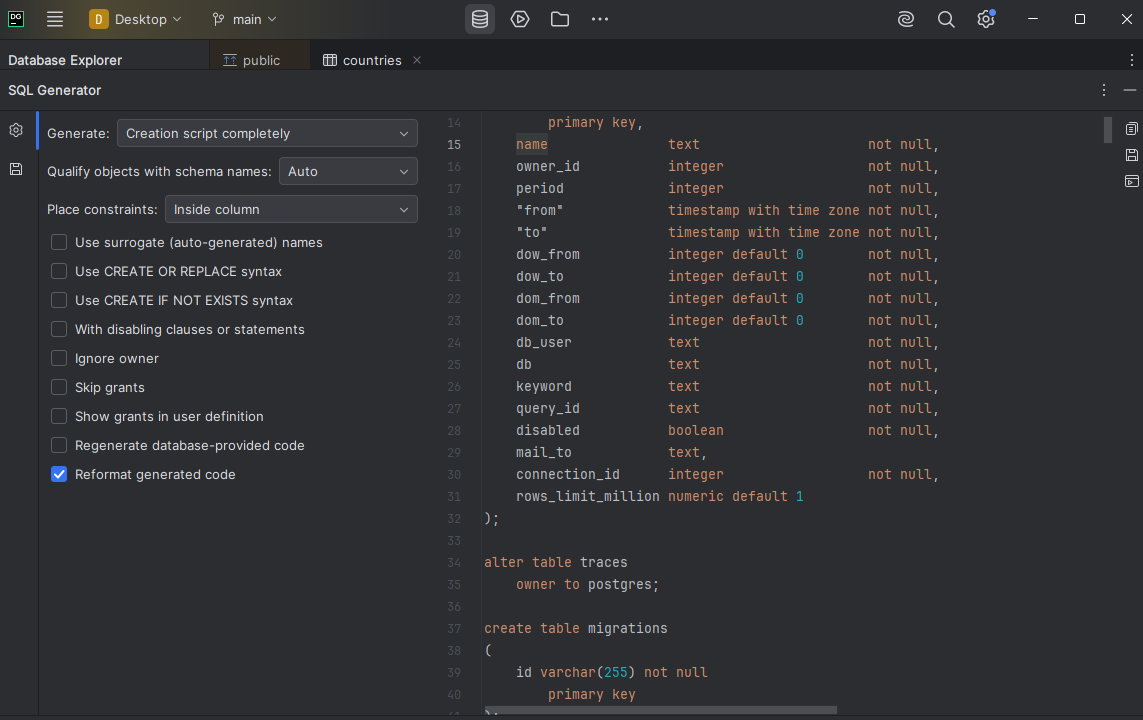
DataGrip is the JetBrains database IDE, and its centre of gravity is SQL.
- completion that knows the table structure and the foreign keys of the connected database
- detection of probable bugs in the code as you write it
- a diagram view over the database you are connected to
JetBrains offers DataGrip free for non-commercial use, and sells a subscription for commercial use[3]. If you are weighing it specifically for design work, there is a longer piece on DataGrip alternatives for schema design.
Desktop suites that bundle comparison and data tools
dbForge Studio
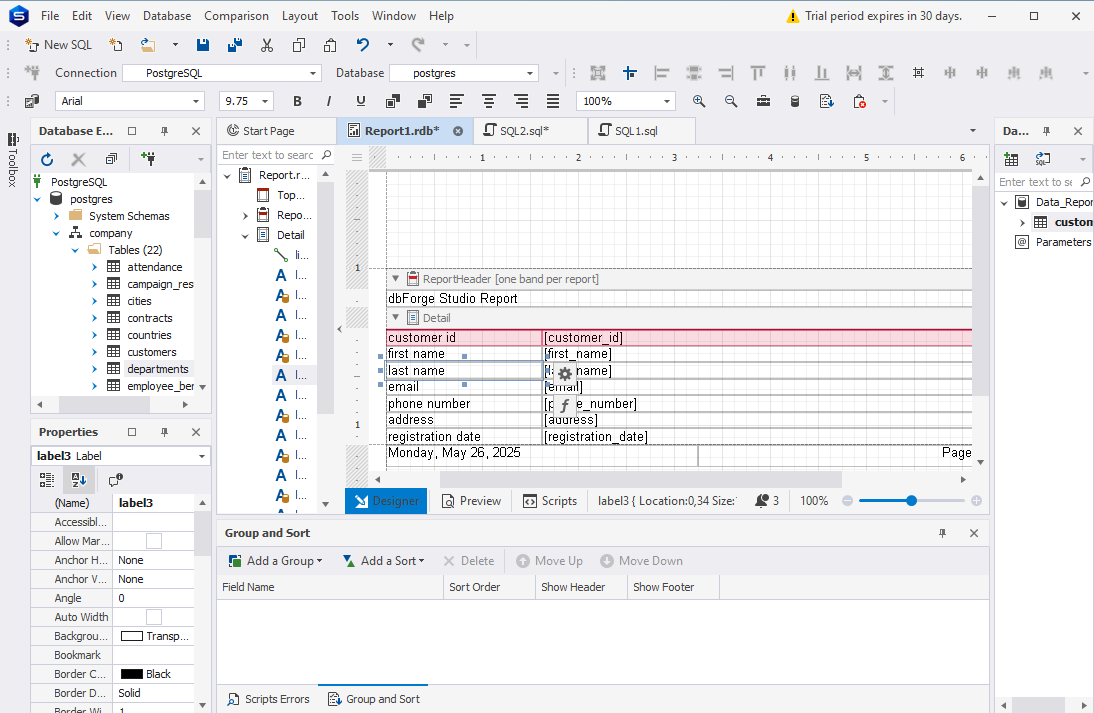
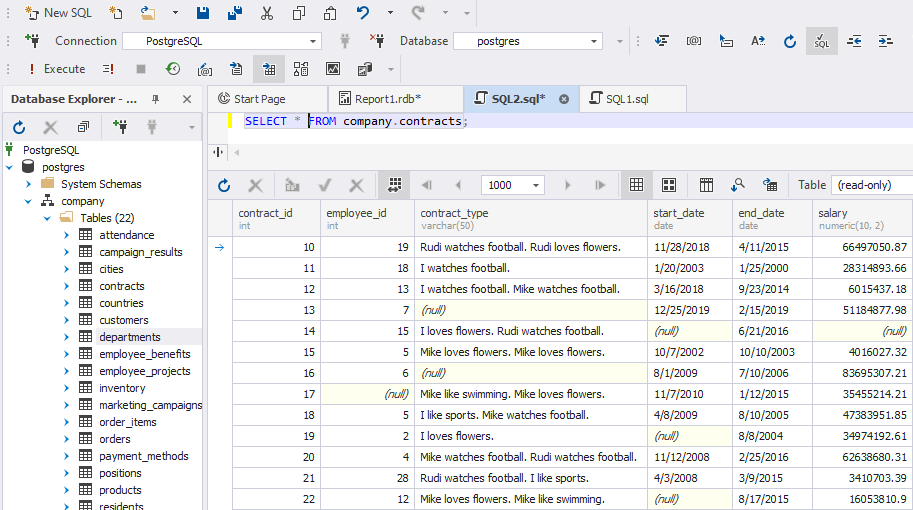
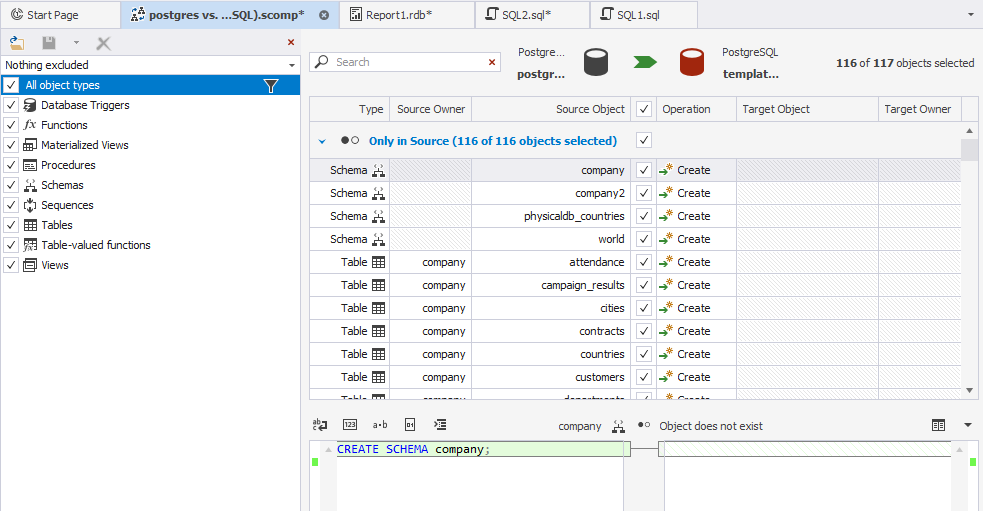
Devart sells dbForge Studio as four separate products, one each for SQL Server and Azure SQL, for MySQL and MariaDB, for Oracle, and for PostgreSQL[4]. Each of the four carries the same bundle.
- a schema and data comparison tool
- a query profiler
- a data generator
- code formatting
Devart puts the usual trial at 30 days, with a few of its tools at 14, and offers a free Express edition where one exists for that product. For the deployment half of the job, there is a comparison of schema diff tools.
Navicat
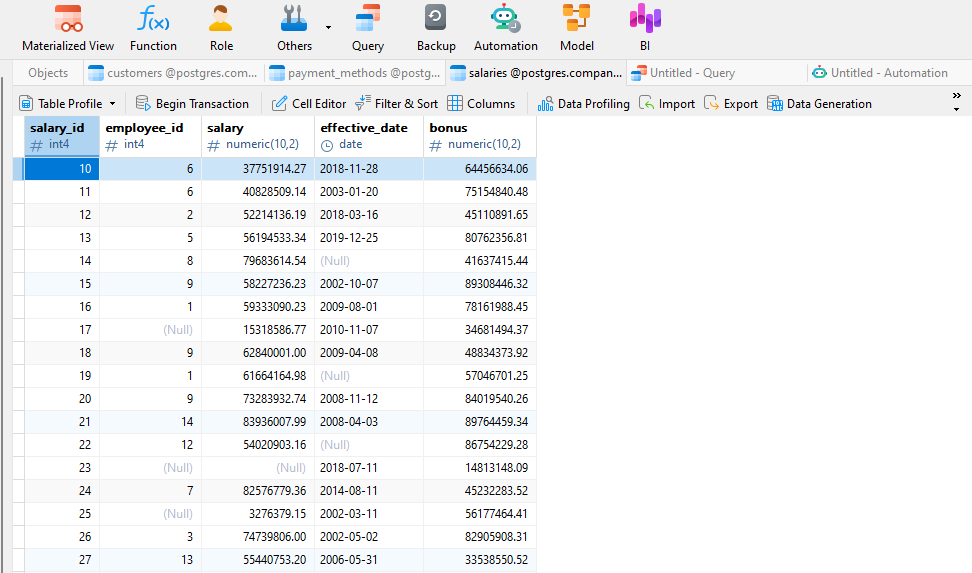
Navicat Premium is a paid cross-platform client that covers several engines from one window, with data synchronization, job scheduling and cloud sync of connection settings. Navicat Premium Lite is free, an organization may hold up to five Premium Lite accounts, and its published feature list covers four things[5].
- the data editor
- the object designer
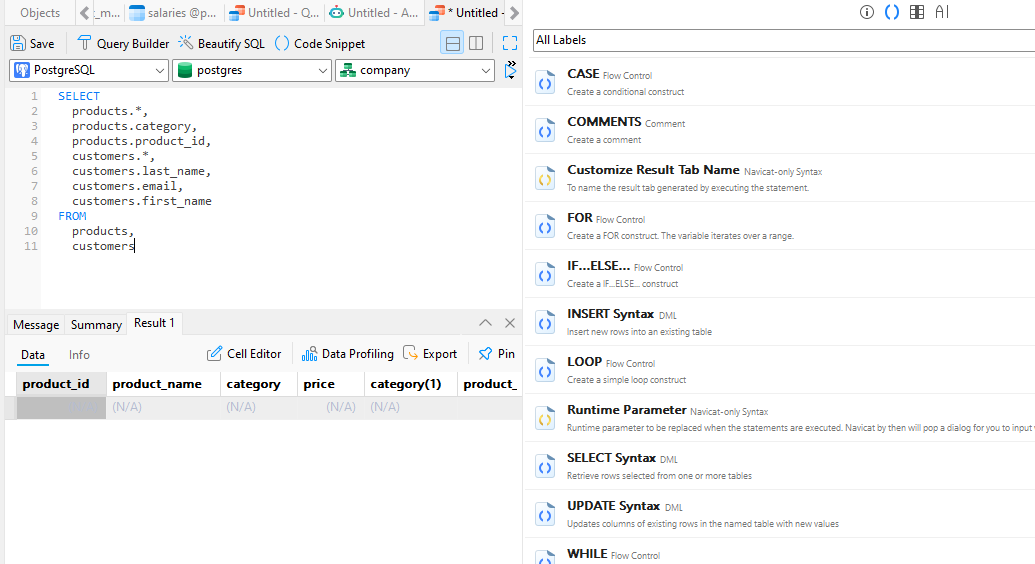
- the query editor
- import and export
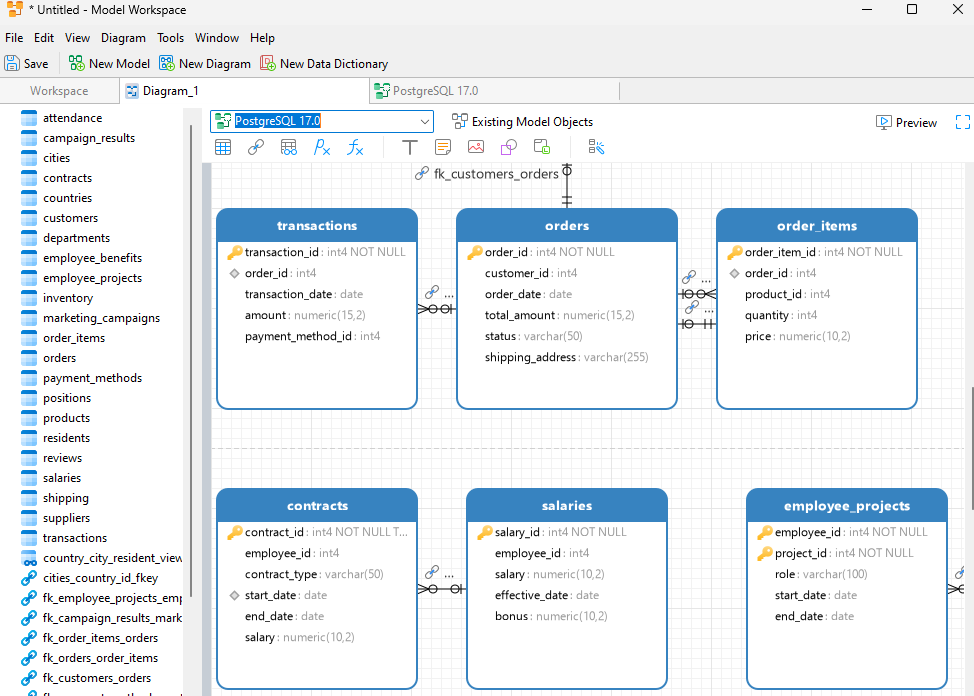
Modeling is sold as a separate product, Navicat Data Modeler.
Modelers that run in the browser
Vertabelo
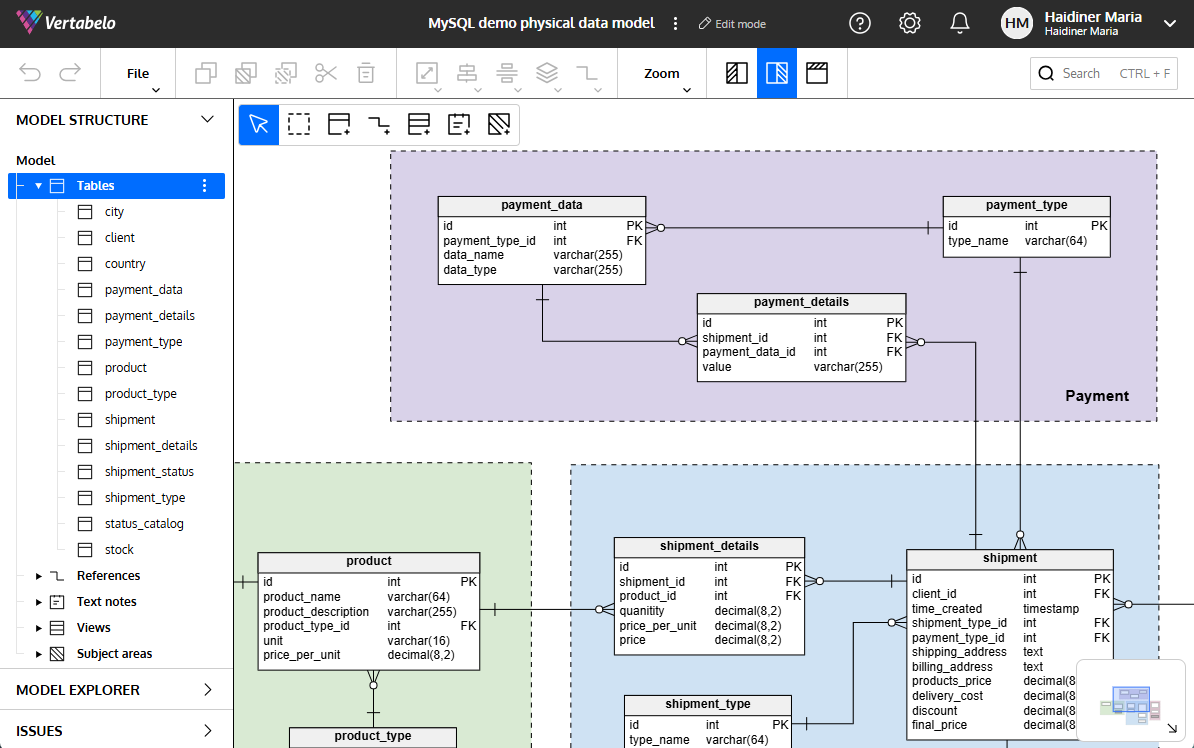
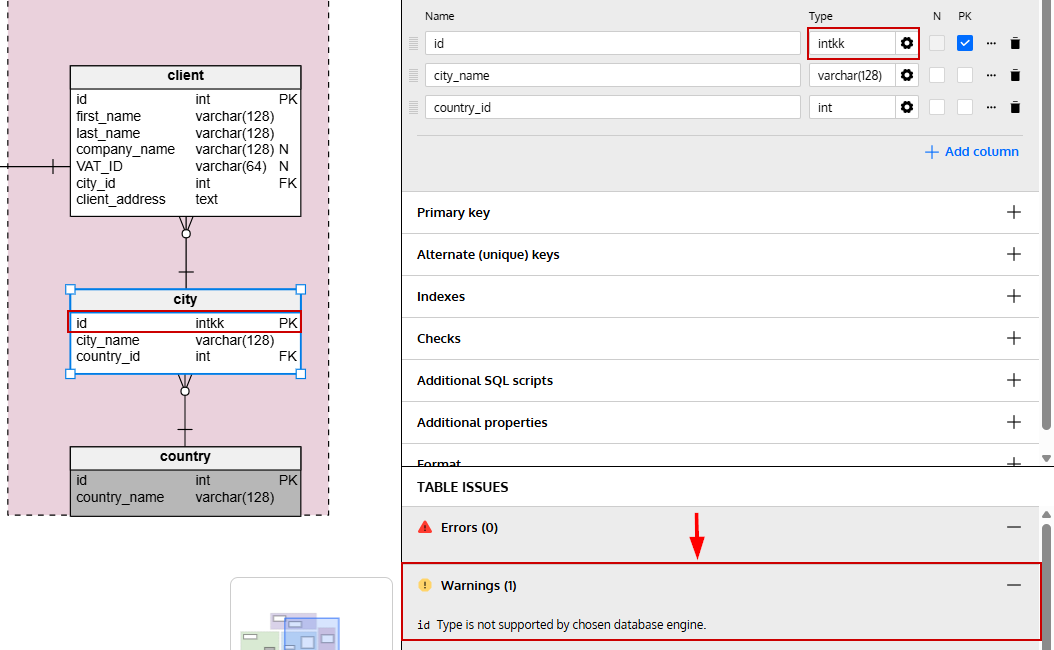
Vertabelo is a browser-based modeler aimed at the planning end of the work.
- a logical model and a physical model
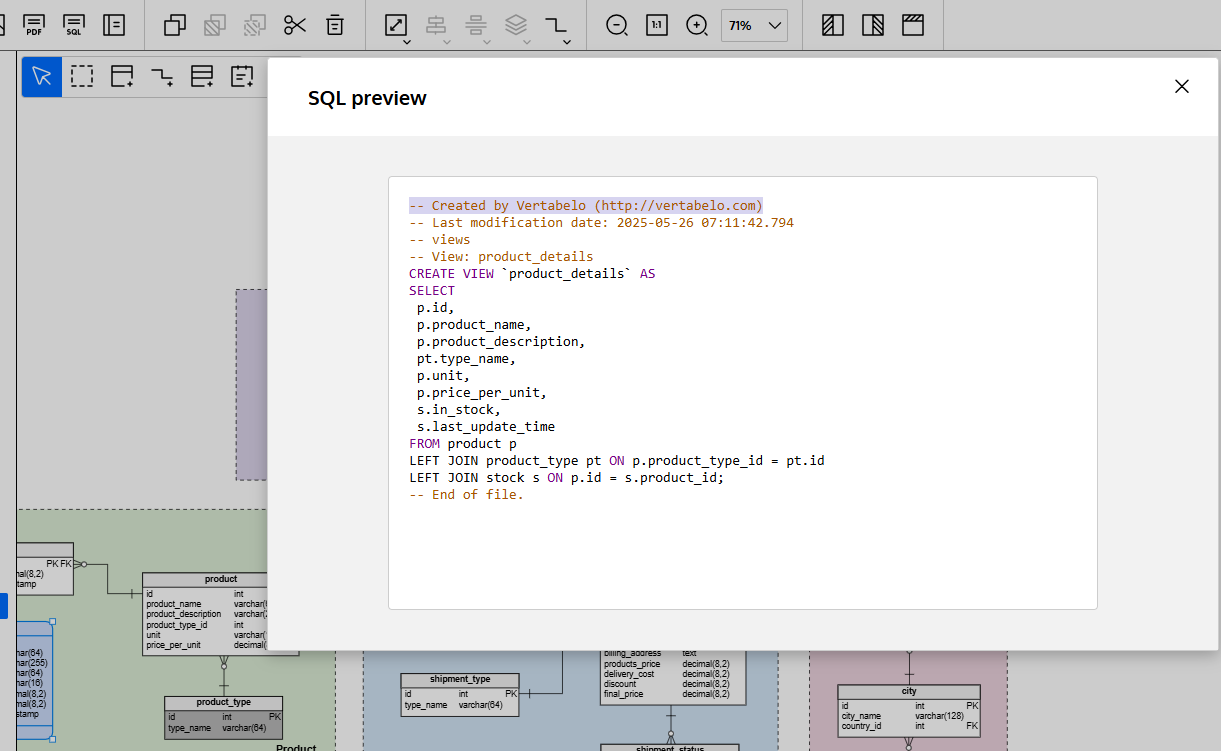
- generated SQL scripts for several engines
- version tracking
- comments other people can leave on the model
Vertabelo states that Red Gate Software LTD acquired the product and that it is now sold as Redgate Data Modeler[6].
SQLDBM
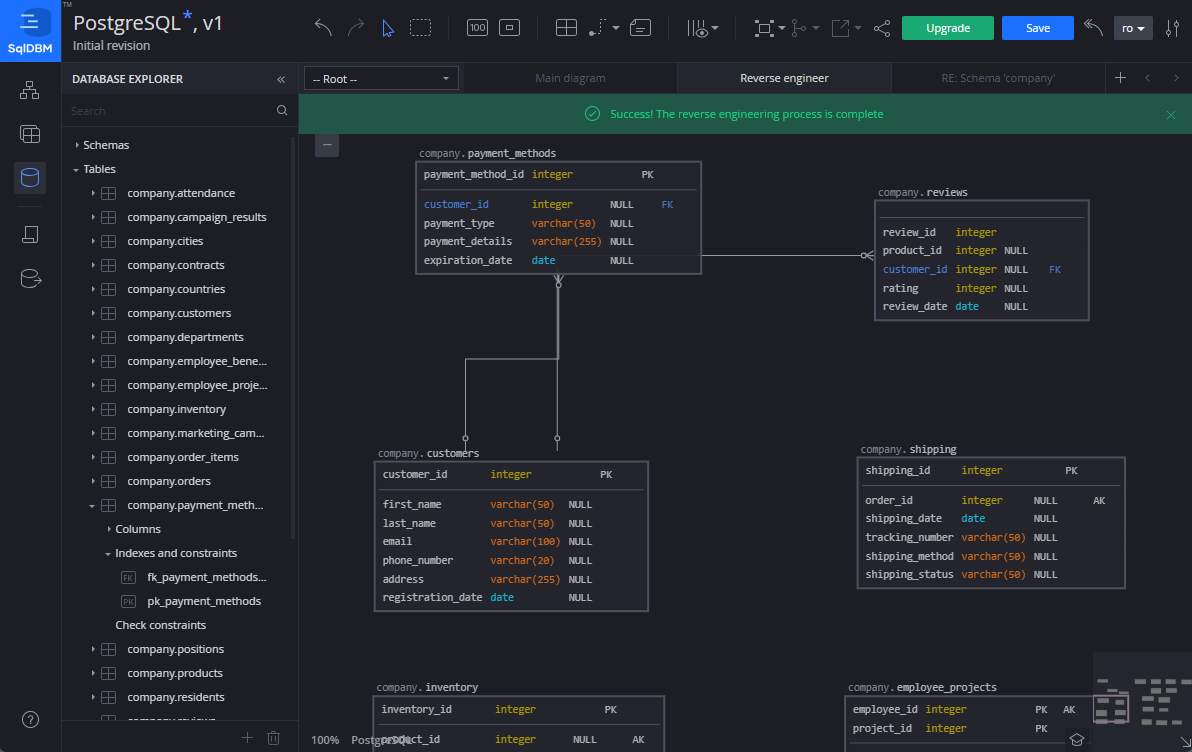
SQLDBM also lives in the browser. You import an existing schema from a SQL script, lay it out, and share the model with people who never install anything.
- version tracking
- comment threads on the model
- a GitHub integration
SQLDBM lists two platform tiers, Data Modeling and Context Layer, and quotes both on request[7].
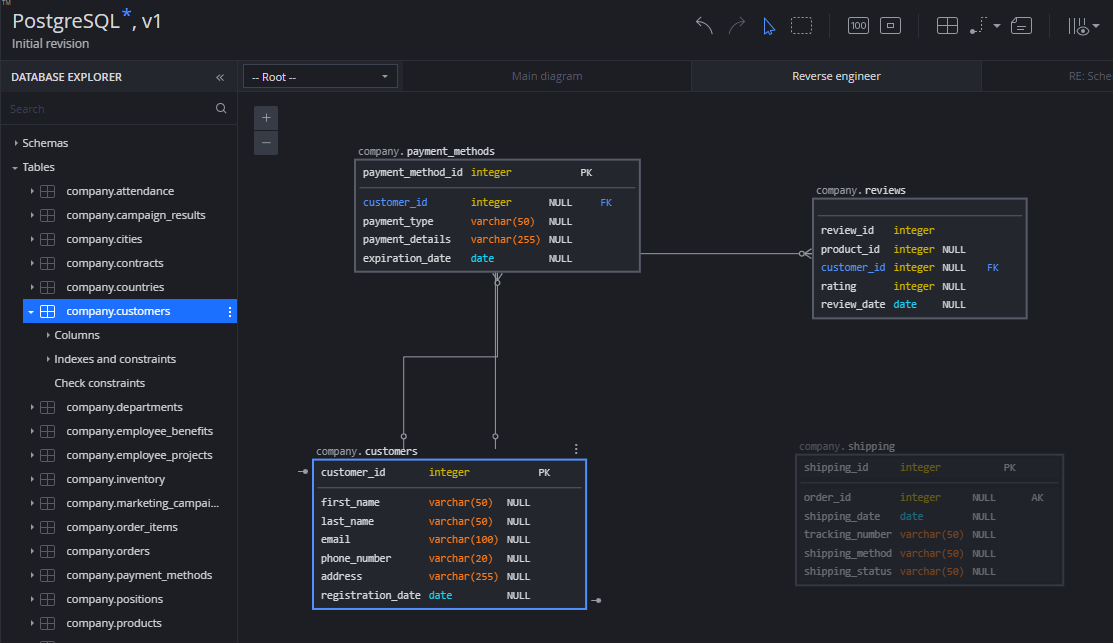
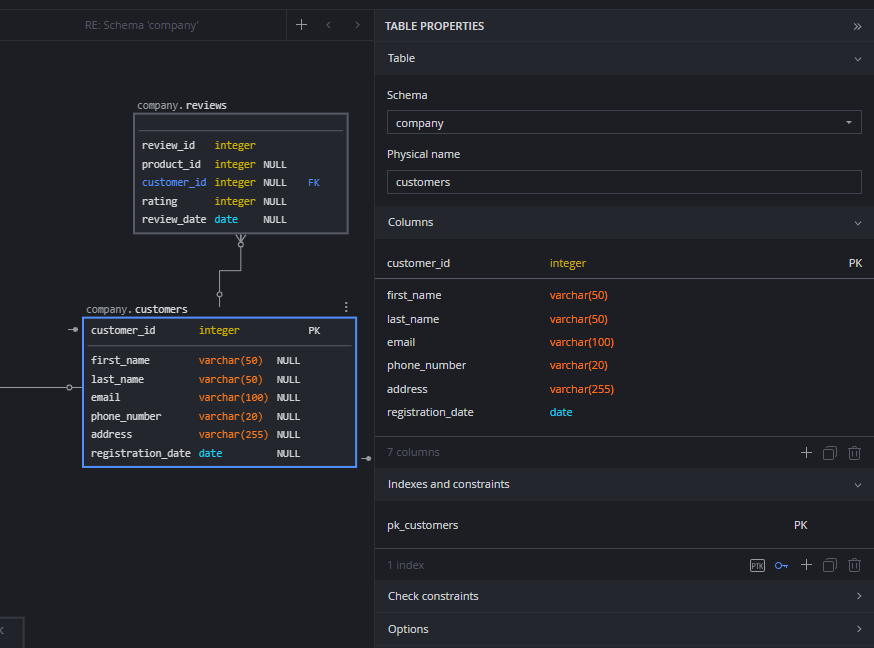
Three lighter browser tools draw ER diagrams as well, and turn up on shortlists next to the two above:
- dbdiagram.io, where you type the tables in a compact text syntax and the diagram follows
- ChartDB, for sharing a diagram from the browser
- DrawDB, for drawing an ERD by hand and exporting the SQL
Desktop tools with a narrower reach
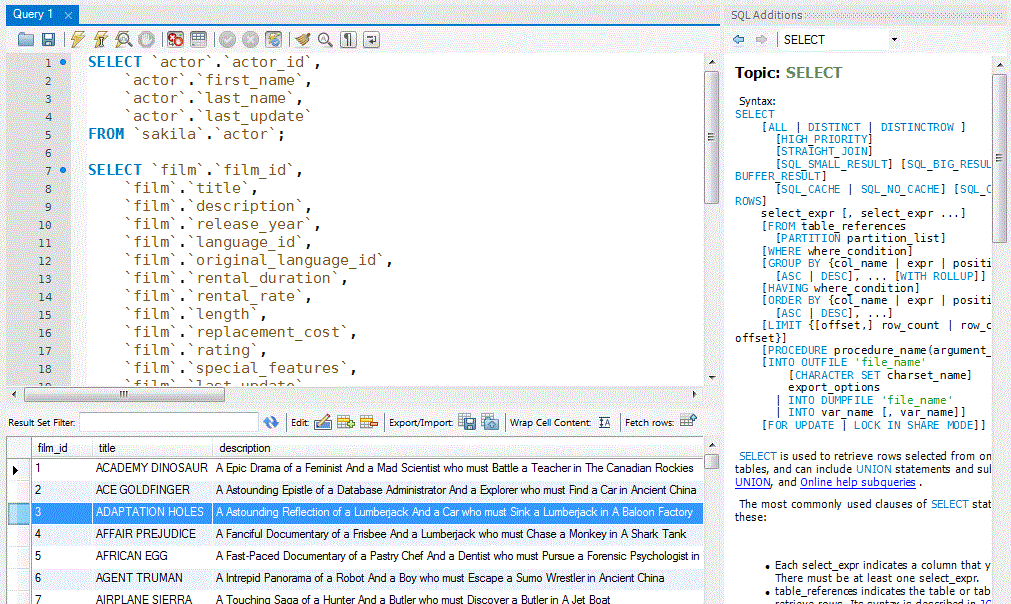
MySQL Workbench
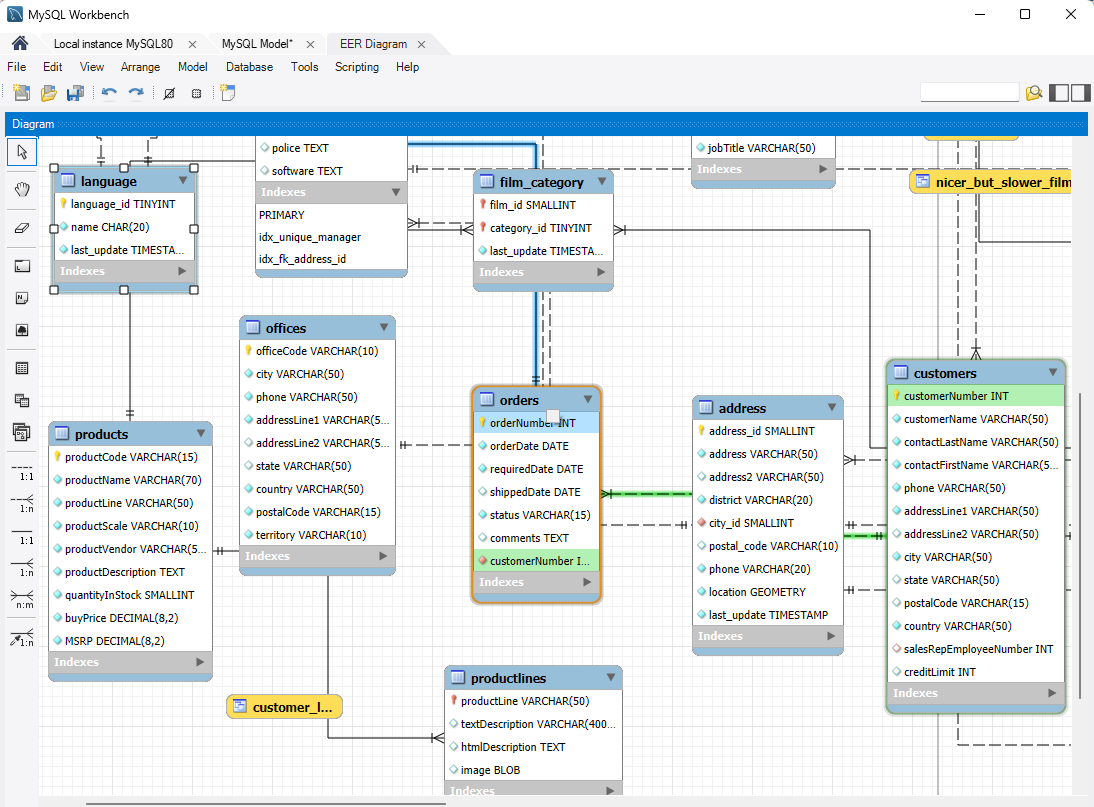
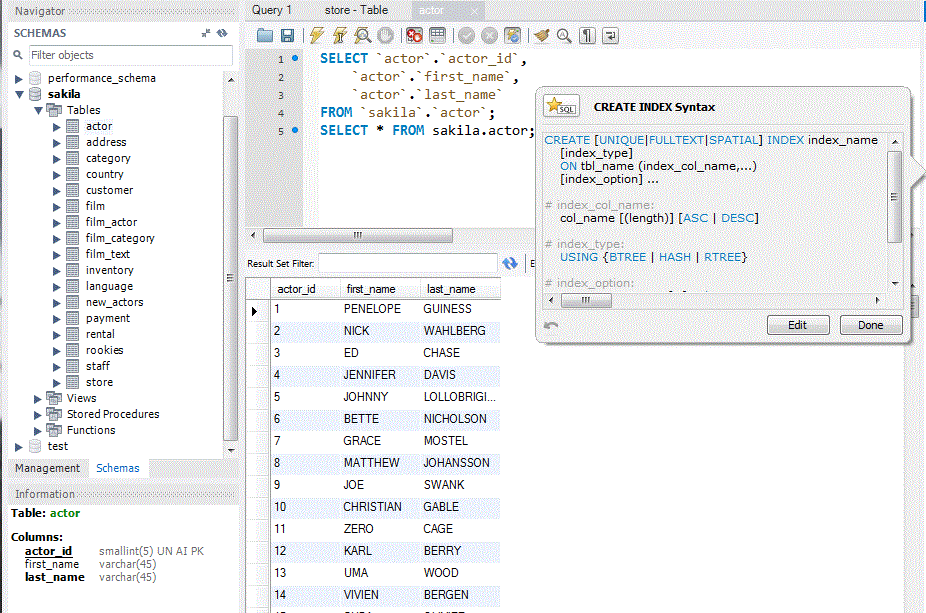
MySQL Workbench is Oracle's own tool for MySQL. Oracle describes it as a way to visually design, model, generate and manage databases[8].
- ER models
- forward and reverse engineering
- change management and documentation
It ships as a free Community edition under the GPL, and Oracle also sells Standard and Enterprise editions. Its target is MySQL alone.
Toad Edge
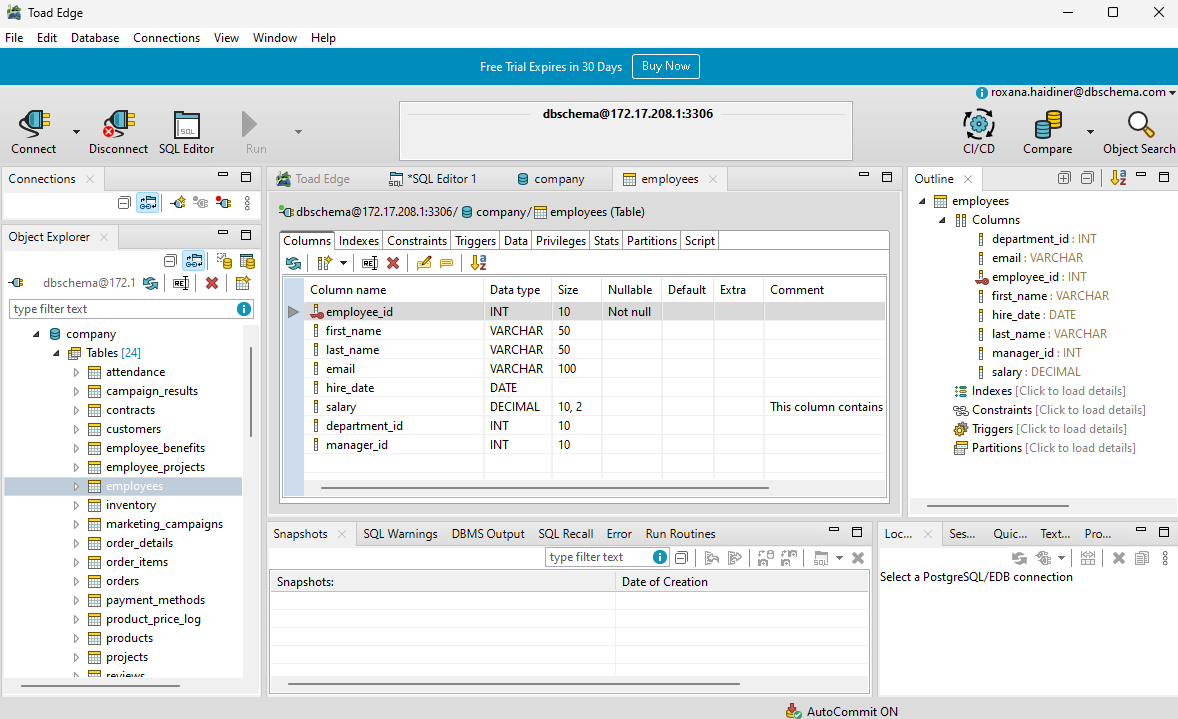
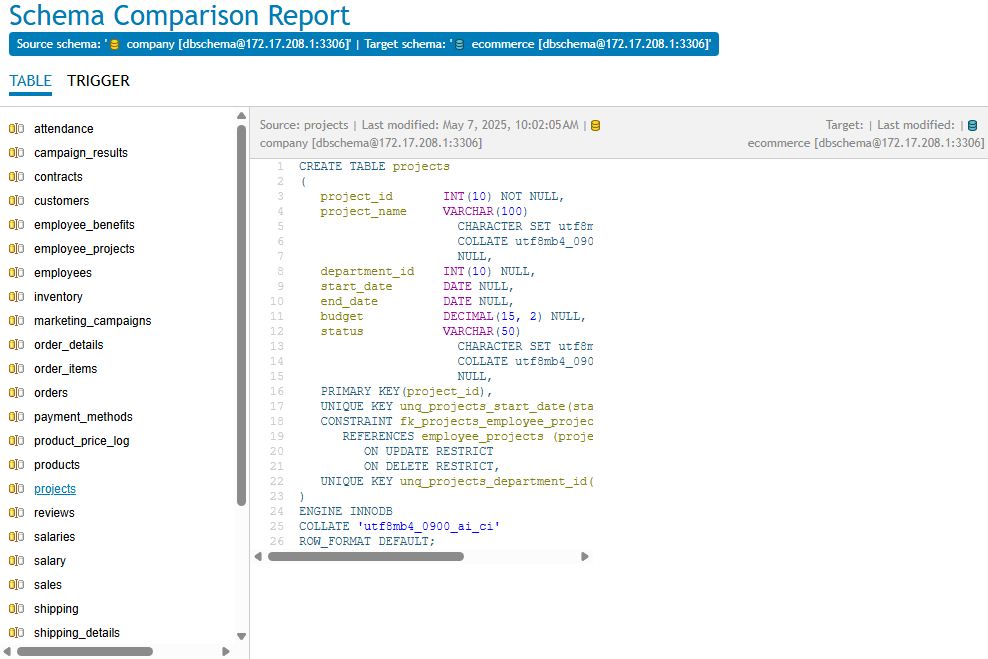
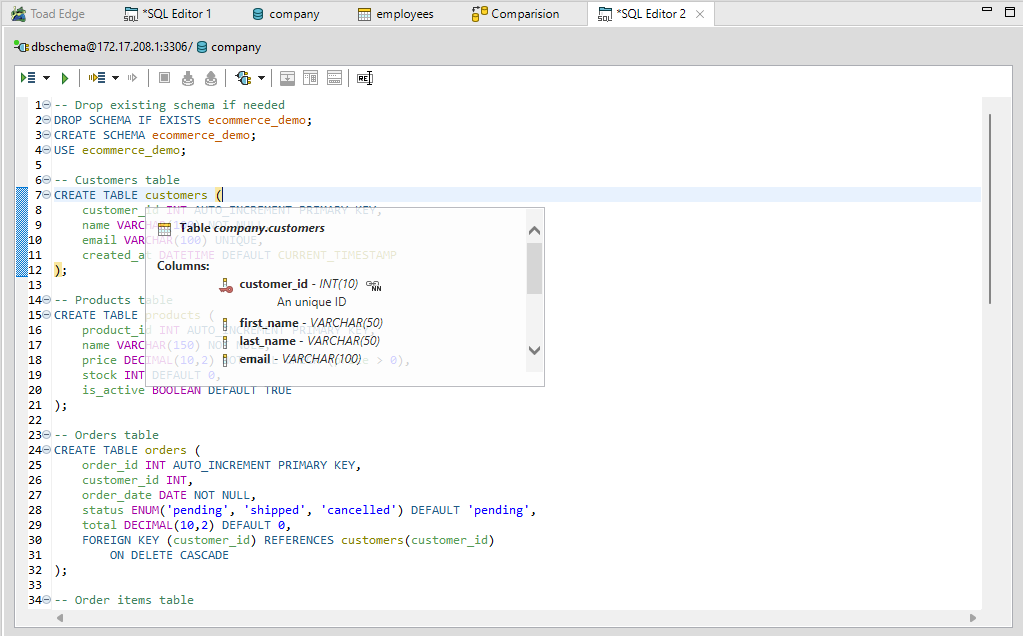
Toad Edge is Quest's development tool for MySQL and PostgreSQL[9]. It handles the day-to-day.
- a SQL editor with code completion
- a schema compare and synchronization step
- export to the common formats
Quest sells diagram-driven modeling as its own product, Toad Data Modeler.
HeidiSQL
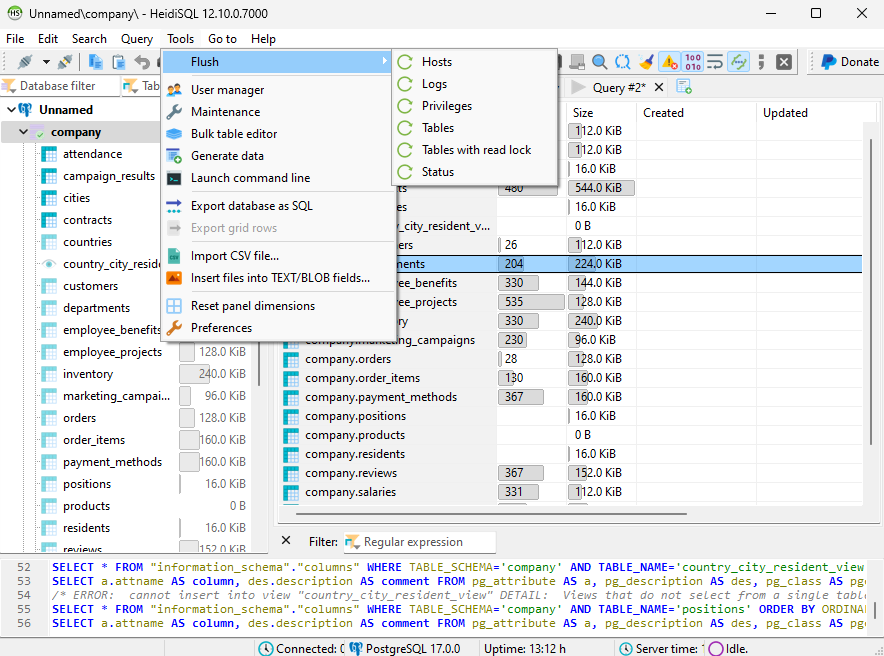
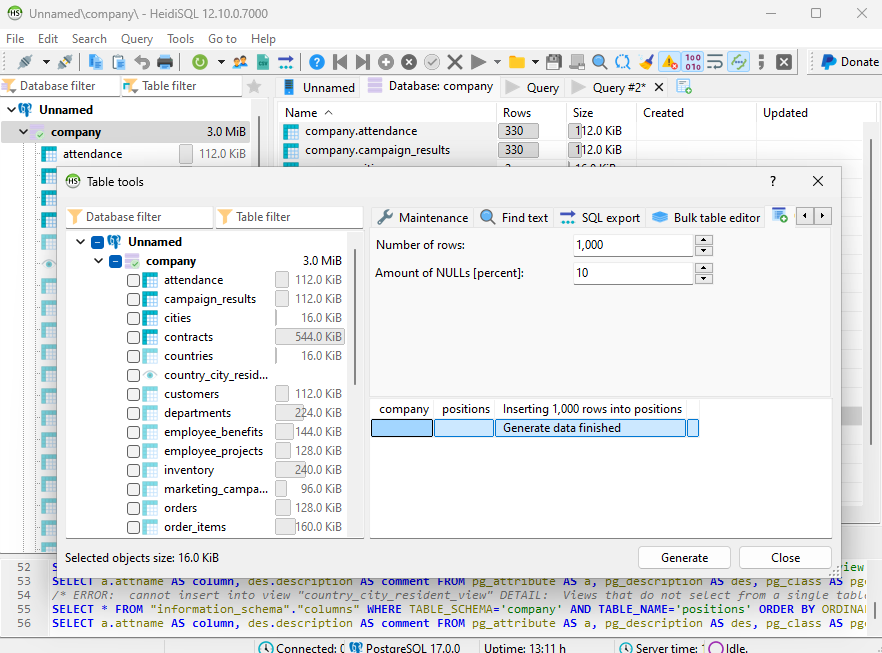
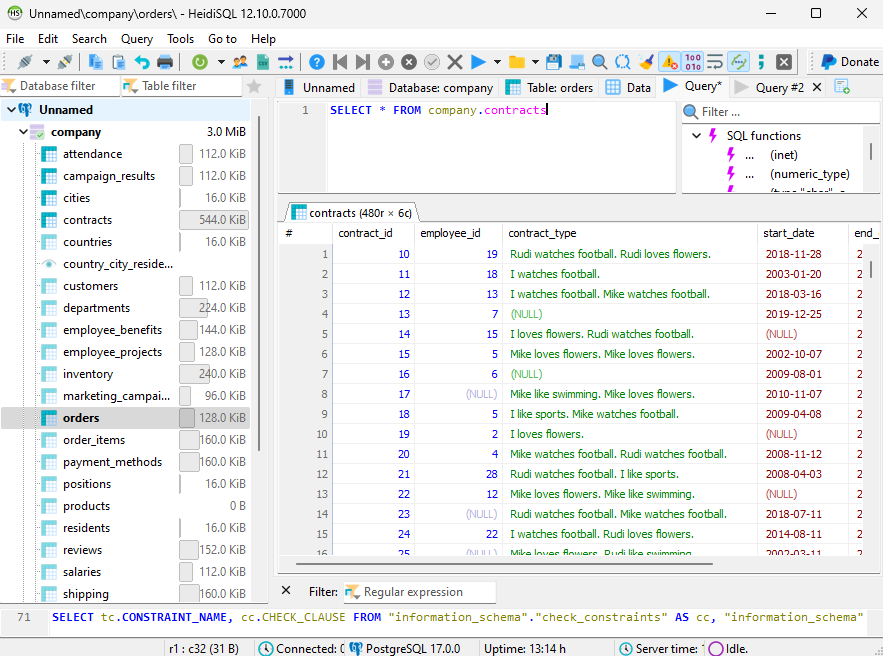
HeidiSQL is free and open source, and lists MariaDB, MySQL, MS SQL, PostgreSQL, SQLite, Interbase, Firebird, ProxySQL and Redshift as the servers it supports[10]. It starts fast and stays close to the connection.
- a table editor with filtering
- a query runner
- foreign keys read in the table editor rather than laid out on a canvas
Pick DbSchema when the schema has to outlive the connection it was read from: the diagram, the documentation and the change script all come out of one .dbs file that Git can version. Download DbSchema at https://dbschema.com/download.html, point it at a database you already run, and let it reverse-engineer the schema into a diagram. Connecting, reverse-engineering, the diagrams and the SQL editor are in the free Community Edition; saving the model to a file, the HTML5 and PDF documentation and schema synchronization are Pro; logical and conceptual design is Architect.
FAQ
What is the best database design tool overall?
DbSchema, for anyone who has to keep a design and a running database in step. It reverse-engineers a schema into an editable diagram, holds the design in a .dbs model file you commit to Git, and generates the migration SQL from the difference between that file and the live database.
Which tool is best for ER diagrams?
DbSchema draws a diagram you edit rather than a read-only picture of the connection, and it saves the layout, the table groups and the notes in the model file, so the arrangement you spent an afternoon on is the one that opens next week.
Which database design tool is best for documentation?
DbSchema covers the case where the documentation has to reach people who have no database client. Its HTML5 export opens in any browser with no server behind it, and you choose which diagrams go into it and how far the detail goes, down to indexes and comments.
Are browser-based database design tools enough?
A browser modeler covers the drawing and the review of a design. Reverse-engineering a running database, comparing the model against it and generating the change script are the parts DbSchema does on the desktop, from the same model file the diagram came out of.
What if my team works with more than one database engine?
DbSchema reaches every engine it supports from one window, and a model built for one engine can be retargeted: change the RDBMS field in Model Properties and DbSchema remaps the data types with its built-in conversion rules.
Sources
Try the first pick: DbSchema
Free Community Edition plus a 15-day Architect trial. Visual ER diagrams, schema sync, and HTML documentation for 70+ SQL and NoSQL databases.









