Distribution and clustering keys, visible at a glance

Design and Manage Hologres with DbSchema

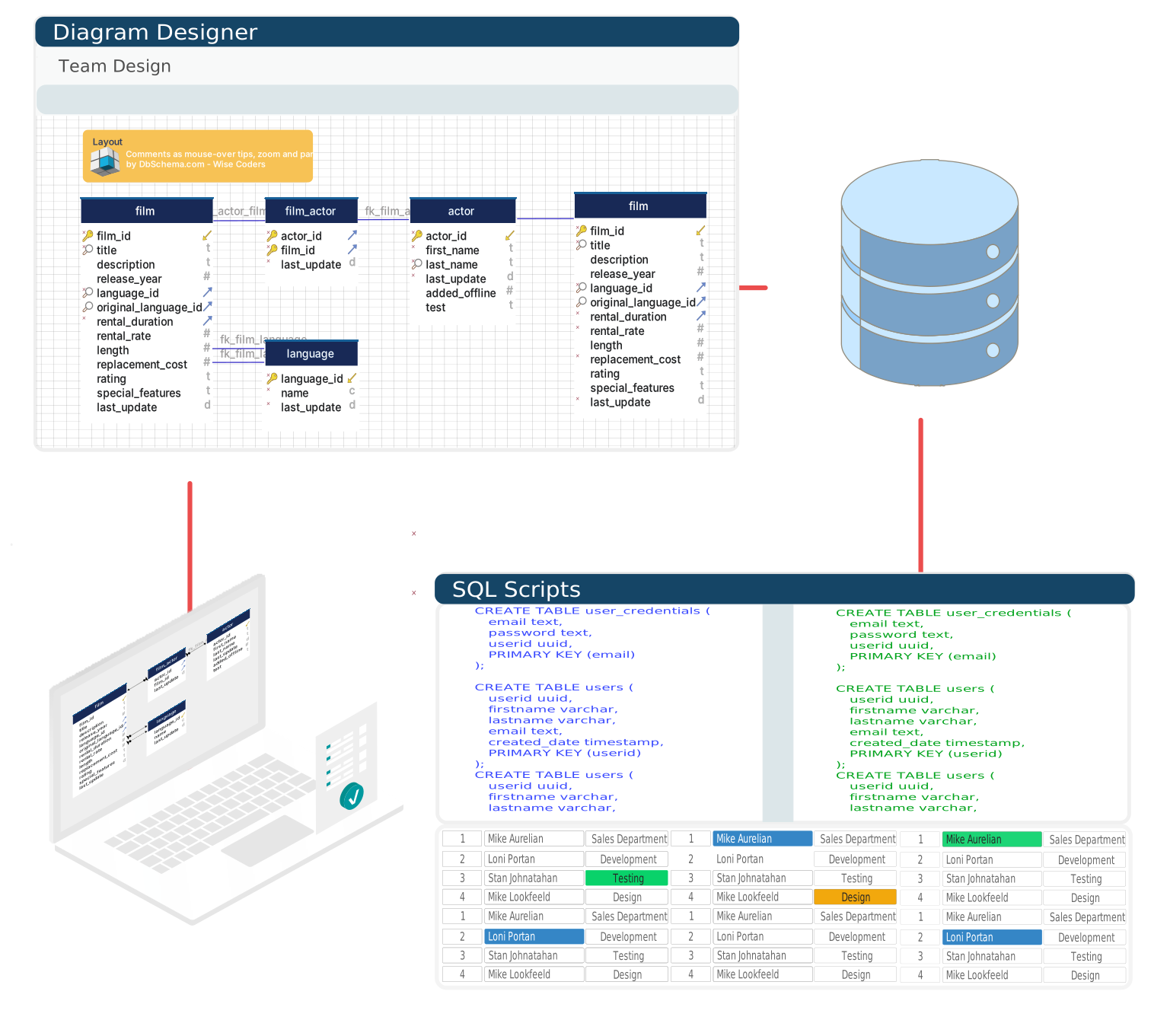
Alibaba Cloud Hologres answers point lookups and analytical scans from one copy of the data, and how fast it does either depends on the physical design of each table. DbSchema reads that design out of the instance and draws it on the ER diagram, alongside the tables and the foreign keys.

  • Review distribution, clustering and event time keys on the diagram
  • Generate DDL with the matching WITH clause
  • Run analytical SQL from a desktop editor
  • Compare environments to expose configuration drift
Free Community Edition No signup required 15-day Architect trial included
Free Download

Trusted by teams at
Speed Follows the Physical Design
The PostgreSQL Catalog Does Not Show It

Which shard a row lands on, how the rows are sorted inside a file, which time column lets a scan skip files: those three choices decide whether a Hologres query answers in milliseconds or reads the whole table. Hologres keeps them in a view of its own, so a tool that speaks plain PostgreSQL sees the columns and misses the design.

DbSchema reads that view and shows the distribution key, the clustering key and the event time column on the table, so a missing key or a doubtful one surfaces while the model is being reviewed rather than after a dashboard slows down.

Model, Query & Deploy
Without Leaving the Diagram

Everything a Hologres data engineer touches, reachable from one desktop tool.

Reverse engineer a Hologres schema with its distribution and clustering keys
Physical Design on the Diagram

Connect to the instance and DbSchema reflects the whole schema — tables, dependencies, distribution keys, clustering keys, event time columns and the storage orientation of every table.

Run analytical SQL on a Hologres instance from DbSchema
Analytical SQL, Desktop Comfort

Write queries in the PostgreSQL dialect Hologres speaks, with completion, result tabulation and query history, against serving and analytical workloads alike.

Preview Hologres DDL with its WITH clause before running it
The WITH Clause, Reviewed First

Set the keys in the visual editor and DbSchema writes them back into one WITH clause, table group and time to live included, ready to read before anything runs.

The Warehouse Schema
Belongs in the Repository

DbSchema stores the Hologres design as a model file, so schema work follows the same path as code: branch, diff, review, merge. From the approved model, generate the DDL and walk it through staging before the production instance sees it.

Hologres schema synchronization between the Git model and instance environments

Connecting to a Hologres Instance

Hologres speaks the PostgreSQL wire protocol, so DbSchema downloads the PostgreSQL JDBC driver for it automatically and connects to the endpoint the Alibaba Cloud console publishes. The endpoint listens on port 80 rather than on PostgreSQL's 5432, which makes the URL take the shape jdbc:postgresql://endpoint:80/dbname.

Running DbSchema outside the VPC, take the public endpoint and add your address to the instance's whitelist — an address the whitelist does not know is refused before the password is ever checked. The endpoint types, the sign-in options and the setup steps are on the Hologres JDBC driver page.

See the Physical Design, Not Just Tables

One download covers the free Community Edition and the 15-day Architect trial.

Teams working with Hologres often use these engines too. Explore dedicated guides and JDBC setup for each.

Browse all 100+ supported databases