SQL Server Insert Multiple Rows in a Single Query
Insert multiple rows in one SQL Server statement: the multi-row VALUES syntax, the documented 1,000-row limit and error 10738, and INSERT ... SELECT.
On this page
For SQL users who load rows into SQL Server from a script; the table value constructor, the row limit on it, and the routes past that limit are explained where they appear.
Loading four rows into a lookup table takes four INSERT statements in most seed scripts, one per row. SQL Server accepts all four rows in one statement: put each row in parentheses after VALUES and separate the rows with commas.
CREATE TABLE country (
    country_id INT PRIMARY KEY,
    name VARCHAR(100) NOT NULL
);
Four statements load four rows:

INSERT INTO country VALUES (1, 'Canada');
INSERT INTO country VALUES (2, 'Argentina');
INSERT INTO country VALUES (3, 'Mexico');
INSERT INTO country VALUES (4, 'Spain');
One statement loads the same four rows:
INSERT INTO country (country_id, name) VALUES
    (1, 'Canada'),
    (2, 'Argentina'),
    (3, 'Mexico'),
    (4, 'Spain');

SELECT country_id, name FROM country ORDER BY country_id;
| country_id | name |
|---|---|
| 1 | Canada |
| 2 | Argentina |
| 3 | Mexico |
| 4 | Spain |
The comma separated lists after VALUES are a table value constructor[1]. Every list has to hold the same number of values, and the values have to arrive in the same order as the columns. Either supply a value for every column in the table, or name the columns explicitly as the statement above does. A single row INSERT statement follows the same two rules.
The 1,000-row limit on VALUES
A table value constructor used as the VALUES clause of an INSERT is capped at 1,000 rows[1], and SQL Server returns error 10738[1] when a statement goes over. The same constructor used as a derived table carries no limit, so a longer list becomes an INSERT over a SELECT:
INSERT INTO country (country_id, name)
SELECT drvd.id, drvd.country_name
FROM (VALUES (5, 'Norway'), (6, 'Peru')) drvd (id, country_name);
Splitting the rows across several INSERT statements[1] is the other documented way round the cap, and it costs one round trip per statement. Each of those statements is then its own unit of work, which matters when one of the values is wrong.
When the rows come from a query instead of literals
INSERT with a SELECT loads rows that already exist somewhere in the database, so you never type the values out. The SELECT can read another table, a view, or a joined result, and its select list has to line up with the column list of the INSERT.
CREATE TABLE country_archive (
    country_id INT PRIMARY KEY,
    name VARCHAR(100) NOT NULL
);

INSERT INTO country_archive (country_id, name)
SELECT country_id, name
FROM country
WHERE country_id > 2;
The UNION ALL form builds the same rowset out of literals without using a table value constructor at all. It is longer to type, and the 1,000-row cap does not reach it, because there is no constructor in it to cap. It is also what you fall back to on Azure Synapse Analytics, where Microsoft documents the table value constructor as unsupported[2].
INSERT INTO country_archive (country_id, name)
SELECT 5, 'Norway'
UNION ALL SELECT 6, 'Peru';
Past a few thousand rows, use a bulk load
For rows that arrive in a file, Microsoft documents four routes past the row limit[1]: the bcp utility[3], the .NET SqlBulkCopy class, OPENROWSET with the BULK option, and the BULK INSERT statement[4]. All four read the file directly instead of carrying the values inside a statement.
BULK INSERT country
FROM 'C:\seed\country.csv'
WITH (FORMAT = 'CSV', FIRSTROW = 2);
When the rows are already in a table on the same server, an INSERT over a SELECT with the TABLOCK hint can be minimally logged[2], which reduces the chance of a large load filling the transaction log. Four conditions have to hold together: a recovery model of simple or bulk logged, a heap as the target table, a target that is not used in replication, and the TABLOCK hint on that target.
INSERT INTO country_archive WITH (TABLOCK) (country_id, name)
SELECT country_id, name
FROM country;
Where the incoming rows have to update the ones already in the table rather than only add to them, the MERGE statement takes the same table value constructor in its USING clause.
Identity columns and defaults in a multi-row insert
A column you leave out of the column list still gets a value, as long as SQL Server can work one out from how the table was created:
- an identity column takes the next incremental identity value[2]
- a column with a default takes that default
- a nullable column takes NULL
- a computed column takes its calculated value
Inside a multi-row VALUES list you can also write the keyword DEFAULT[1] in place of a value, and that row picks up the column default for that one column.
CREATE TABLE city (
    city_id INT IDENTITY(1,1) PRIMARY KEY,
    name VARCHAR(100) NOT NULL,
    country_id INT NOT NULL,
    region VARCHAR(50) NOT NULL DEFAULT 'Not Applicable'
);

INSERT INTO city (name, country_id, region) VALUES
    ('Toronto', 1, 'Ontario'),
    ('Guadalajara', 3, DEFAULT),
    ('Madrid', 4, 'Community of Madrid');

SELECT city_id, name, country_id, region FROM city ORDER BY city_id;
| city_id | name | country_id | region |
|---|---|---|---|
| 1 | Toronto | 1 | Ontario |
| 2 | Guadalajara | 3 | Not Applicable |
| 3 | Madrid | 4 | Community of Madrid |
DEFAULT is not valid for an identity column[1], and inside a table value constructor it is allowed only in an INSERT statement. Giving the identity column a value of your own fails with a message that names the two things such a statement needs:
An explicit value for the identity column in table 'dbo.city' can only be specified when a column list is used and IDENTITY_INSERT is ON.
Name the columns, turn the setting on, and the same rows go in with the values you chose:
SET IDENTITY_INSERT city ON;

INSERT INTO city (city_id, name, country_id, region) VALUES
    (10, 'Vancouver', 1, 'British Columbia'),
    (11, 'Ottawa', 1, 'Ontario');

SET IDENTITY_INSERT city OFF;
Only one table in a session[5] can have IDENTITY_INSERT set to ON, so put it back to OFF as soon as the load is done. The column list is not optional here either: an explicit identity value needs both the list and the setting.
Why one bad value can fail the whole list
The values in a multi-row INSERT follow the data type conversion rules of UNION ALL[1], so an unmatched type is converted implicitly to the type of higher data type precedence[6]. Where that conversion is not supported, SQL Server returns an error. Microsoft's own example puts a character and an integer into the same char column:
CREATE TABLE dbo.t (a INT, b CHAR);
GO
INSERT INTO dbo.t VALUES (1, 'a'), (2, 1);
GO
Integer outranks character, so SQL Server tries to read 'a' as an integer and fails. Converting the odd value explicitly makes the statement run:
INSERT INTO dbo.t VALUES (1, 'a'), (2, CONVERT(CHAR, 1));
A count mismatch fails before any row lands, and the rule it breaks is the one from the first section: every list after VALUES holds the same number of values as the column list, or as the table when you give no column list. A multi-row INSERT is a single statement, so a value that fails on the third row leaves the first two out of the table as well.
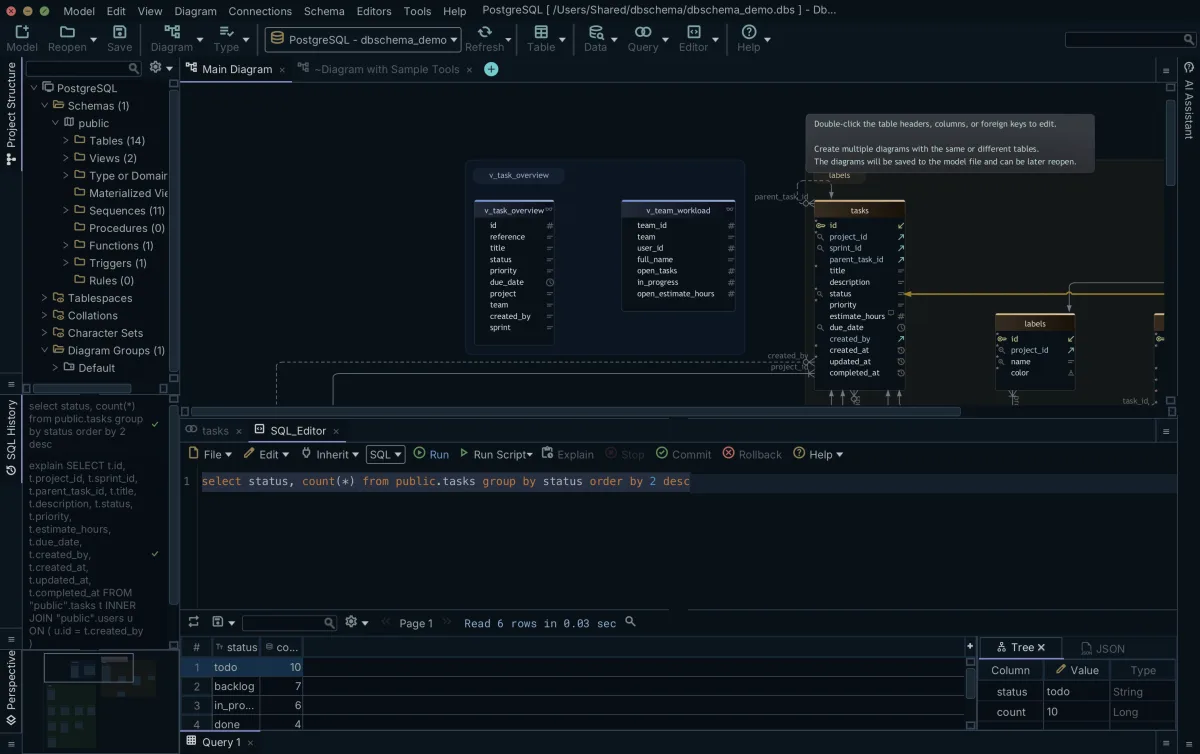
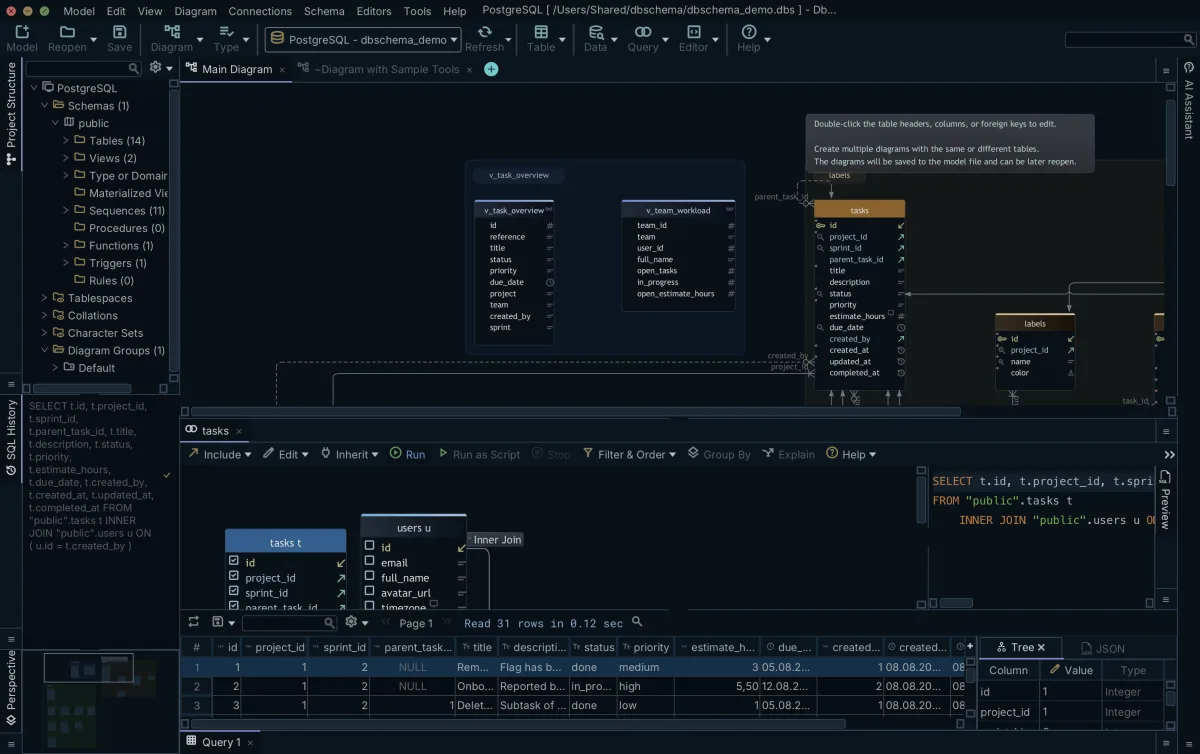
Paste any of these statements into the SQL Editor in DbSchema, run them with Execute Query against your SQL Server database, and read the rows back in the Result Pane. The SQL Editor is part of the free DbSchema Community Edition, which you can get from the download page.
Sources
Run the INSERT and read the rows back
DbSchema's SQL Editor runs a multi-row INSERT against your SQL Server database with schema-aware autocompletion, and shows what the following SELECT returns in the Result Pane. The SQL editor is part of the free Community Edition.