A Full Schema View for Edge-Deployed SAP SQL Anywhere

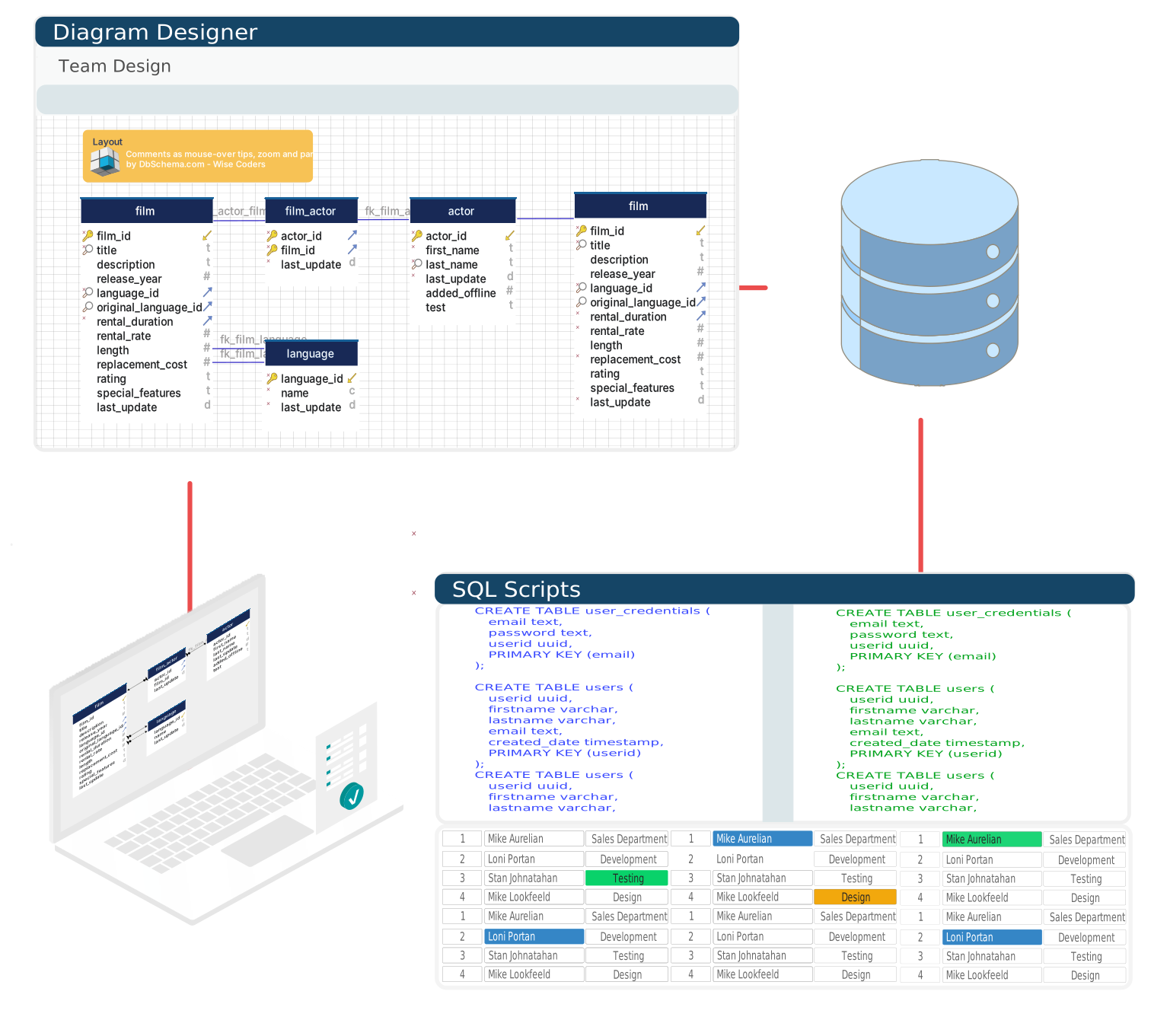
DbSchema gives SAP SQL Anywhere teams a design-first workflow: import the existing schema as an interactive ER diagram, refine it visually, and ship every change as a reviewed SQL script.

Built for visual modeling, schema documentation, and deployment, with an offline model you can keep in Git, team collaboration, and documentation that developers, analysts, and stakeholders can navigate in minutes.

DbSchema Database Designer

Download DbSchema See SAP SQL Anywhere Features Download SAP SQL Anywhere JDBC Driver · All drivers

What happens after you download?

Get to your first SAP SQL Anywhere schema diagram in minutes. No account, no credit card.

1
Install in minutes

Download the installer for Windows, macOS, or Linux and launch DbSchema. No signup required.

2
Connect to SAP SQL Anywhere or open a sample

Reverse engineer an existing SAP SQL Anywhere database or open a sample model to explore tables, relationships, and indexes.

3
Design, document, and deploy

Edit schema visually, generate documentation, and prepare reviewed migration scripts for safer releases.

Full-Featured Schema Tools for Edge and Embedded SAP Deployments

SAP SQL Anywhere is a self-managing relational database designed for edge computing, embedded systems, and mobile deployments where database administration overhead must be minimal. It supports stored procedures, triggers, events, and a replication system for synchronizing remote databases with central SAP environments. DbSchema connects via the SQL Anywhere JDBC driver and exposes the complete schema — including stored procedures and events — in an interactive diagram, helping teams manage SQL Anywhere schema evolution without requiring the SAP Sybase Central GUI.

Reverse engineering the schema into the interactive diagram and running queries in the SQL editor are both free in the Community edition. Pro adds schema comparison between two SQL Anywhere instances plus migration script generation, useful when a change needs to move from a development database to a remote embedded deployment.

Download DbSchema Free See SAP SQL Anywhere Features

Connect to SQL Anywhere and Explore the Full Schema

DbSchema reads the SQL Anywhere catalog and renders tables, views, foreign key relationships, and stored procedure definitions in the diagram canvas. The visual overview is particularly useful for SQL Anywhere databases in remote or embedded deployments where the schema is rarely inspected directly.

Connecting to a SAP SQL Anywhere server and loading the full schema in DbSchema

Write and Execute SQL Queries

The SQL editor supports SQL Anywhere's Transact-SQL-influenced dialect, including procedural extensions and event syntax. Write ad-hoc queries, test stored procedure logic, and inspect result sets directly in DbSchema without requiring Sybase Central or Interactive SQL.

SQL editor running a query against a SAP SQL Anywhere database in DbSchema

Document Remote SQL Anywhere Deployments

DbSchema's documentation generator exports the SQL Anywhere schema as a navigable HTML report including table definitions, column types, index descriptions, and relationship diagrams. For SQL Anywhere deployments at remote sites with minimal IT support, this report serves as an authoritative reference for support and maintenance teams.

Schema documentation generated from a SAP SQL Anywhere database in DbSchema

Linking DbSchema to a SAP SQL Anywhere Server

The connection relies on SAP's own JDBC driver plus the server's host and port:

  1. Install DbSchema.
  2. Download sajdbc4.jar from the SAP SQL Anywhere download center, matching the driver version to the SQL Anywhere server version in use.
  3. Register the JAR in DbSchema's driver manager.
  4. Enter the user ID, password, host, and port — 2638 by default — plus the database name, building a connection string such as jdbc:sqlanywhere:UserID=user;Password=pass;Host=host:2638;DatabaseName=dbname.
  5. Connect, and DbSchema renders tables, views, and stored procedure definitions on the diagram canvas.

The SQL Anywhere database server must be running and reachable on the specified host and port before DbSchema attempts to connect.

Where DbSchema Helps Most With SQL Anywhere

  • Visualize SQL Anywhere schemas including stored procedures and events in a single view.
  • Run SQL queries from a desktop client without Sybase Central or Interactive SQL.
  • Synchronize schema changes between development and production SQL Anywhere instances.
  • Generate documentation for remote SQL Anywhere deployments that lack local administrators.
  • Track schema evolution with DbSchema's Git integration for version-controlled schema files.

Document that remote SQL Anywhere deployment once and share it with everyone who needs it — download DbSchema for free and get the full schema on screen in minutes.

Teams working with SAP SQL Anywhere often use these engines too. Explore dedicated guides and JDBC setup for each.

Browse all 100+ supported databases