DbSchema: Visual Catalog Explorer for IBM Informix

DbSchema gives Informix teams a design-first workflow: import the existing schema as an interactive ER diagram, refine it visually, and ship every change as a reviewed SQL script.

Built for visual modeling, schema documentation, and deployment, with an offline model you can keep in Git, team collaboration, and documentation that developers, analysts, and stakeholders can navigate in minutes.

DbSchema Database Designer

Download DbSchema See Informix Features Download Informix JDBC Driver · All drivers

What happens after you download?

Get to your first Informix schema diagram in minutes. No account, no credit card.

1
Install in minutes

Download the installer for Windows, macOS, or Linux and launch DbSchema. No signup required.

2
Connect to Informix or open a sample

Reverse engineer an existing Informix database or open a sample model to explore tables, relationships, and indexes.

3
Design, document, and deploy

Edit schema visually, generate documentation, and prepare reviewed migration scripts for safer releases.

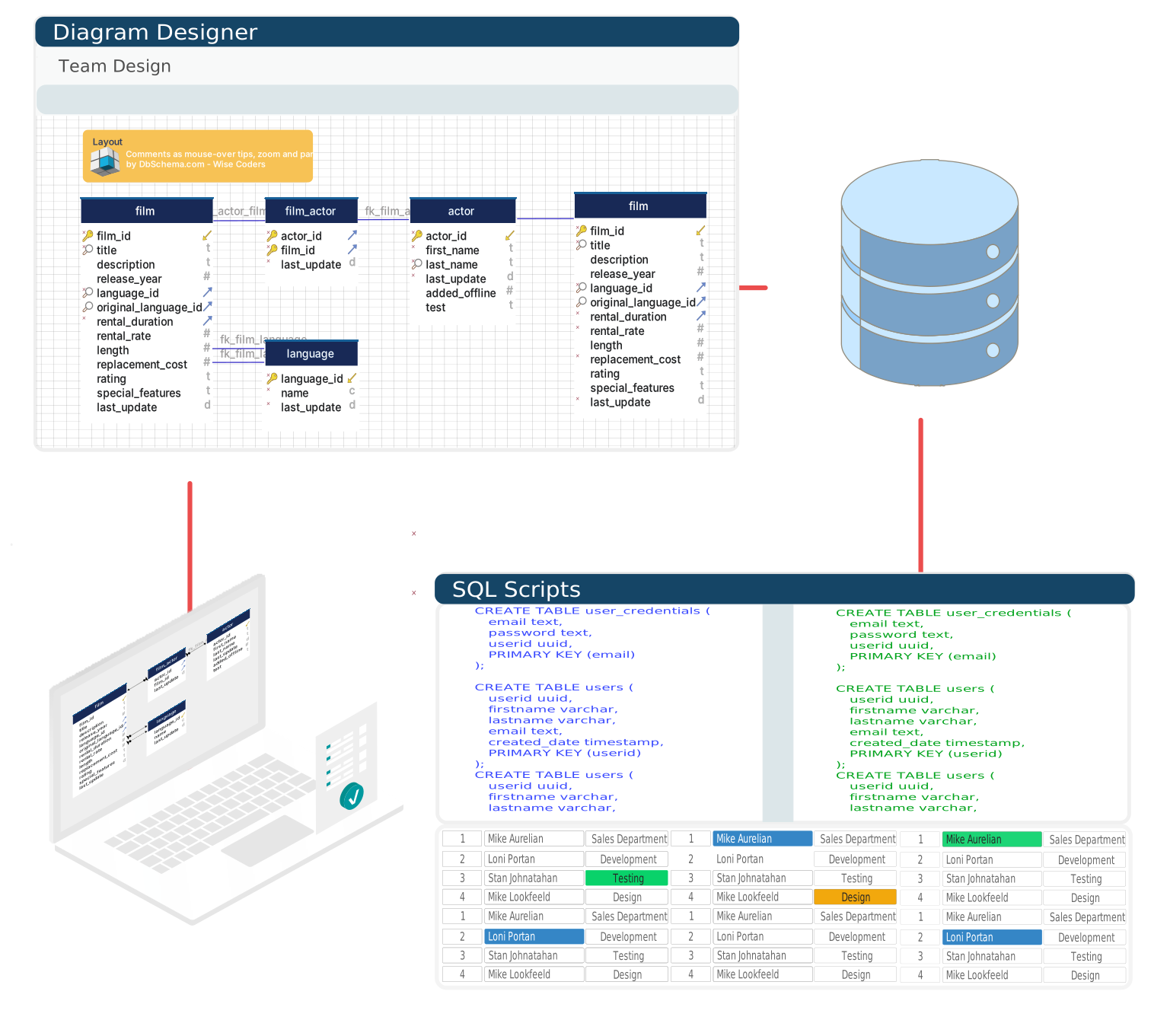
IBM Informix is a high-performance relational database with a rich extension ecosystem covering time-series data (TimeSeries DataBlade), spatial data, and native JSON storage. Its catalog system tracks tables, views, synonyms, and stored procedures across multiple database spaces. DbSchema connects via the IBM JDBC driver and turns that catalog — including synonym chains and view dependencies — into a navigable ER diagram suited for DBA audits and architecture reviews.

Visualize Informix Tables, Views, and Synonyms

Informix schemas can include synonym chains where an application accesses a base table through one or more synonym layers. DbSchema maps these relationships in the diagram, making it possible to trace the full resolution path from application-level synonym to the underlying table — a task that is opaque when reading the catalog through command-line tools alone.

Download DbSchema Free See Informix Features

DbSchema rendering an Informix schema with tables, views, and synonym relationships

Edit Informix Table Structures Visually

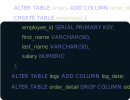
Adding columns or adjusting data types in Informix requires familiarity with its extended SQL syntax — particularly for types such as LVARCHAR, DATETIME intervals, and SERIAL sequences. DbSchema's table editor exposes Informix-compatible types in the type picker and generates correct ALTER TABLE DDL for each change, reducing the chance of syntax errors on a live database.

Table editor modifying an Informix table with Informix-specific data types

Generate Schema Documentation for DBA Audits

DbSchema produces structured HTML documentation from the Informix system catalog, capturing table definitions, column types, constraints, indexes, and view SQL. For Informix environments that have grown over years without formal documentation, this export provides an immediate baseline for change management, compliance audits, and team onboarding.

Schema documentation generated from an IBM Informix database catalog

Connecting DbSchema to an Informix Server

  1. Download DbSchema and install it — no signup required.
  2. Download ifxjdbc.jar from IBM Fix Central and register it via DbSchema's driver manager, since DbSchema does not bundle the Informix driver.
  3. Confirm the connecting user has SELECT privileges on the Informix system catalog tables — systables, syscolumns, and related tables — otherwise schema discovery will fail.
  4. Build the connection using host, port 9088 (the Informix default), and the INFORMIXSERVER name, which must match the corresponding entry in the sqlhosts file on the Informix host. The resulting JDBC URL looks like jdbc:informix-sqli://host:9088/dbname:INFORMIXSERVER=servername.
  5. Connect — DbSchema reads the catalog and renders tables, views, and synonym chains in the diagram.

Why Use DbSchema with Informix

  • Render Informix schemas including synonym chains and view dependency graphs
  • Edit table structures with Informix-native data types in the visual editor
  • Generate schema documentation for compliance and DBA audit workflows
  • Run Informix SQL queries and inspect catalog metadata interactively
  • Compare schemas across Informix database spaces and environments

Need to trace a synonym chain back to its base table before your next audit? Download DbSchema for free and render the full Informix catalog as a navigable diagram.

Teams working with Informix often use these engines too. Explore dedicated guides and JDBC setup for each.

Browse all 100+ supported databases