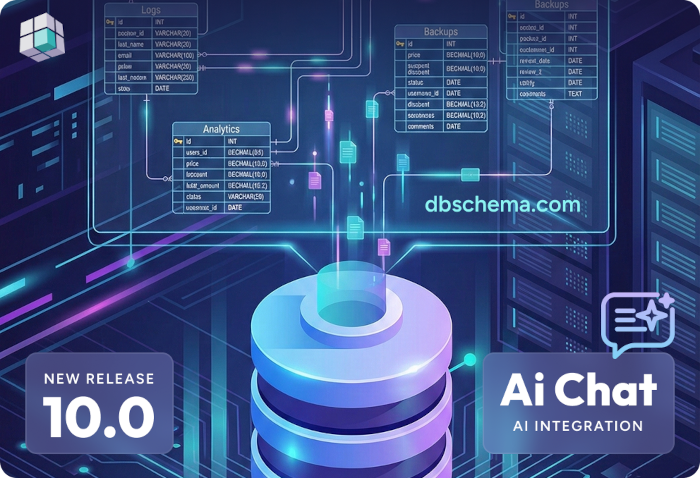
DbSchema opens a local SQLite file straight from disk — no server, no configuration — and turns it into an ER diagram you can edit, query, document, and keep in Git with the code that ships it.
.db or .sqlite file and the schema appears as a diagram right awayTrusted by teams at
SQLite ships inside Android, iOS, Firefox, and Python's standard library — the most widely
deployed database engine there is. Yet the schema inside a .db file is usually
inspected through a terminal, one table at a time.

DbSchema treats that file as a full database: open it, see every table and relationship on one diagram, edit visually, and document what you found — with no server between you and the schema.
The workflow DbSchema applies to server databases works unchanged on the file on your disk.
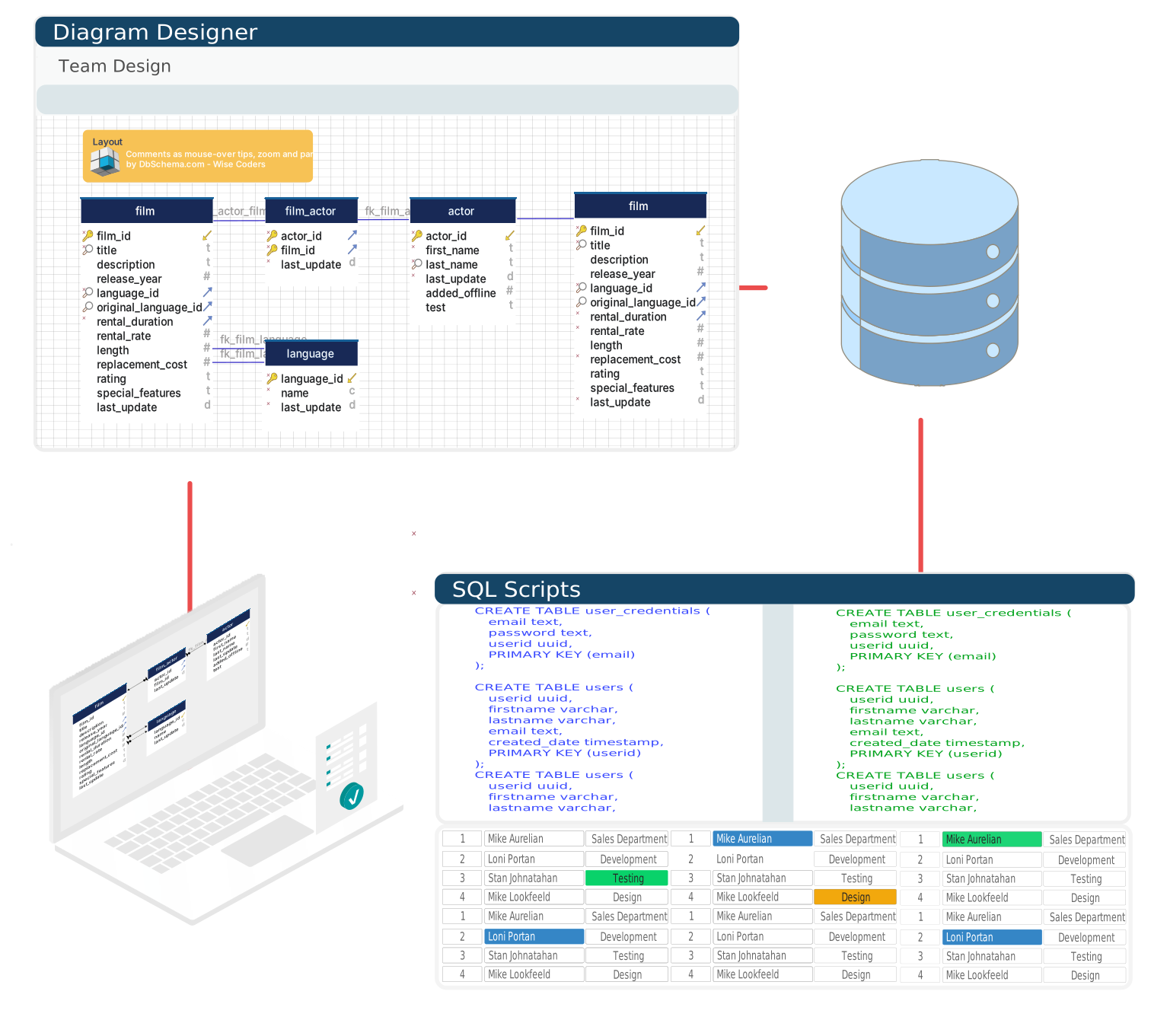
Open a .db or .sqlite file and DbSchema draws the tables, keys, and relationships inside — an instant map of a database another application created.
Add columns with SQLite affinity types, set NOT NULL, UNIQUE, and CHECK constraints, and define composite primary keys in a structured editor — no CREATE TABLE or ALTER TABLE by hand.
Generate names, dates, numbers, and foreign-key-consistent values from per-column patterns — a populated test database for unit tests or performance runs, without exporting from a live system.
Export interactive HTML5 documentation with zoomable diagrams and column comments — a reference for embedded and mobile teams that opens in any browser.
Write and run SQL against the open file with completion that knows your tables, then edit results inline and export them to CSV, Excel, or JSON.
Walk related records across tables through real or virtual foreign keys — useful when the application declares its relationships only in code.
DbSchema keeps your schema design in a model file separate from the database file, so the design can be reviewed, versioned, and shared without passing data around.
Sketch tables and keys first, then create the SQLite database from the finished model.
Commit the model next to the code that reads the file and diff schema changes like source.
Every visual change becomes SQL you can read before it touches the file.
Bring any copy of the database up to date, one reviewed change at a time.
Because the design lives in a model file, a SQLite schema follows the workflow your code already
has: branch, review, merge. After approval, DbSchema generates the SQL that brings the
.db file up to date.
One click renders the model as interactive HTML5 documentation — searchable diagrams, comments, hover details — readable in any browser. New teammates learn the schema from a page, not from the source code that writes it.
Describe the query you need in plain English, or paste one and ask what it does. The Assistant reads your design model, so the answers are about your tables rather than a textbook example.
See What the AI Assistant Can Do
DbSchema bundles the Xerial SQLite JDBC driver, so opening a
database requires no downloads: choose SQLite, browse to the file, done. The URL format is
jdbc:sqlite:/path/to/file.db on macOS and Linux, jdbc:sqlite:C:/path/to/file.db
on Windows, and jdbc:sqlite::memory: creates a throwaway in-memory database for prototyping.
DB Browser for SQLite remains a popular free companion for quick edits to a single file. DbSchema aims at a different job — understanding, designing, documenting, and versioning the schema — with the same workflow you use for server databases.
| DbSchema | DB Browser for SQLite | |
|---|---|---|
| ER diagrams of the schema | Yes — interactive, arrangeable, exportable | — |
| Visual table editing and data browsing | Yes | Yes |
| Test data generator | Yes (Pro) | — |
| HTML schema documentation | Yes (Pro) | — |
| Works beyond SQLite | 100+ databases with the same UI | SQLite only |
| Price | Free Community edition; paid Pro with 15-day trial | Free, open source |
Snapshot comparison; both projects evolve — check each tool's documentation for current features.
Free Community Edition, no signup, and the installer includes a 15-day Architect trial.
Teams working with SQLite often use these engines too. Explore dedicated guides and JDBC setup for each.