Best Database Schema Design Tools in 2026 – Visual Comparison | DbSchema
The best database design tools in 2026 do more than draw boxes around tables. The strongest options help you model schemas before deployment, reverse-engineer live databases, keep diagrams readable, publish documentation, and review future schema changes with the rest of the team.
If you want one short answer, DbSchema is the strongest overall recommendation for most teams because it combines visual design, offline modeling, schema synchronization, Git-friendly workflow, and interactive documentation in one product. DBeaver is still a great choice for live-database exploration, DataGrip is excellent for SQL-heavy IDE work, and MySQL Workbench remains relevant for MySQL-only environments.
Table of Contents
- Quick answer
- How we evaluated these tools
- Comparison table
- Tool reviews
- Best tool by use case
- 2026 honorable mentions
- FAQ
- Final thoughts
Quick answer
- Best overall database design tool: DbSchema
- Best for live schema exploration: DBeaver
- Best for SQL-heavy developer workflow: DataGrip
- Best for MySQL-only environments: MySQL Workbench
- Best browser-first collaboration option: SQLDBM or Vertabelo
If you want more focused comparisons, also read Top Free Tools for Database Design, Best Tools for Database Documentation, and DBeaver Alternative – DbSchema.
How we evaluated these tools
For 2025 and 2026, the most useful database design tools usually solve several of these jobs well:
- design a new schema visually before the database exists
- reverse-engineer an existing schema without redrawing it
- organize large databases into readable diagrams
- export documentation that other teams can browse
- compare the design model with the live database
- support team workflow through model files, comments, or versioning
That is why this comparison emphasizes design-first workflow, reverse engineering, documentation, and long-term maintainability, not only SQL editing.
Comparison table
| Tool | Design-first workflow | Reverse engineering | Docs / schema sync | Best for |
|---|---|---|---|---|
| DbSchema | strong | strong | strong documentation and sync workflow | full schema lifecycle |
| DBeaver | limited | strong | useful ERD views, exploration-first | live multi-database work |
| DataGrip | limited | strong | IDE workflow, lighter documentation focus | SQL-heavy developers |
| dbForge Studio | strong for supported engines | strong | strong compare and deployment tools | professional SQL shops |
| Vertabelo | strong | import / generation workflow | good browser collaboration | planning and team review |
| MySQL Workbench | strong for MySQL | strong | basic documentation and modeling | MySQL-only teams |
| Navicat | good | strong | polished commercial workflow | cross-platform commercial teams |
| Toad Edge | limited | good | not diagram-centric on its own | mixed SQL development |
| SQLDBM | strong | import-based | browser collaboration | cloud-first teams |
| HeidiSQL | minimal | good | lightweight admin workflow | fast lightweight use |
Tool reviews
1. DbSchema
- Platform: Desktop (Windows, macOS, Linux)
- Editions: Free trial available, paid Pro version (with 30-day trial version)
- Get the App: Free Download
DbSchema caught my attention quickly. It’s one of the few tools that lets you work on your schema without needing a database connection right away. That’s huge if you're working on a new project. It also creates interactive HTML documentation and has Git support built-in, which makes it ideal for teams.
- SQL and NoSQL support across 80+ databases
- Visual diagram layouts for the same schema
- Logical design and offline modeling
- Git version control for model files
- Schema synchronization
- Shareable interactive documentation
- Test-data workflow with the random data generator
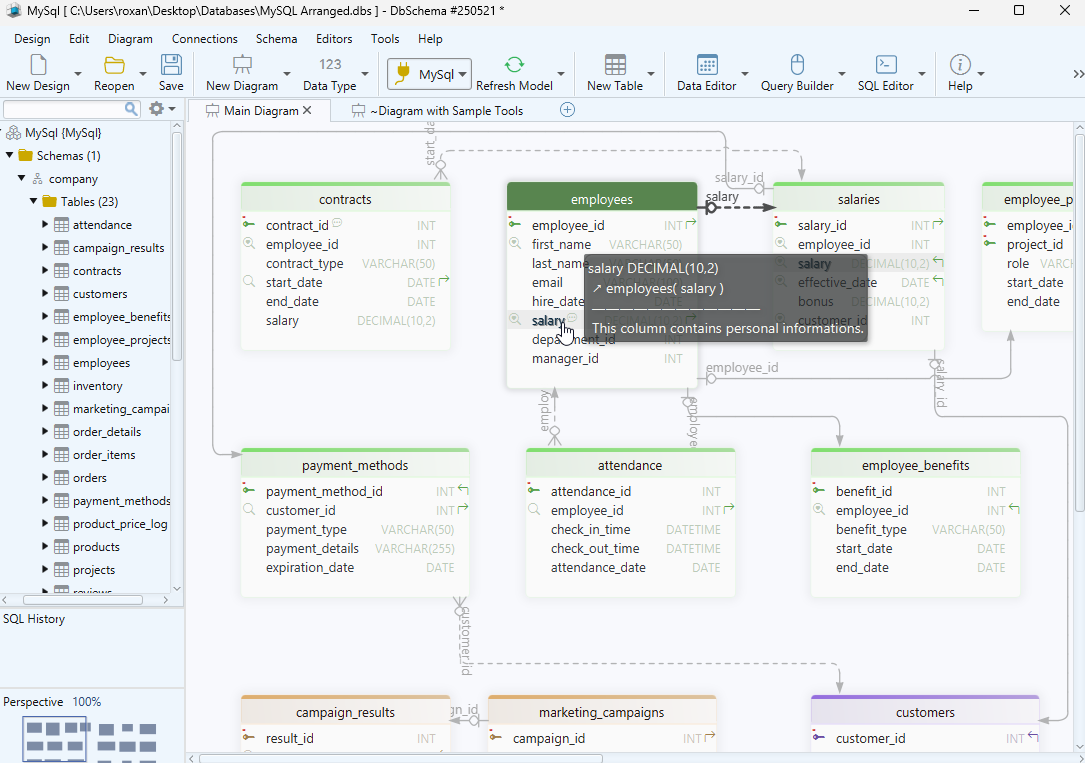
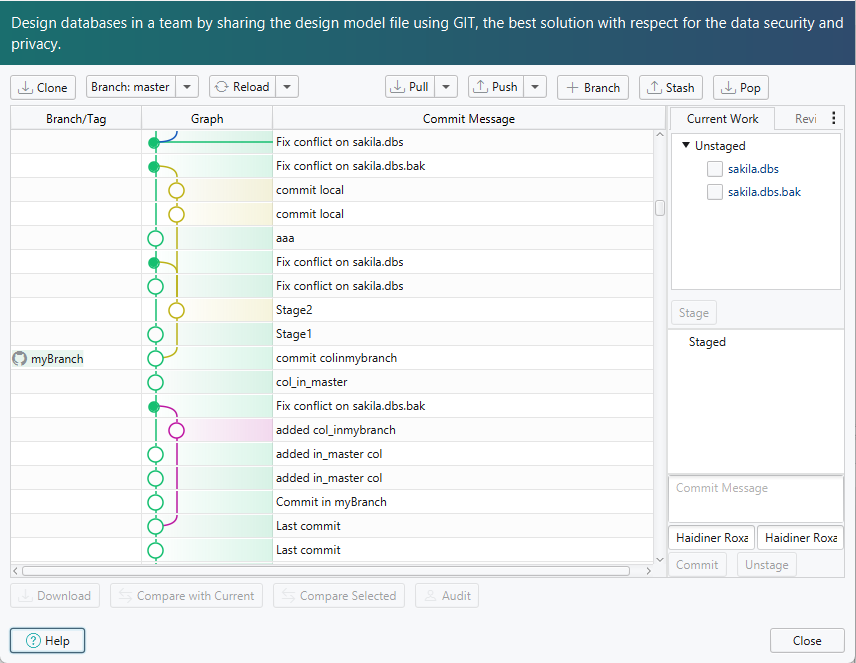
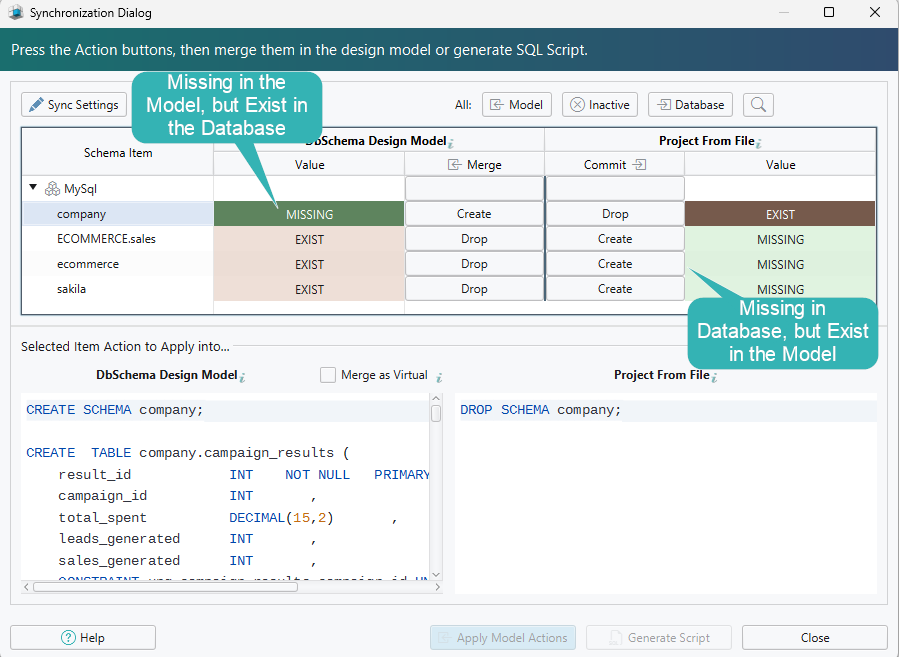
DbSchema stands out because the same model can move from visual design to documentation and change review. If that workflow matters to you, also see How to Design a Relational Database Schema and Best Tools for Database Documentation.
2. DBeaver
- Platform: Desktop (Windows, macOS, Linux)
- Editions: Free Community Edition, paid Enterprise version (with 14-day trial version)
- Get the App: Free Download
DBeaver is open-source and supports a long list of databases. It’s more of an all-purpose database tool, but it does include a diagram view that’s useful when you're connected to a live database. It’s not focused on design-first work, but for exploring and editing real data, it’s hard to beat.
- Good ERD viewer
- Connects to many database systems
- Useful SQL editor
- Simple schema comparison
- Intuitive UI for browsing and editing
- Offers support for a lot of databases, more than 70.
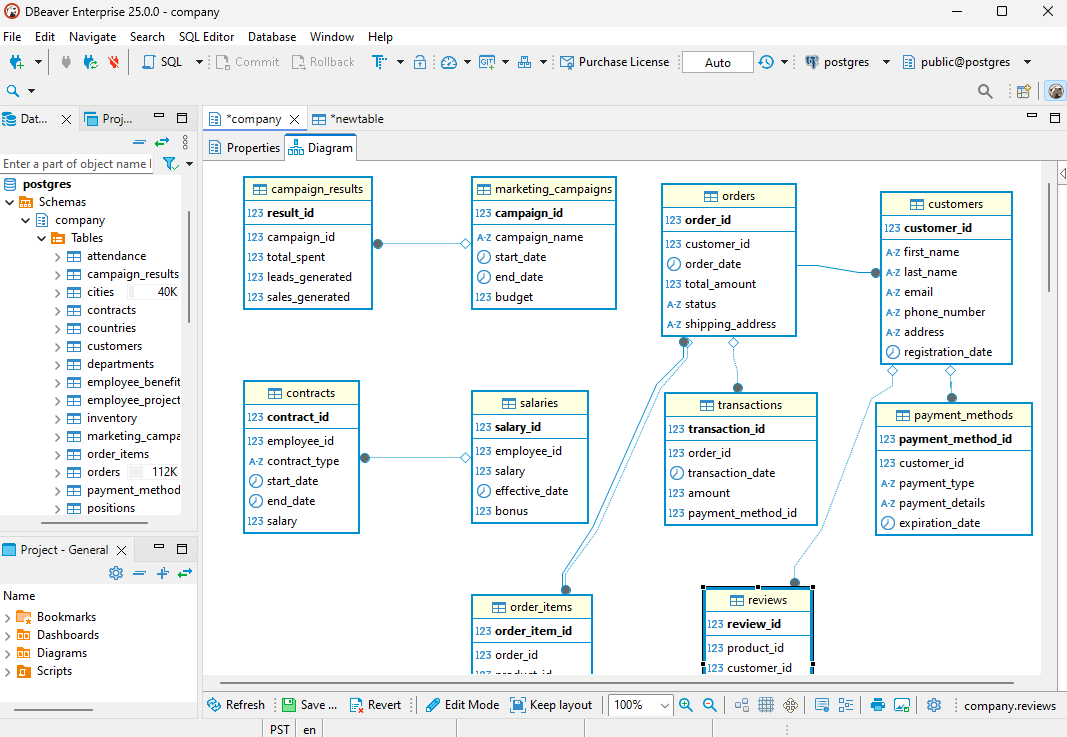
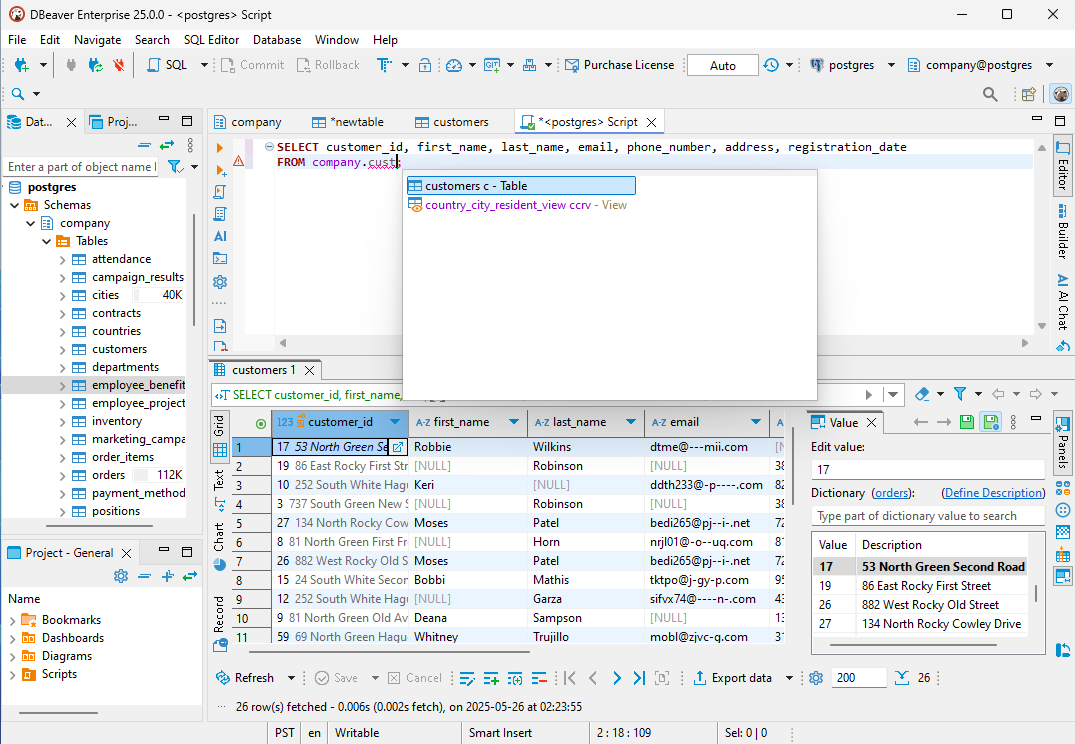
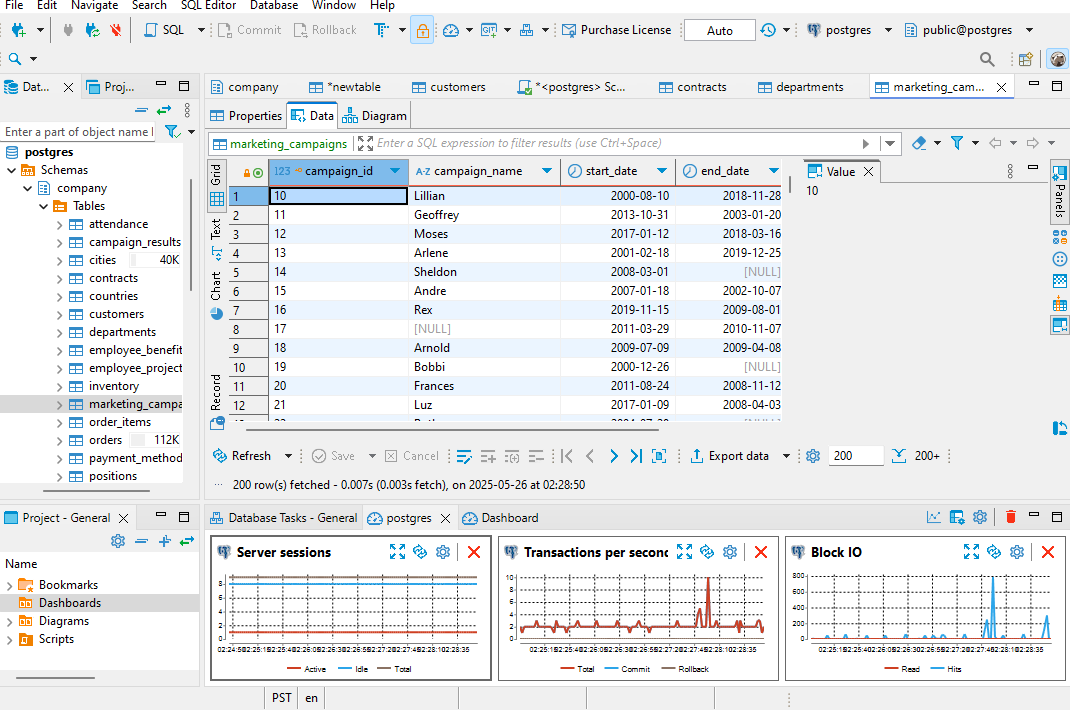
You have to do a lot of things to get your trial license. You need to download DBeaver, request the license by email, wait for a confirmation link, open that link, log into your account, find the license, and finally paste it into the DBeaver app. Meh...
3. DataGrip
- Platform: Desktop (Windows, macOS, Linux)
- Editions: Paid only (free trial available)
- Get the App: Free Download
JetBrains is known for great developer tools, and DataGrip follows that tradition. It's aimed squarely at developers who spend a lot of time writing and refactoring SQL. You get smart suggestions, warnings, and all the IDE-level goodies. Just know that it's better for working with existing databases than designing new ones from scratch.
- Smart autocomplete and refactoring for SQL
- Diagram view for connected databases
- Support for many SQL engines
- File-based version control support
- Built-in database inspection tools
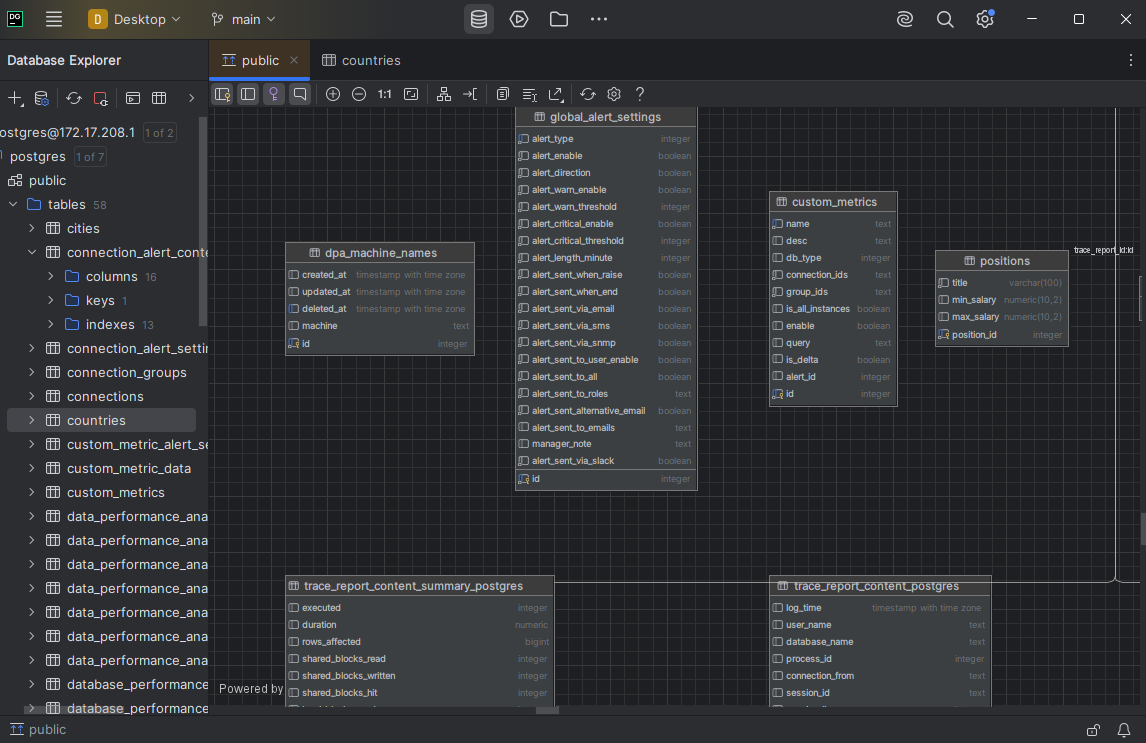
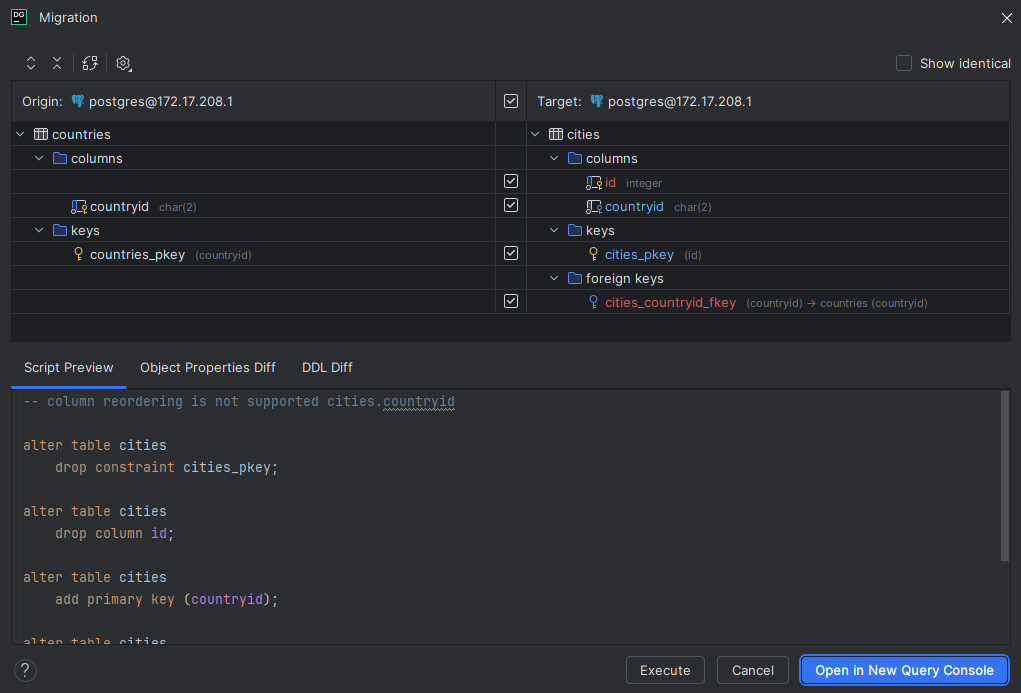
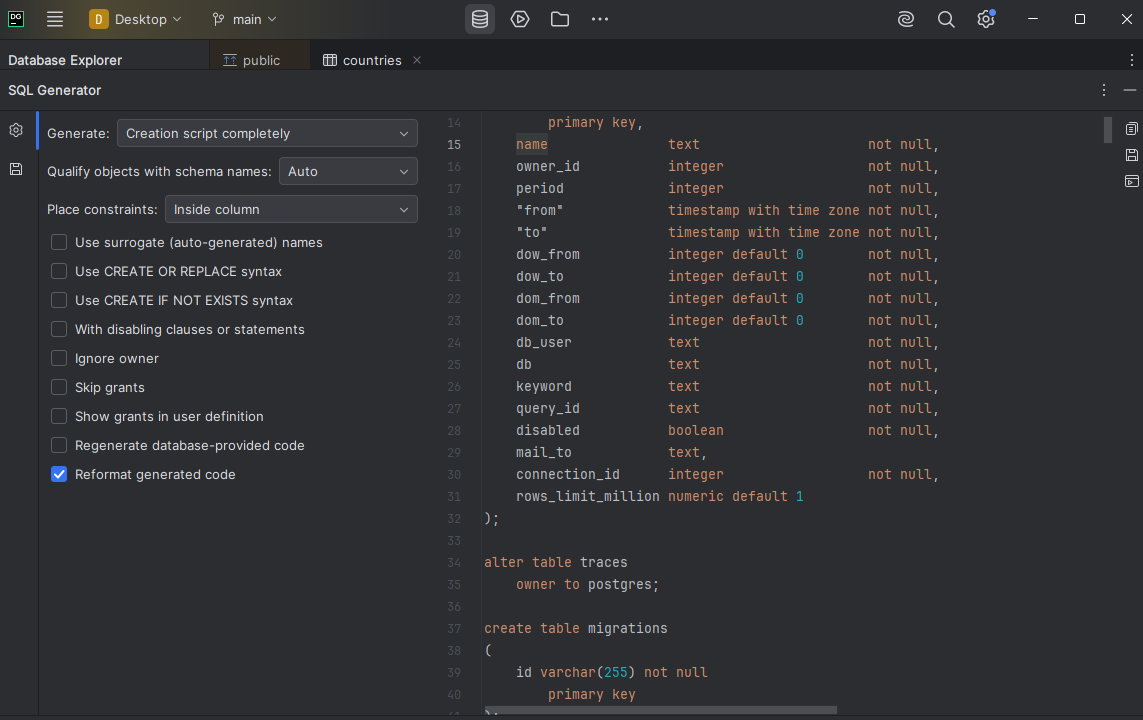
Let’s be honest - everyone knows JetBrains makes great tools. DataGrip is no exception. But if you want more features like database refactoring inside your project or cross-language integration, you’ll usually need to buy multiple IDEs from their full suite.
4. dbForge Studio
- Platform: Desktop (Windows only)
- Editions: Paid (with 30-day trial version)
- Get the App: Free Download
dbForge Studio feels like it was built for serious SQL development. It has solid diagramming tools, comparison features, and a wide range of automation options. It supports multiple platforms, though it feels most at home with SQL Server and MySQL.
- Diagram-based schema editor (only for MySQL and SQL Server)
- Data generation features
- Schema diff and deployment tools
- Query profiler
- Code templates and formatting tools
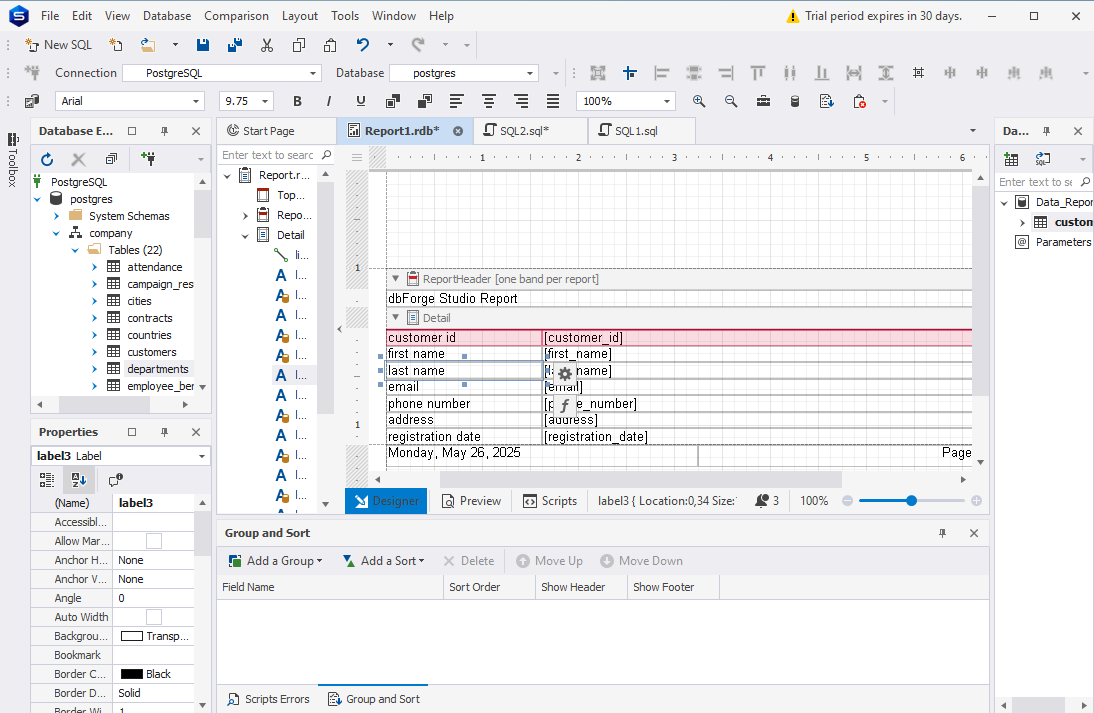
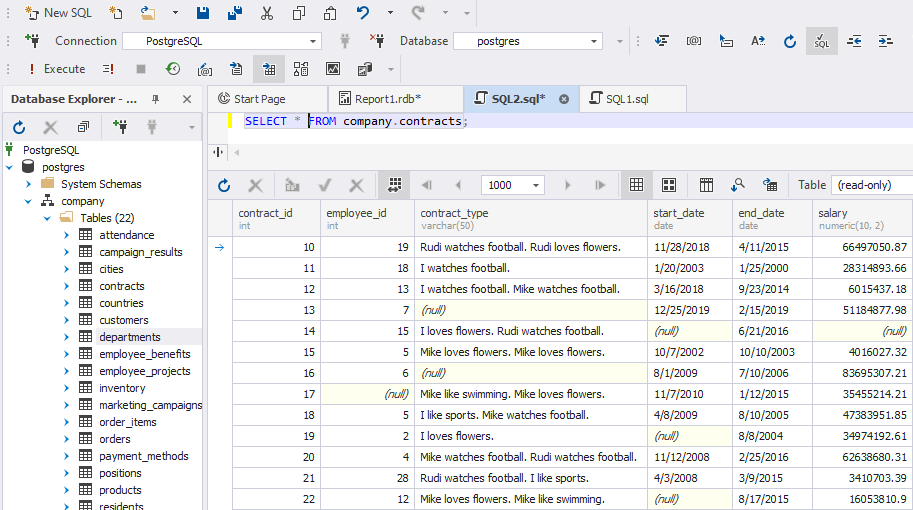
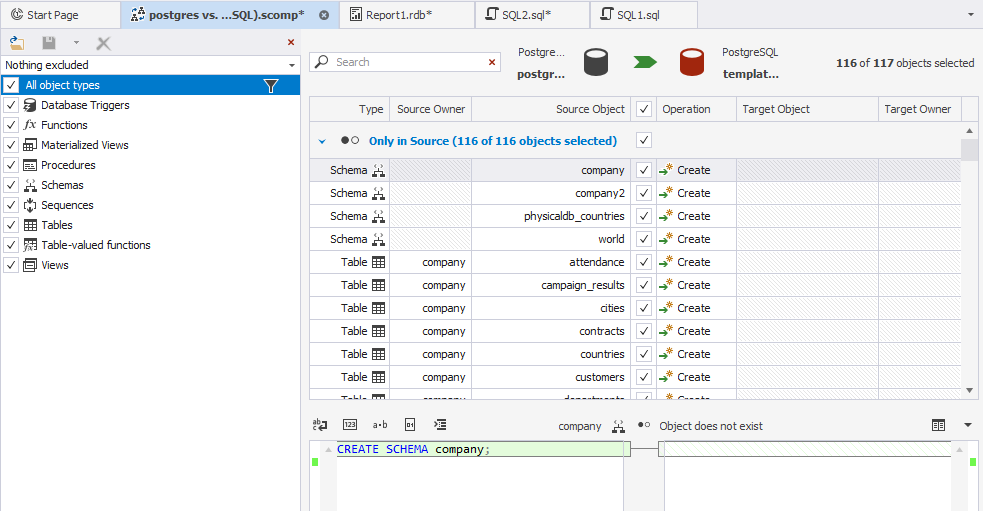
It has a minus from my side because it doesn't support an ERD diagram for PostgreSQL.
5. Vertabelo
- Platform: Web-based
- Editions: Free plan for students, paid plans for professionals and teams
- WebApp: Link here
Vertabelo is browser-based and focuses on clean design and early planning. You can map out your schema, define relationships, and generate SQL for multiple engines. It’s a good option if you’re in the planning phase or working with a distributed team.
- Logical and physical design views
- Built-in version tracking
- Multi-user commenting and collaboration
- Exports SQL scripts
- Covers most common database platforms
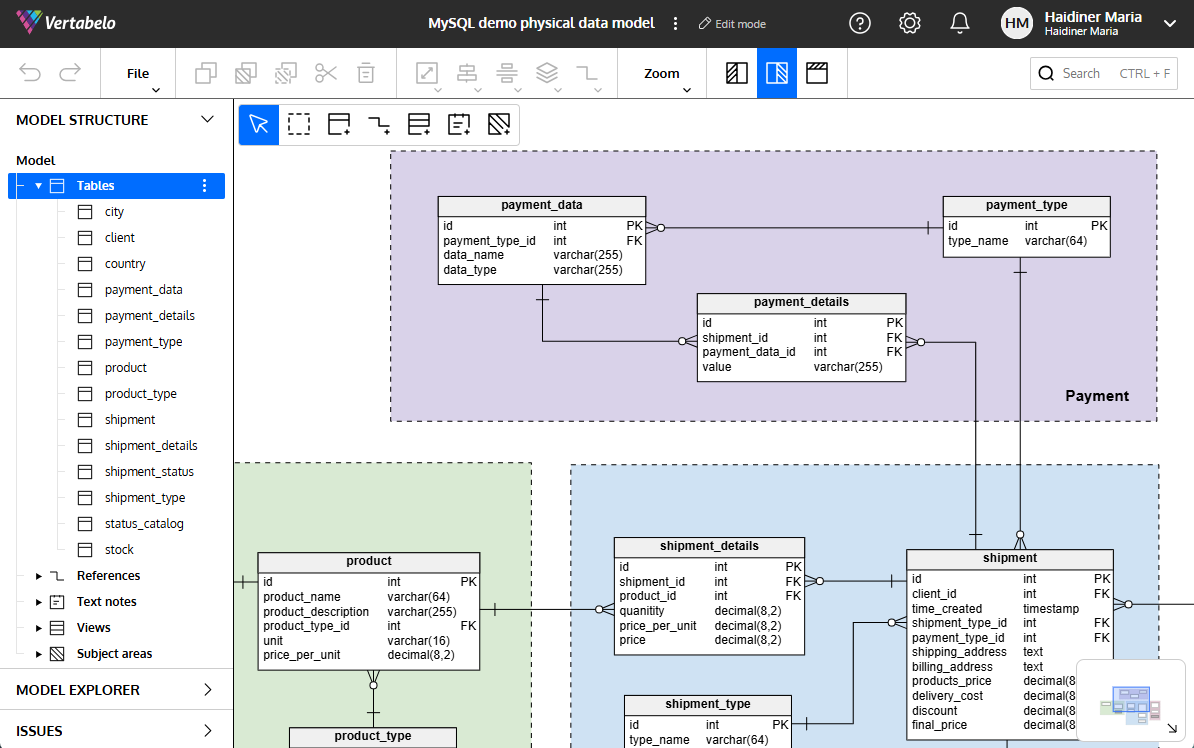
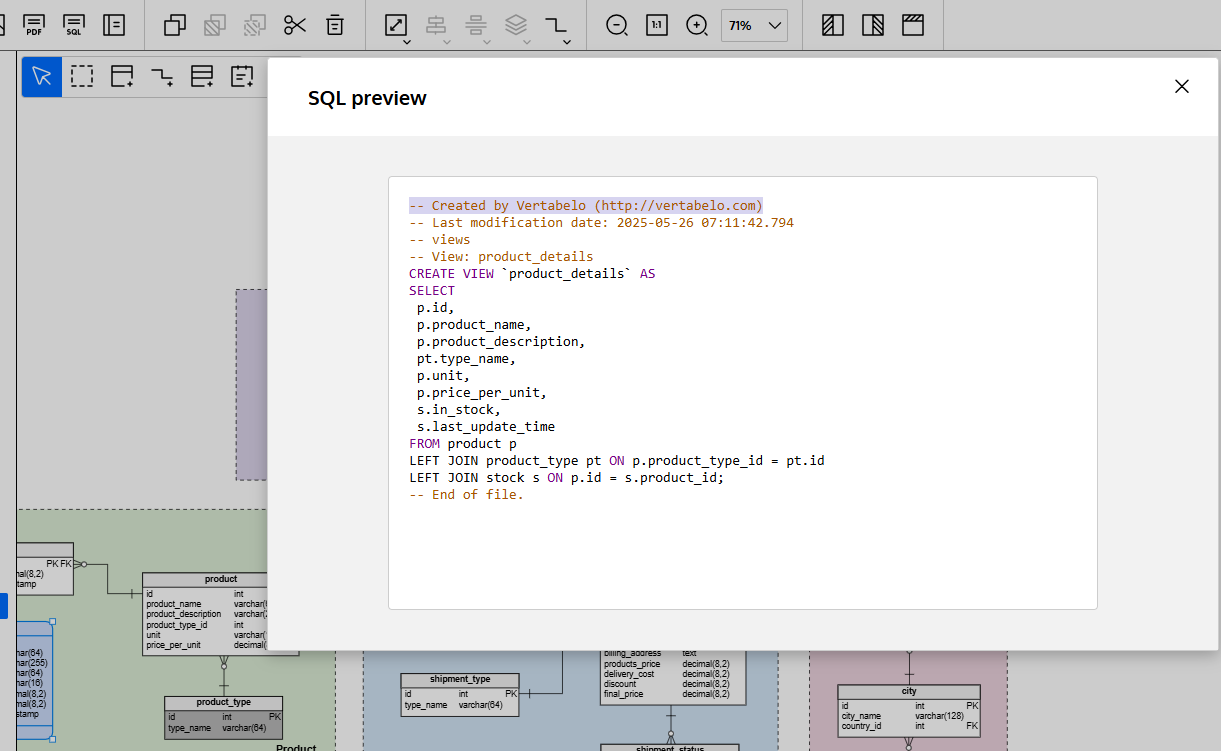
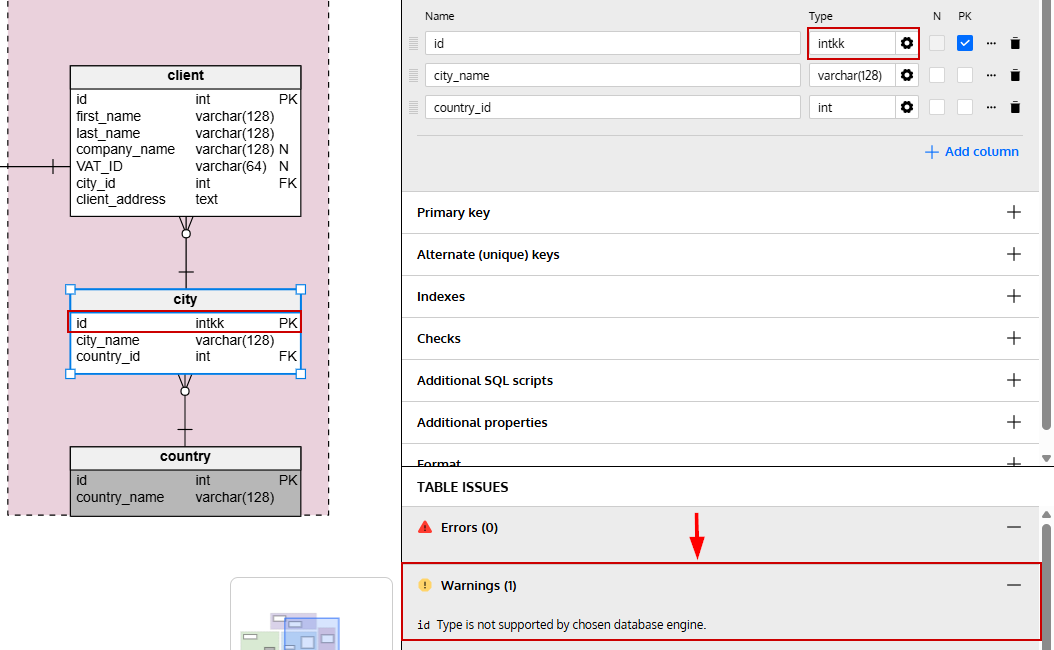
I like the fact that you can start from scratch and create a logical design with this tool.
6. MySQL Workbench
- Platform: Desktop (Windows, macOS, Linux)
- Editions: Free
- Get the App: Free Download
This is the go-to tool for MySQL users. It includes a visual modeling environment, as well as performance and administration tools. If you’re focused purely on MySQL or MariaDB, this one gives you all the essentials.
- Schema diagramming and export
- Forward and reverse engineering
- Query execution and analysis
- Table relationship mapping
- Basic documentation tools
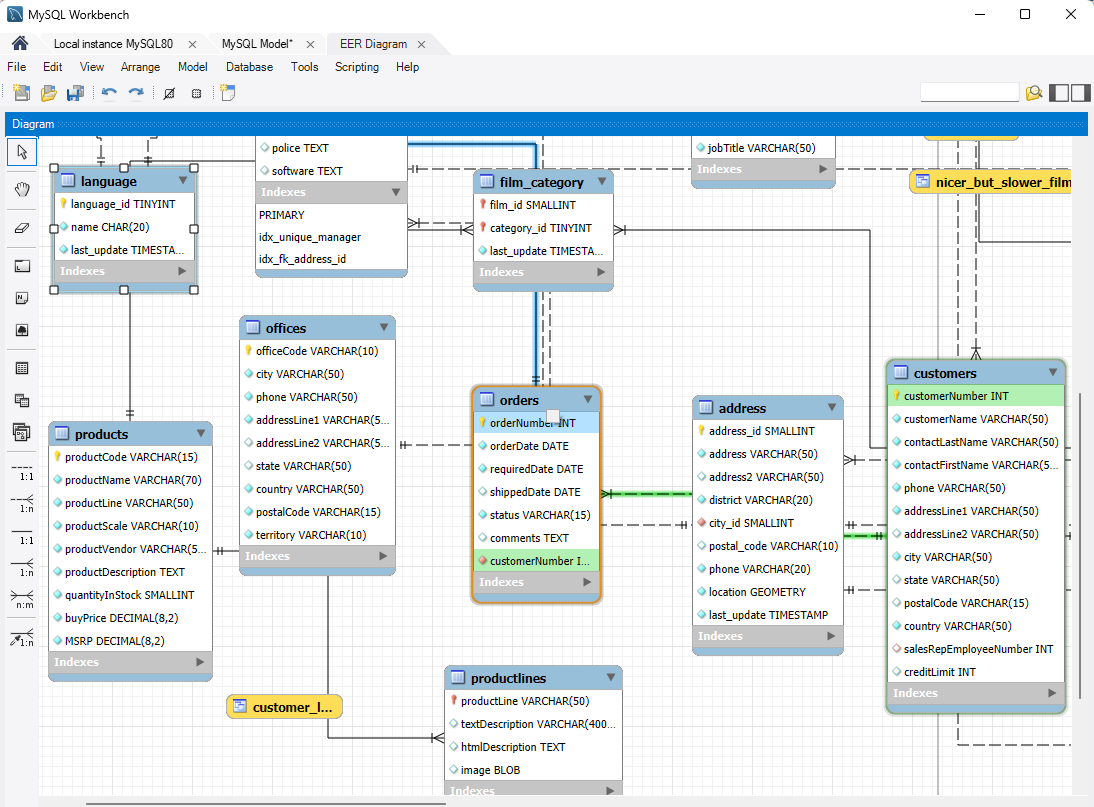
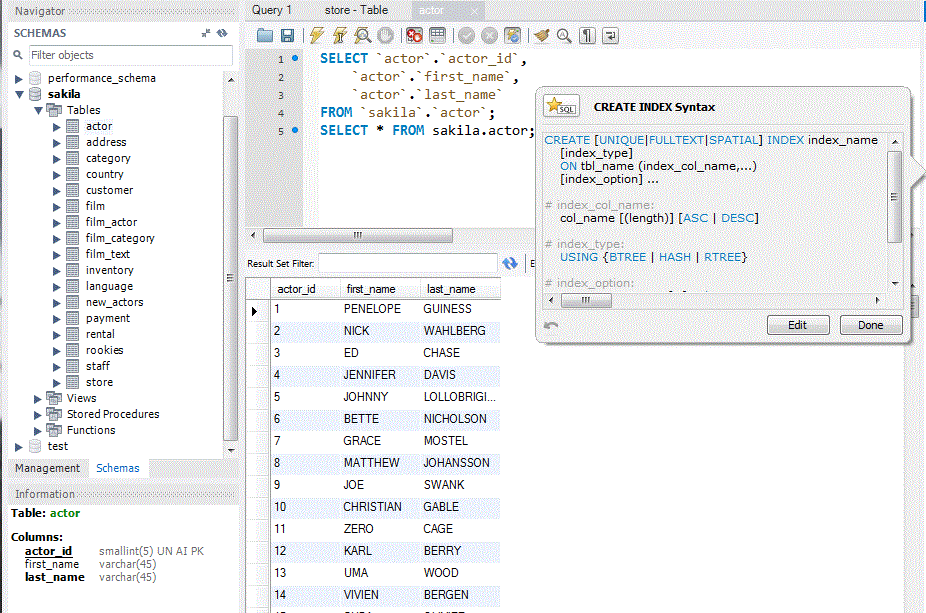
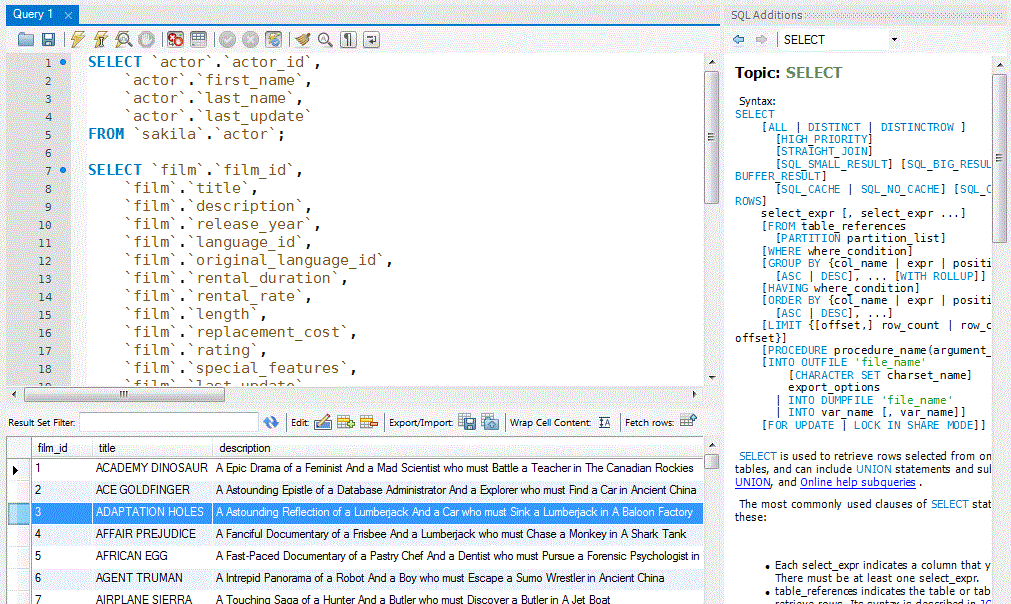
MySQL Workbench is solid if you're working strictly with MySQL or MariaDB, but unfortunately, that’s all it supports; no multi-database flexibility here.
7. Navicat
- Platform: Desktop (Windows, macOS, Linux)
- Editions: Paid only (trial available)
- Get the App: Free Download
Navicat feels polished and powerful. It’s built to work across different databases and includes everything from visual modeling to job scheduling. There’s a focus on reliability and cross-platform support, which makes it a solid choice for teams.
- Visual ERD creation
- Data sync and comparison
- Automation and scripting options
- Cloud integration for team workflows
- Supports many SQL databases, around 25.
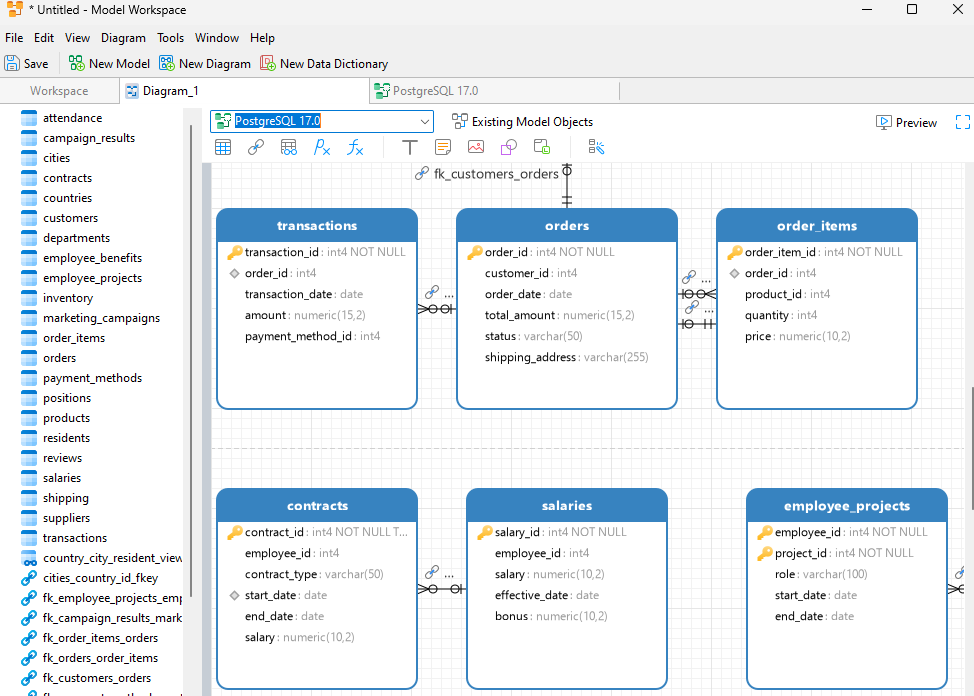
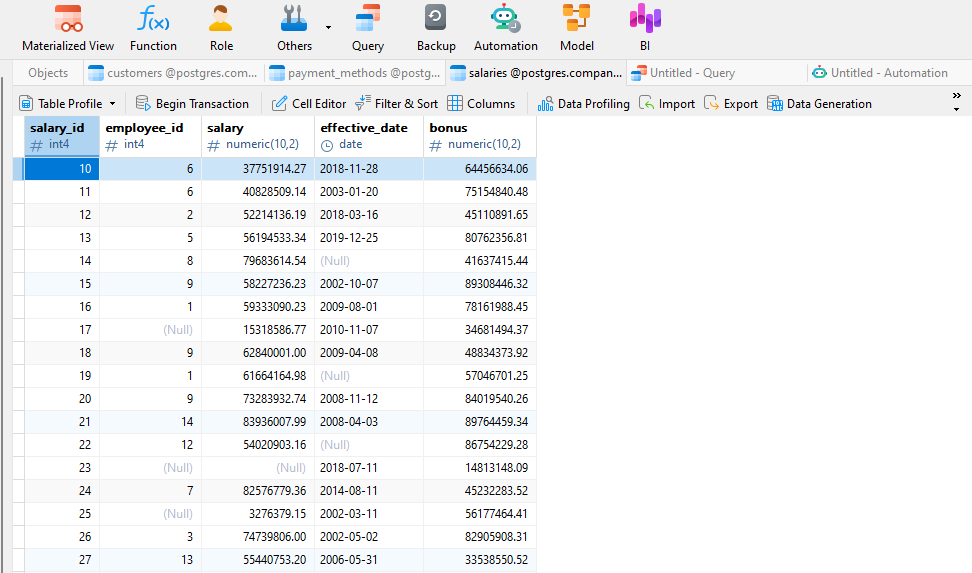
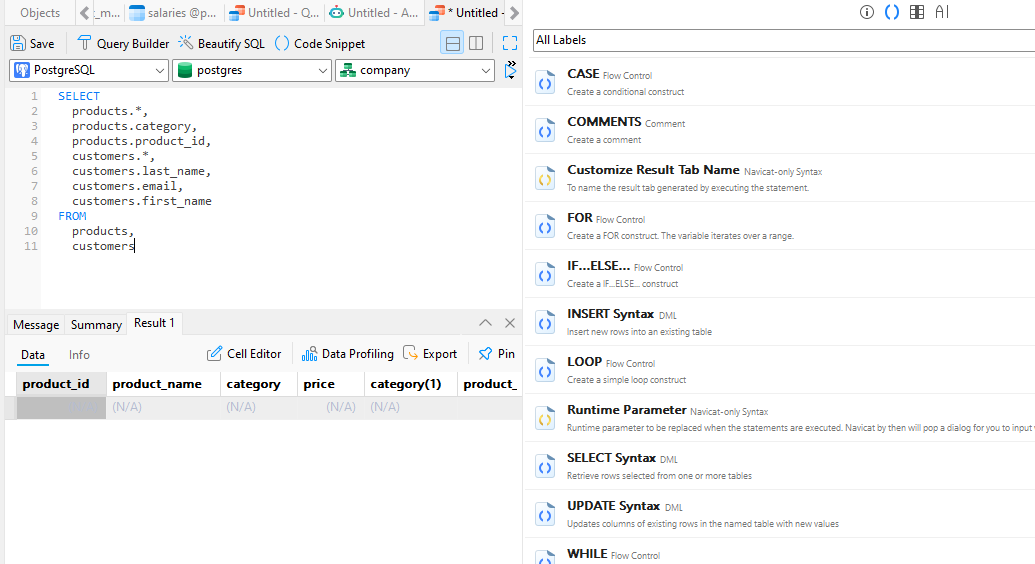
Creating a diagram in Navicat isn’t as straightforward as in some other tools; you have to go through the Model feature and a few setup steps. It might feel confusing at first, but with decent documentation, it becomes manageable.
8. Toad Edge
- Platform: Desktop (Windows and macOS)
- Editions: Paid (trial available)
- Get the App: Free Download
Toad Edge is designed for developers working with MySQL and PostgreSQL. It handles the essentials well: from editing SQL to comparing schemas and exporting data. However, it does not include any ER diagram functionality, which may be a limitation if you're looking to visualize relationships between tables. If diagrams are important to your workflow, you’ll need to install Toad Data Modeler, which is a separate tool from Quest Software.
-
MySQL and PostgreSQL support
-
Clean SQL editor with code completion
-
Schema diff and synchronization tools
-
Export options to common formats
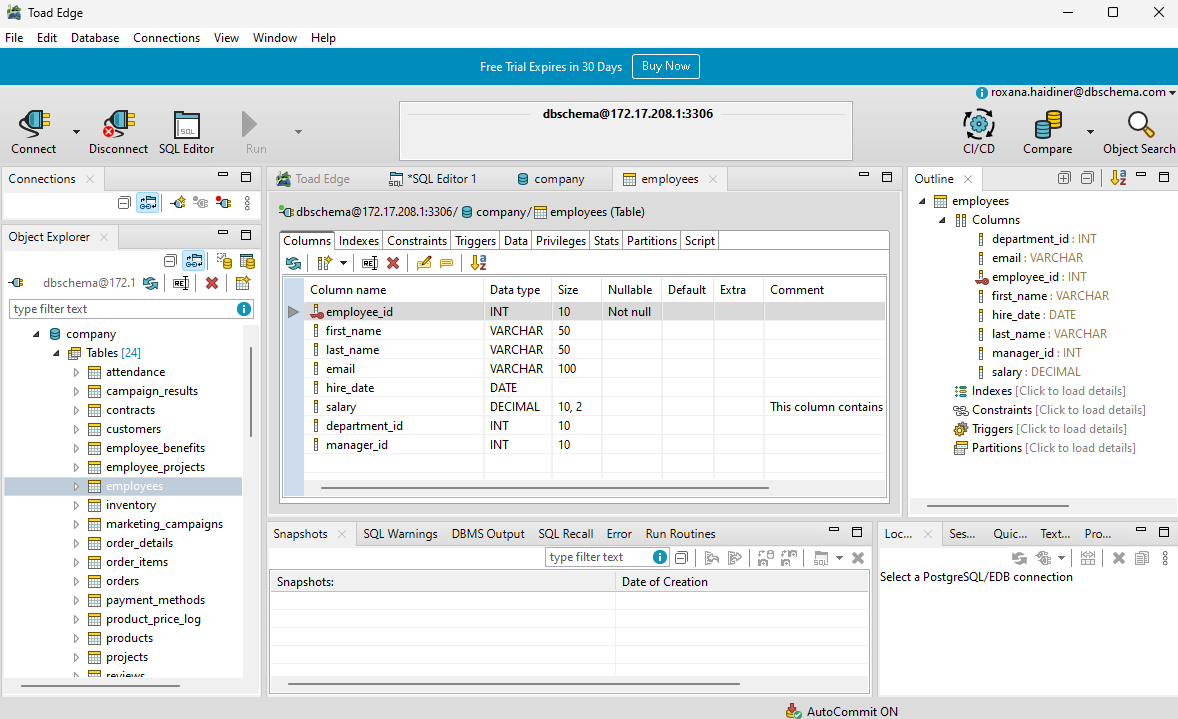
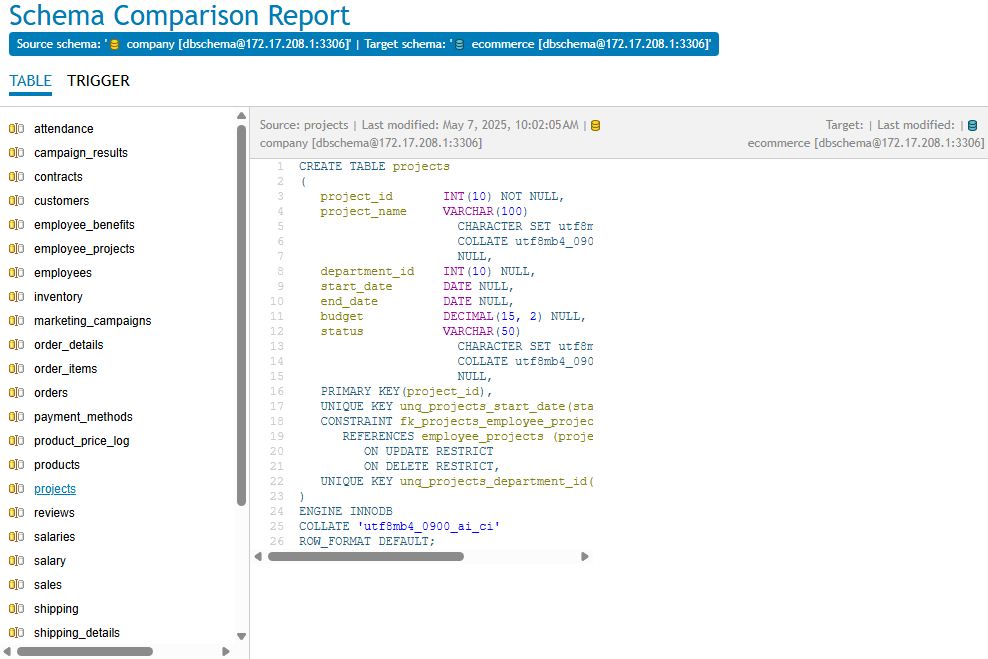
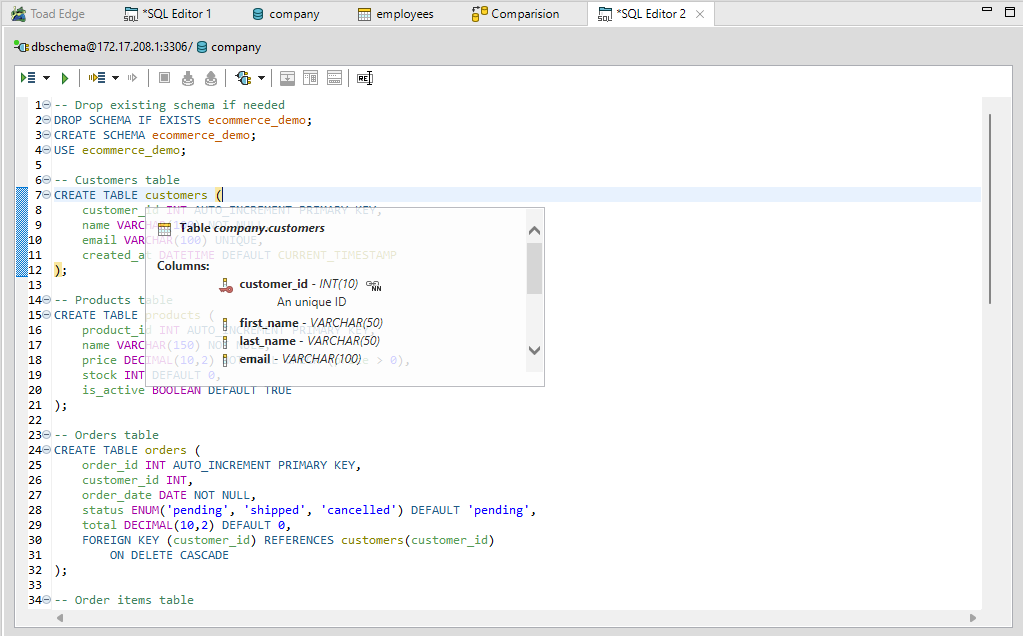
Toad Edge feels lightweight and solid for basic tasks, but the lack of ER diagrams surprised me. For full schema design, you're expected to install and use Toad Data Modeler alongside it.
9. SQLDBM
- Platform: Web-based
- Editions: Free plan with limited features, paid plans for full access
- WebApp: Link here
SQLDBM is a clean, modern tool you can run in your browser. It’s good for visualizing schemas, and the collaboration features make it useful for teams that don’t sit in the same room. It’s easy to share designs and stay aligned.
- It can reverse engineer your database, if you have a .sql file or a script.
- Visual design with SQL export
- Online team collaboration
- GitHub integration
- Logical and physical design support
- Version tracking and comment threads
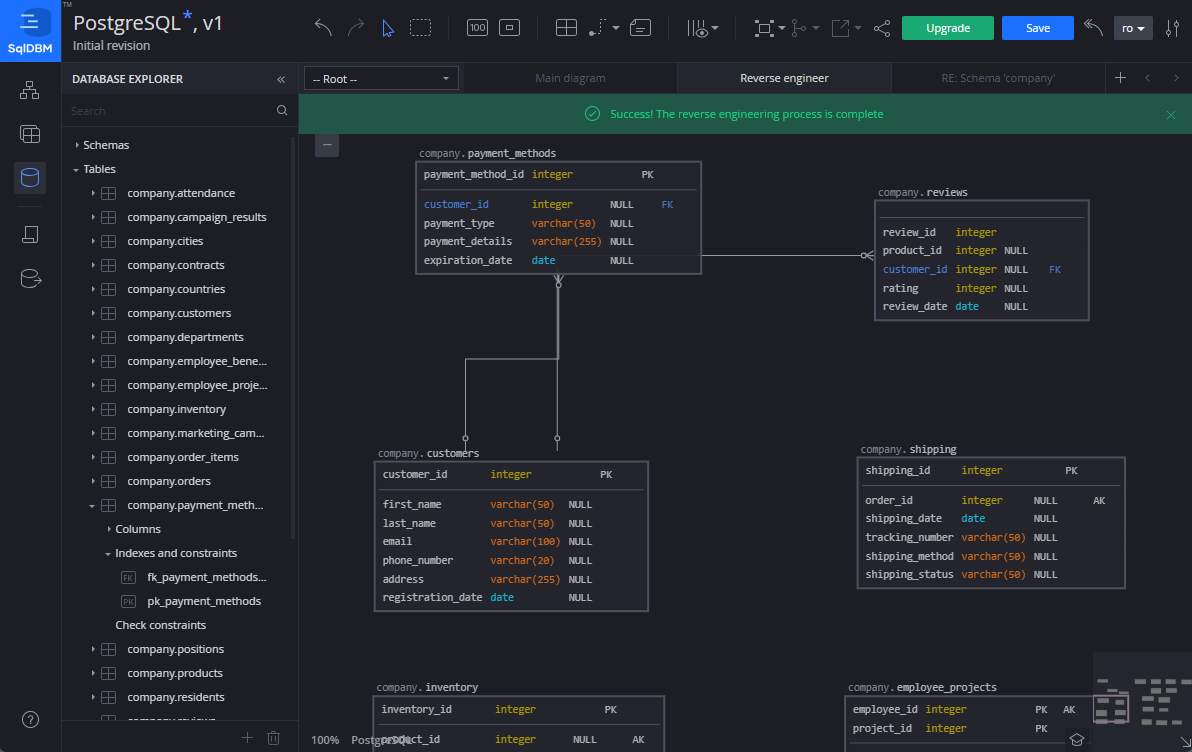
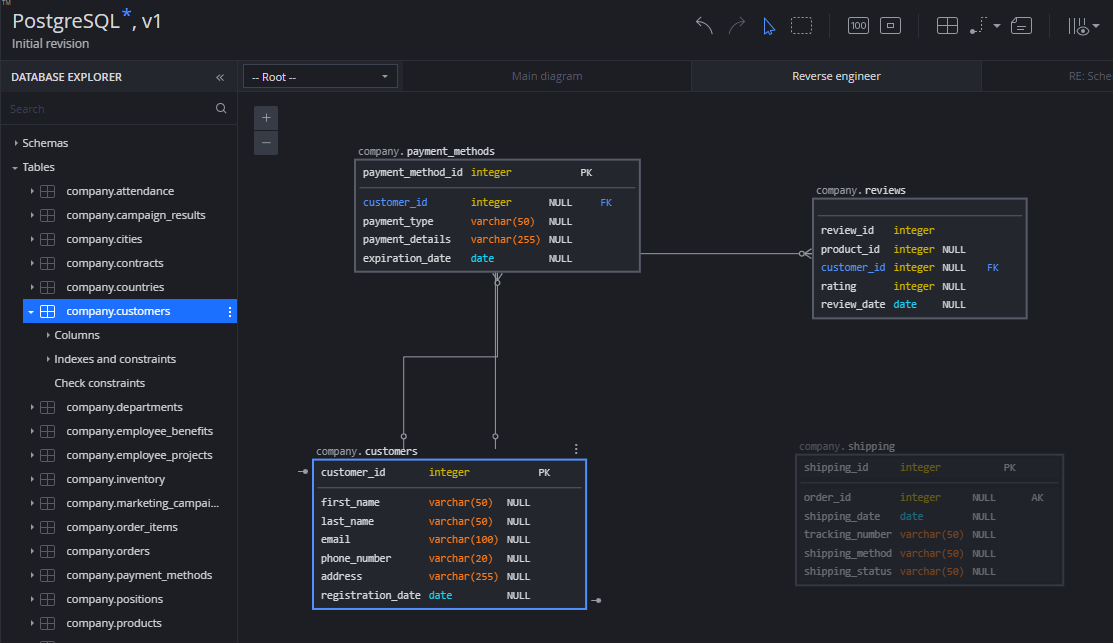
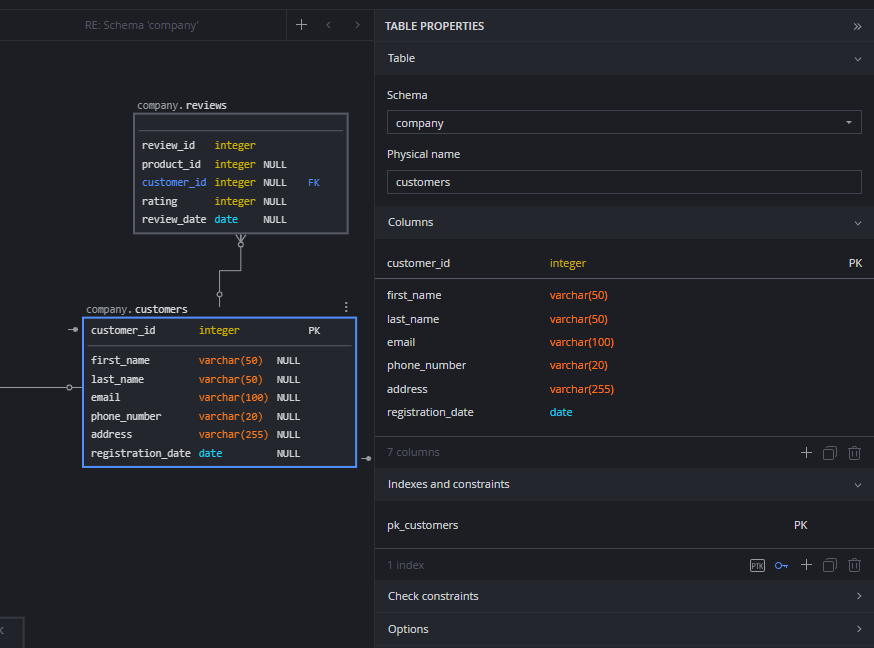
SQLDBM is clean and easy to use right in the browser, which I really liked. But some features, like team collaboration or full export options, are locked behind the paid plans, so you hit a wall pretty fast on the free tier.
10. HeidiSQL
- Platform: Desktop (Windows only, unofficial support via Wine on macOS/Linux)
- Editions: Free and open-source
- Get the App: Free Download
HeidiSQL keeps things simple. It’s great when you want to connect to a database, explore the tables, and maybe run some quick queries. It has a basic visual interface, but it’s really made for speed and lightweight tasks.
- Fast and easy to launch
- Shows foreign keys in the table editor (no ER diagram)
- SQL query runner
- Table editor with filtering
- Supports MariaDB, MySQL, SQL Server, and PostgreSQL
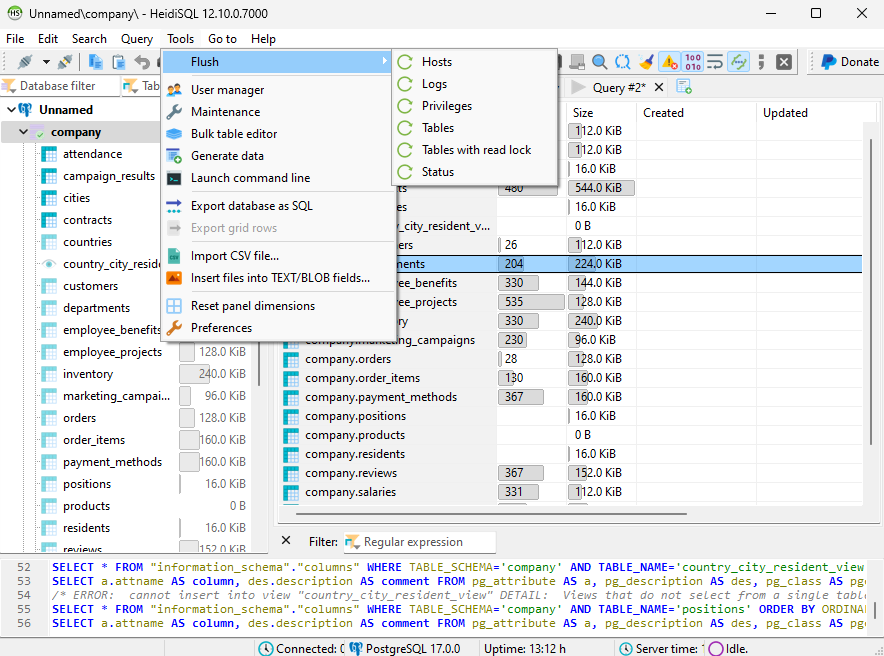
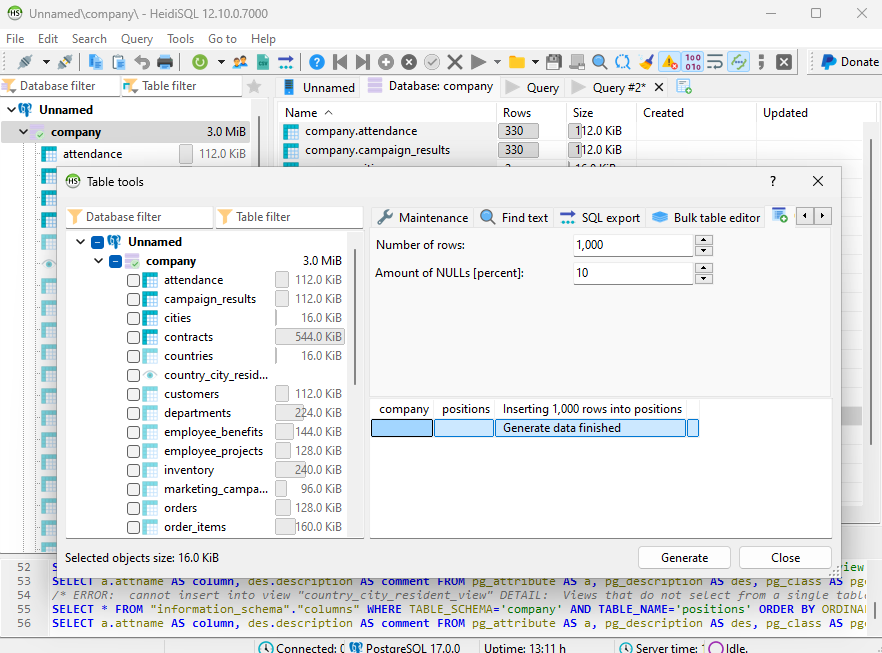
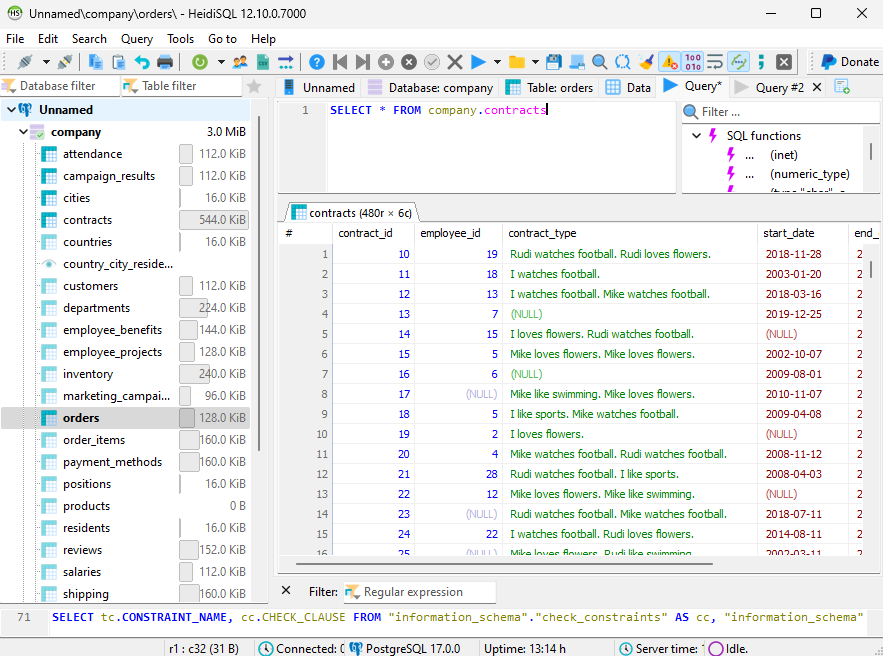
Even though it has an outdated interface and fewer features, the fact that it's completely free and still useful for important tasks earns it the 10th spot in this article.
Best tool by use case
| If you need to... | Best fit |
|---|---|
| design visually, keep docs updated, and review schema changes | DbSchema |
| explore live databases across many engines | DBeaver |
| stay in a SQL-centric IDE workflow | DataGrip |
| work inside a MySQL-native environment | MySQL Workbench |
| collaborate in the browser on planning-focused models | Vertabelo or SQLDBM |
| use a lightweight free admin tool | HeidiSQL |
2026 honorable mentions
A few newer or lighter tools are also worth watching in 2026:
- dbdiagram.io for fast code-first prototypes
- ChartDB for lightweight browser-first sharing
- DrawDB for quick manual ERD work in the browser
They are useful, but most teams eventually need stronger schema synchronization, documentation, or offline design workflow than those tools provide.
FAQ
What is the best database design tool overall?
For most teams, DbSchema is the strongest all-around choice because it covers visual design, reverse engineering, documentation, and schema synchronization in one workflow.
Which tool is best for ER diagrams?
If you want a design-first ERD workflow that stays useful after the first diagram, DbSchema is the better fit. If you mainly need diagrams from an existing live schema, DBeaver is also practical.
Which database design tool is best for documentation?
DbSchema stands out because it can export interactive documentation directly from the maintained schema model.
Are browser-based database design tools enough?
They can be enough for planning and small-team collaboration, but many teams outgrow them once they need reverse engineering, schema diff, and long-term documentation.
Is MySQL Workbench still relevant in 2026?
Yes. It is still a solid option for MySQL-only teams that want an official modeling and administration tool.
What if my team works with more than one database engine?
Then multi-database tools like DbSchema, DBeaver, or Navicat are usually better choices than single-engine tools.
Final thoughts
Each tool on this list is useful for a different kind of database work. If your priority is daily live-database browsing, DBeaver or Navicat are solid. If your priority is SQL productivity, DataGrip is excellent.
For teams that care about visual design, documentation, schema review, and reusable model files, DbSchema remains the best overall recommendation. It is especially strong when you want one tool to cover the path from first diagram to published documentation.
You can try it here: Download DbSchema






