MySQL CREATE TRIGGER Syntax, BEFORE/AFTER Examples, and Audit Patterns
For a developer who writes application SQL and now needs the database itself to record or reject a change, whatever wrote it.
On this page
A value changed in production and nothing recorded what it was before, because the change came from a script nobody remembers running. CREATE TRIGGER puts that job in the database: MySQL runs your statements once for every row an INSERT, UPDATE, or DELETE touches, either before the row is written or after, whatever client sent the statement. The examples below run on MySQL 8.4.
CREATE
    [DEFINER = user]
    TRIGGER [IF NOT EXISTS] trigger_name
    trigger_time trigger_event
    ON tbl_name FOR EACH ROW
    [trigger_order]
    trigger_body

trigger_time: { BEFORE | AFTER }

trigger_event: { INSERT | UPDATE | DELETE }

trigger_order: { FOLLOWS | PRECEDES } other_trigger_name
MySQL CREATE TRIGGER syntax
Only the bracketed clauses are optional. FOR EACH ROW belongs to every definition, because row-level is the only granularity MySQL triggers have: an UPDATE that matches four hundred rows runs the body four hundred times.
The body is a single statement, or a BEGIN ... END block when it needs several. That block is where most first attempts fail: the semicolons inside it end the CREATE TRIGGER statement as far as the mysql client is concerned, and the server receives half a definition. Change what mysql treats as the end of a statement while you define the trigger, and change it back afterwards:
DELIMITER //

CREATE TRIGGER trigger_name
BEFORE UPDATE ON products
FOR EACH ROW
BEGIN
    -- statements here
END //

DELIMITER ;
DELIMITER is a mysql client command rather than SQL, so a tool that sends statements to the server another way does not need it.
The DEFINER clause decides whose privileges the body runs with, and leaving it out sets the definer to the account that created the trigger. Triggers have no SQL SECURITY characteristic and always execute in definer context, so the privileges of whoever fires the trigger never come into it. Create the audit trigger under an account that may write the log table, and every application user gets that write for free, whether or not they were granted it.
Creating a trigger needs:
- the
TRIGGERprivilege on the table - the
UPDATEprivilege as well, when the body assigns to a column withSET NEW.col_name = value
What MySQL triggers do
A trigger fires on one event at one time, which gives six combinations to pick from:
BEFORE INSERTAFTER INSERTBEFORE UPDATEAFTER UPDATEBEFORE DELETEAFTER DELETE
The order the server applies them decides what each timing is good for. A BEFORE trigger runs first, and if it fails, the operation on that row is not performed. An AFTER trigger runs only once the BEFORE triggers and the row operation itself have succeeded. Validation therefore belongs in a BEFORE trigger, and logging in an AFTER trigger, where the row is already written.
Failure is not local to the row. An error in either kind of trigger fails the whole statement that invoked it, and for a transactional table that failure rolls back everything the statement did. On a non-transactional table the rollback cannot happen, so the statement fails with the earlier changes left in place.
Trigger syntax across MySQL versions
The core syntax works the same on every 8.x server. Two clauses are worth checking against the version you deploy to.
IF NOT EXISTS is supported with CREATE TRIGGER beginning with MySQL 8.0.29. It turns a rerun of a deployment script into a warning instead of an error, which is what makes such a script safe to run twice. Written against an older server, the same script fails on the clause itself, so leave it out when the same file has to run on 8.0.28 or earlier.
FOLLOWS and PRECEDES decide the order when a table has more than one trigger for the same event and time. Without them, MySQL activates such triggers in the order they were created, and that order is not visible in the deployment script that recreated them in a different sequence. Naming it makes the order part of the definition:
CREATE TRIGGER after_orders_insert_notify
AFTER INSERT ON orders
FOR EACH ROW
FOLLOWS after_orders_insert_audit
INSERT INTO notification_queue (order_id) VALUES (NEW.order_id);
OLD and NEW row values
The row the trigger is looking at reaches the body under two names, OLD and NEW, and which of them holds a value depends on the event:
| Reference | INSERT | UPDATE | DELETE |
|---|---|---|---|
OLD.col_name | no previous row | the column before the update | the column being deleted |
NEW.col_name | the column being inserted | the column after the update | no new row |
An UPDATE trigger is the only one that has both, which is what makes a before-and-after log possible in one statement. Comparing them is also how a trigger tells a real change from a rewrite of the same value.
Compare them with <=> rather than <> when the column is nullable. <> returns NULL as soon as either side is NULL, and an IF whose condition is NULL takes the false branch, so a column going from NULL to a value, or back, slips past a comparison written the obvious way. <=> is the NULL-safe equal, and NOT (OLD.col <=> NEW.col) is true for exactly the rows that changed.
One restriction applies to all three events: a trigger cannot use OLD.col_name or NEW.col_name to refer to a generated column. Log the columns the generated one is computed from instead.
Audit price changes with a BEFORE UPDATE trigger
CREATE TABLE company.products (
    product_id   INT PRIMARY KEY,
    product_name VARCHAR(100),
    price        DECIMAL(10,2)
);

CREATE TABLE company.product_price_log (
    log_id       INT AUTO_INCREMENT PRIMARY KEY,
    product_id   INT NOT NULL,
    old_price    DECIMAL(10,2),
    new_price    DECIMAL(10,2),
    changed_at   TIMESTAMP DEFAULT CURRENT_TIMESTAMP
);
The log table holds one row per price change, with the value before and the value after. The trigger writes it:
DELIMITER //

CREATE TRIGGER before_product_price_update
BEFORE UPDATE ON company.products
FOR EACH ROW
BEGIN
    IF OLD.price <> NEW.price THEN
        INSERT INTO company.product_price_log (product_id, old_price, new_price)
        VALUES (OLD.product_id, OLD.price, NEW.price);
    END IF;
END //

DELIMITER ;
The IF is the part worth copying. An UPDATE that sets price to the value it already has still fires the trigger, because MySQL runs it for every row the statement matches rather than for every row it changes. Comparing OLD.price with NEW.price keeps those rows out of the log.
INSERT INTO company.products (product_id, product_name, price)
VALUES (1, 'Sample Product', 20.00);

UPDATE company.products
SET price = 25.00
WHERE product_id = 1;

SELECT product_id, old_price, new_price
FROM company.product_price_log;
| product_id | old_price | new_price |
|---|---|---|
| 1 | 20.00 | 25.00 |
changed_at fills itself from the column default, and log_id from AUTO_INCREMENT, so the trigger inserts only the three columns it knows about. Run the same UPDATE a second time and the log stays at one row.
Writing the log row before the price has actually changed sounds like the wrong order, and on InnoDB it is not. An error later in the same statement fails the statement and rolls it back, and the log row inserted by the trigger is part of that statement, so it goes with it. A BEFORE trigger can also refuse the new value instead of recording it: SET NEW.price = OLD.price writes the old price back, so the UPDATE reports success and the price does not move.
Reject invalid data with a BEFORE INSERT trigger
CREATE TABLE orders (
    order_id      INT AUTO_INCREMENT PRIMARY KEY,
    customer_id   INT NOT NULL,
    total_amount  DECIMAL(10,2) NOT NULL
);
A CHECK constraint covers a rule this simple, and a trigger covers the ones it cannot: a rule that reads another table, or one that has to return a message of its own. SIGNAL is how the trigger refuses the row:
DELIMITER //

CREATE TRIGGER before_orders_insert_validate
BEFORE INSERT ON orders
FOR EACH ROW
BEGIN
    IF NEW.total_amount < 0 THEN
        SIGNAL SQLSTATE '45000'
            SET MESSAGE_TEXT = 'total_amount must be zero or positive';
    END IF;
END //

DELIMITER ;
SQLSTATE 45000 is the value the manual reserves for an unhandled user-defined exception, and MESSAGE_TEXT is the text returned with the error:
INSERT INTO orders (customer_id, total_amount) VALUES (7, -40.00);
ERROR 1644 (45000): total_amount must be zero or positive
The row never reaches the table, because a failing BEFORE trigger cancels the operation on that row and fails the statement around it. In a multi-row INSERT on an InnoDB table, that failure rolls the whole statement back, so a bad row cannot leave a partial batch behind.
Rejecting is not the only option a BEFORE INSERT trigger has. Assigning to the row with SET NEW.total_amount = 0 in place of the SIGNAL stores a corrected value instead of failing, which suits a rule the caller cannot reasonably be expected to satisfy, such as normalizing a field the application left blank. Choose refusal when the caller has to know, and correction when the value is derivable and the caller has nothing to do about it.
Archive deleted rows with an AFTER DELETE trigger
CREATE TABLE customers (
    customer_id INT PRIMARY KEY,
    full_name   VARCHAR(200) NOT NULL,
    email       VARCHAR(255) NOT NULL
);

CREATE TABLE deleted_customers_archive (
    archive_id   INT AUTO_INCREMENT PRIMARY KEY,
    customer_id  INT NOT NULL,
    full_name    VARCHAR(200) NOT NULL,
    email        VARCHAR(255) NOT NULL,
    deleted_at   TIMESTAMP DEFAULT CURRENT_TIMESTAMP
);
AFTER DELETE is the right timing here: the archive row is written once the delete itself has succeeded, so a delete that fails leaves no archive entry behind.
DELIMITER //

CREATE TRIGGER after_customers_delete_archive
AFTER DELETE ON customers
FOR EACH ROW
BEGIN
    INSERT INTO deleted_customers_archive (customer_id, full_name, email)
    VALUES (OLD.customer_id, OLD.full_name, OLD.email);
END //

DELIMITER ;
INSERT INTO customers VALUES (1, 'Ada Lovelace', '[email protected]');
DELETE FROM customers WHERE customer_id = 1;

SELECT customer_id, full_name, email FROM deleted_customers_archive;
| customer_id | full_name | |
|---|---|---|
| 1 | Ada Lovelace | [email protected] |
A DELETE that matches two hundred customers runs the body two hundred times and writes two hundred archive rows, because FOR EACH ROW is the only granularity MySQL triggers have. The archive keeps its own primary key rather than reusing customer_id, so a customer deleted twice leaves two rows and the history stays readable. It also carries no foreign key back to customers, which is deliberate: every row in it points at a customer that no longer exists. What this trigger will not catch is a TRUNCATE TABLE, and neither will a row removed by a cascading foreign key: both are covered in the questions below.
Work with triggers in DbSchema
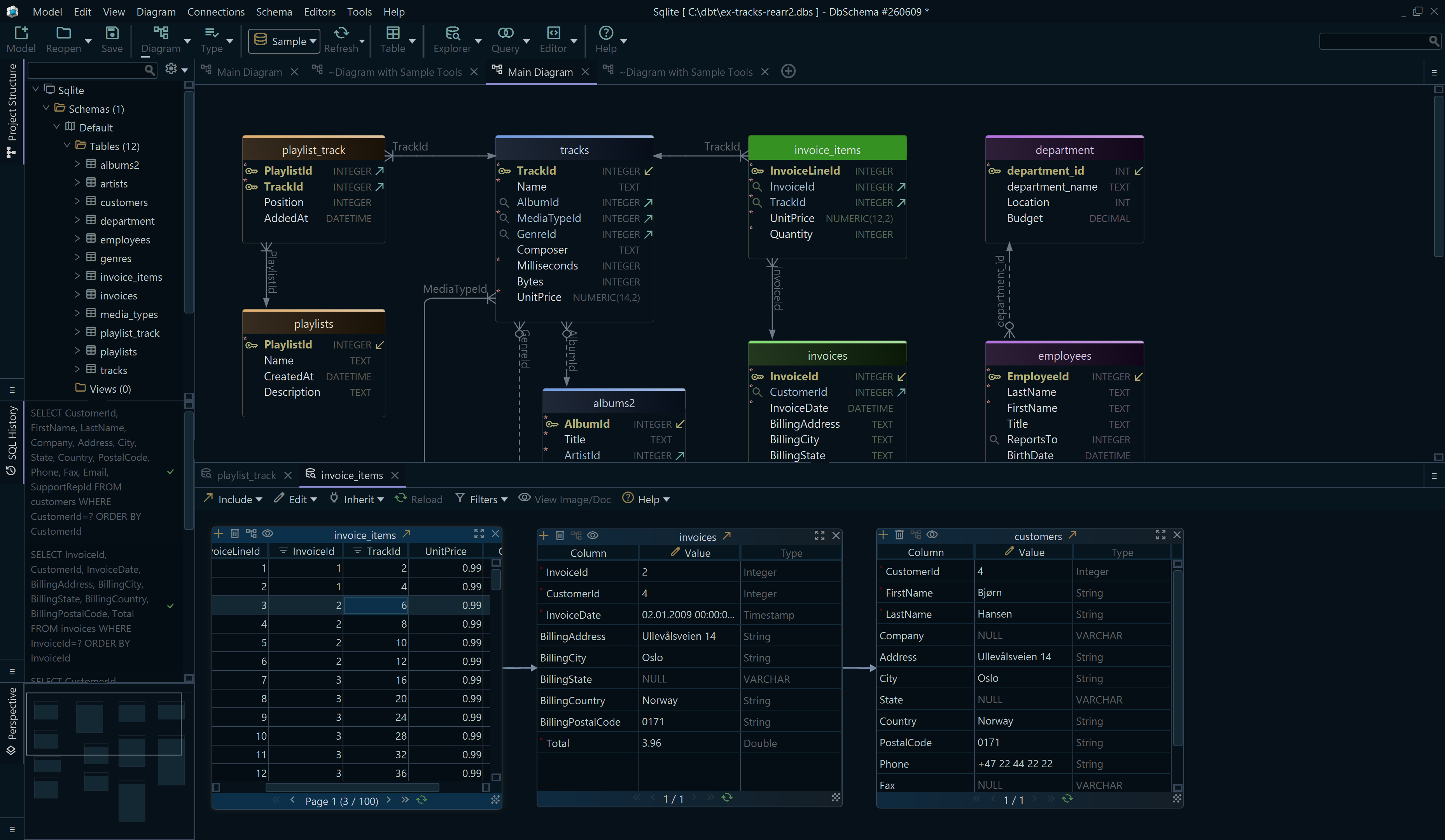
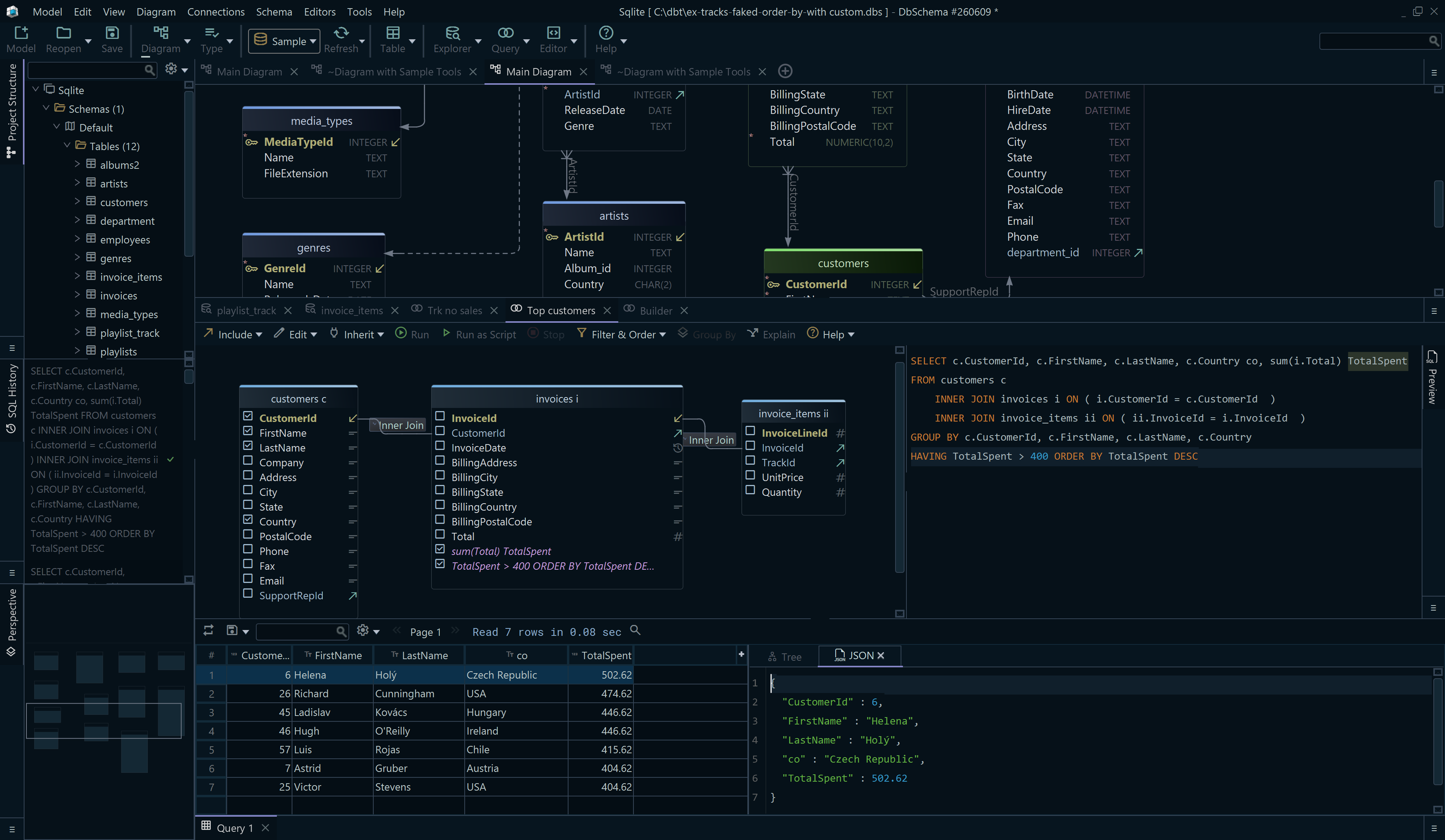

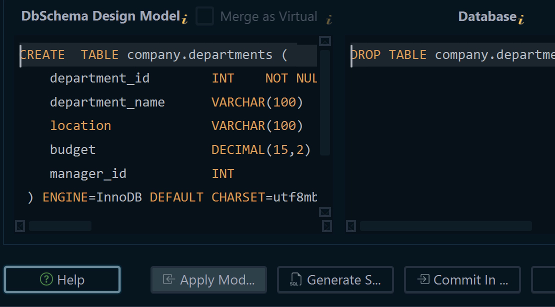
Trigger DDL is still SQL, so DbSchema runs it the same way you would at the prompt:
- connect to the MySQL database and reverse-engineer the schema
- open the SQL Editor from the Editors menu
- paste the trigger definition,
DELIMITERlines and all - run it with Run Script rather than Execute Query
Execute Query runs the statement at the cursor, delimited by ;, which is not what a BEGIN ... END body is. Run Script executes the entire editor content instead. Editors are saved inside the model file, so the trigger you deployed is still there the next time you open the project.
DbSchema reads triggers back out of the database as well. The JDBC API exposes tables, columns, and foreign keys, and triggers, procedures, and functions are not among them, so DbSchema fetches those with per-database queries that return the object name and its source. Reverse-engineering a MySQL schema therefore brings the trigger bodies into the .dbs model file along with the tables.

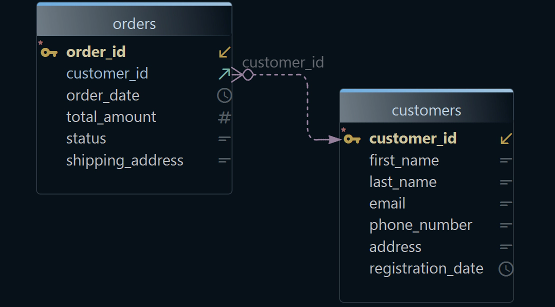
The diagram is where trigger work gets easier rather than faster. A log table and its source table have no foreign key between them, so nothing in the schema says they belong together until you put them side by side on one diagram and add a note saying which trigger fills which. On a schema with a dozen audit tables, that is the difference between reading the trigger and guessing at it.
If your trigger work depends on foreign keys and relationships, the companion articles Create ER Diagrams for MySQL and MySQL DROP CONSTRAINT syntax are worth reading next.
Download DbSchema at https://dbschema.com/download.html, open the SQL Editor on the database that keeps losing its history, and run the audit trigger above with Run Script. Connecting, reverse-engineering, the diagrams, and the SQL editor are in the free Community Edition; saving the model to a file is in Pro.
FAQ
What is the syntax for CREATE TRIGGER in MySQL?
CREATE TRIGGER trigger_name BEFORE|AFTER INSERT|UPDATE|DELETE ON table_name FOR EACH ROW trigger_body;. The DEFINER, IF NOT EXISTS, and FOLLOWS/PRECEDES clauses are optional, and FOR EACH ROW is not.
What is the difference between BEFORE and AFTER triggers?
A BEFORE trigger decides what gets written: SET NEW.col_name = value in its body replaces the value the statement supplied. The same assignment has no effect in an AFTER trigger, because the row change has already occurred, which is the reason validation goes in one and logging in the other.
Can I create multiple triggers for the same table event?
A table can carry several triggers for the same event and time, and MySQL activates them in the order they were created. The section on trigger syntax across MySQL versions has the FOLLOWS clause that puts the order in the definition instead.
Do MySQL triggers fire on TRUNCATE TABLE?
A TRUNCATE TABLE activates no trigger. The manual puts DROP TABLE in the same sentence, and gives the reason: neither statement uses DELETE. An archive trigger therefore misses every row a TRUNCATE removes.
Do cascaded foreign key deletes fire triggers?
Cascaded foreign key actions do not activate triggers. A child row deleted by ON DELETE CASCADE leaves no trace in a table that only a DELETE trigger writes to, so put the trigger on the parent table when the cascade is how rows usually go.
Can DbSchema help me manage trigger-related tables?
The DbSchema section above has the steps: the SQL Editor for the trigger DDL, and one diagram for the log table and the table it records. The DbSchema MySQL guide carries the connection details.