How to Copy a PostgreSQL Database Safely | DbSchema


Using SQL

1.Make sure that no other user is using the database by killing all connections:

SELECT pg_terminate_backend(pg_stat_activity.pid) FROM pg_stat_activity 
WHERE pg_stat_activity.datname = 'originaldb' AND pid <> pg_backend_pid();

2.Create a new database from the original template:

CREATE DATABASE newdb WITH TEMPLATE originaldb OWNER dbuser;

Replace originaldb and newdb.

Using psql
DbSchema ER diagram designer DbSchema ER diagram designer

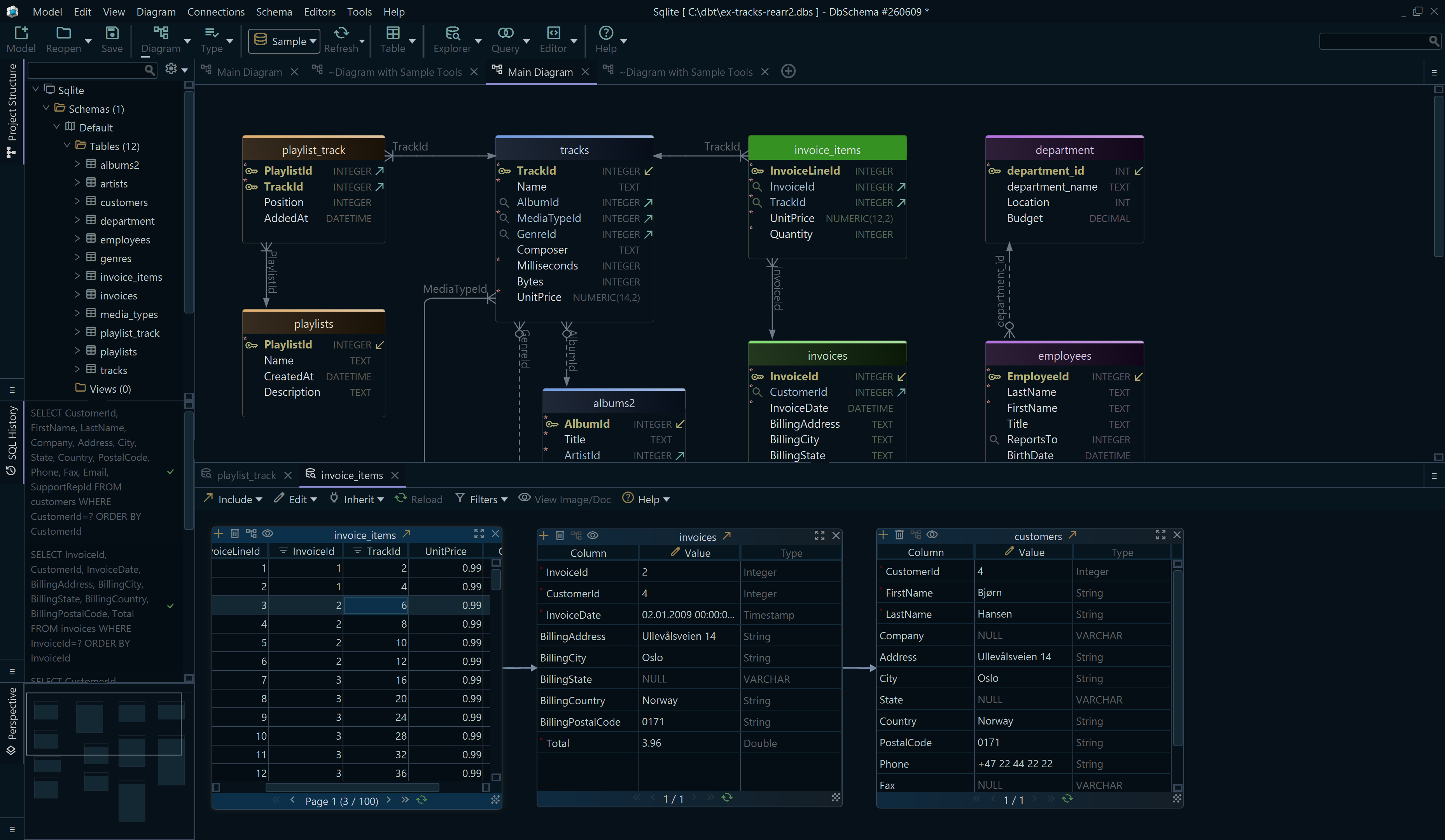
Design and visualize
your database schema

Edit referenced records
in related tables

Query your data
visually too

Reuse the SQL
generated

Free Download

Another method is to use psql for creating a database copy. Access the PostgreSQL command and execute:

createdb -O ownername -T originaldb newdb

DbSchema Design your database visually - free

DbSchema ER Diagram Download free
Visual Design & Schema Diagram

✓ Create and manage your database schema visually through a user-friendly graphical interface.

✓ Easily arrange tables, columns, and foreign keys to simplify complex database structures, ensuring clarity and accessibility.

GIT & Collaboration
Version Control & Collaboration

✓ Manage schema changes through version control with built-in Git integration, ensuring every update is tracked and backed up.

✓ Collaborate efficiently with your team to maintain data integrity and streamline your workflow for accurate, consistent results.

Data Explorer & Query Builder
Relational Data & Query Builder

✓ Seamlessly navigate and visually explore your database, inspecting tables and their relationships.

✓ Build complex SQL queries using an intuitive drag-and-drop interface, providing instant results for quick, actionable insights.

Interactive Documentation & Reporting
HTML5 Documentation & Reporting

✓ Generate HTML5 documentation that provides an interactive view of your database schema.

✓ Include comments for columns, use tags for better organization, and create visually reports.