Cassandra Materialized View Guide: CREATE VIEW in cqlsh and DbSchema
For developers who need a second lookup path over a Cassandra table and are weighing a materialized view against a second table the application writes.
On this page
A Cassandra table answers queries on its primary key, so a second way of looking up the same rows needs a second copy of them. A materialized view is Cassandra keeping that copy for you. You define a view over a base table with a different primary key, and, as the Cassandra 5.0 documentation puts it, a materialized view cannot be directly updated, but updates to the base table will cause corresponding updates in the view.
That convenience arrives with a switch in front of it. Cassandra 5.0 ships materialized_views_enabled set to false, under a heading in cassandra.yaml that reads EXPERIMENTAL FEATURES, and the entry states that materialized views are considered experimental and are not recommended for production use. Nothing below works on a node where that flag is still false.
When to use a materialized view
The decision comes down to one question about the key you want to read by, and the restrictions section below gives you the exact test. A view's primary key has to contain every primary key column of the base table, and it can add exactly one column that is not one of them. Where the lookup you need fits inside that sentence, a view expresses it in CQL and Cassandra keeps it current. Where it does not, no amount of rewriting the SELECT will make it fit, and the alternative is a second table the application writes to alongside the first.
Two more things belong in the decision. The materialized_views_enabled flag has to be on, which is a change to cassandra.yaml on every node rather than a statement you run once. And Cassandra 5.0 offers materialized_views_per_table_warn_threshold and materialized_views_per_table_fail_threshold as guardrails, both disabled by default at -1, for operators who want a ceiling on how many views one table carries.
To follow the statements you need a base table that already holds the columns the new key needs, cqlsh or DbSchema connected to the cluster, and permission to change schema.
Materialized view restrictions
The SELECT in a view definition may select only columns of the base table. No function, aggregate or otherwise, no casting, no term and no alias. * works as a shortcut for all columns, except on a base table with static columns: static columns cannot be included in a view, so SELECT * is rejected there.
The WHERE clause is narrower still. It takes no bind marker. Every column of the view primary key must carry at least an IS NOT NULL restriction, and a column outside the base table primary key that is not restricted by IS NOT NULL is not allowed. No other restriction is allowed, and neither is an ordering clause, a limit, or ALLOW FILTERING.
The primary key rule is the one that decides most designs. Cassandra 5.0 illustrates it with this base table:
CREATE TABLE t (
    k int,
    c1 int,
    c2 int,
    v1 int,
    v2 int,
    PRIMARY KEY (k, c1, c2)
);
Both of these views are accepted, because each one contains k, c1 and c2, and the second adds v1 as its single extra column:
CREATE MATERIALIZED VIEW mv1 AS
    SELECT * FROM t
    WHERE k IS NOT NULL AND c1 IS NOT NULL AND c2 IS NOT NULL
    PRIMARY KEY (c1, k, c2);

CREATE MATERIALIZED VIEW mv2 AS
    SELECT * FROM t
    WHERE k IS NOT NULL AND c1 IS NOT NULL AND c2 IS NOT NULL
    PRIMARY KEY (v1, k, c1, c2);
Neither of these is:
CREATE MATERIALIZED VIEW mv3 AS
    SELECT * FROM t
    WHERE k IS NOT NULL AND c1 IS NOT NULL AND c2 IS NOT NULL AND v1 IS NOT NULL
    PRIMARY KEY (v1, v2, k, c1, c2);

CREATE MATERIALIZED VIEW mv4 AS
    SELECT * FROM t
    WHERE c1 IS NOT NULL AND c2 IS NOT NULL
    PRIMARY KEY (c1, c2);
mv3 puts both v1 and v2 in the view primary key, and only one column outside the base table primary key is allowed. mv4 leaves k out, and k is a base table primary key column, so it has to be there. The rule behind both rejections is that every row of the view must correspond to exactly one row of the base table.
Create a materialized view in cqlsh
The base table here is an orders table keyed by order, and the view gives it a second key that starts with the customer:
CREATE TABLE IF NOT EXISTS ecommerce.orders (
    order_id uuid PRIMARY KEY,
    customer_id uuid,
    created_at timestamp,
    status text,
    total decimal
);

CREATE MATERIALIZED VIEW IF NOT EXISTS ecommerce.orders_by_customer AS
    SELECT order_id, customer_id, created_at, status, total
    FROM ecommerce.orders
    WHERE order_id IS NOT NULL
      AND customer_id IS NOT NULL
    PRIMARY KEY (customer_id, order_id);
order_id is the base table's whole primary key and it is in the view key. customer_id is the one extra column. Both are restricted with IS NOT NULL, and every selected column comes from the base table, so the definition satisfies all three rules at once. Creating a view that already exists returns an error unless IF NOT EXISTS is used, in which case the statement is a no-op.
A DDL statement that succeeds prints nothing in cqlsh. To see what Cassandra stored, including the table options it filled in from defaults, read the definition back:
DESCRIBE MATERIALIZED VIEW ecommerce.orders_by_customer;

Create a materialized view in DbSchema
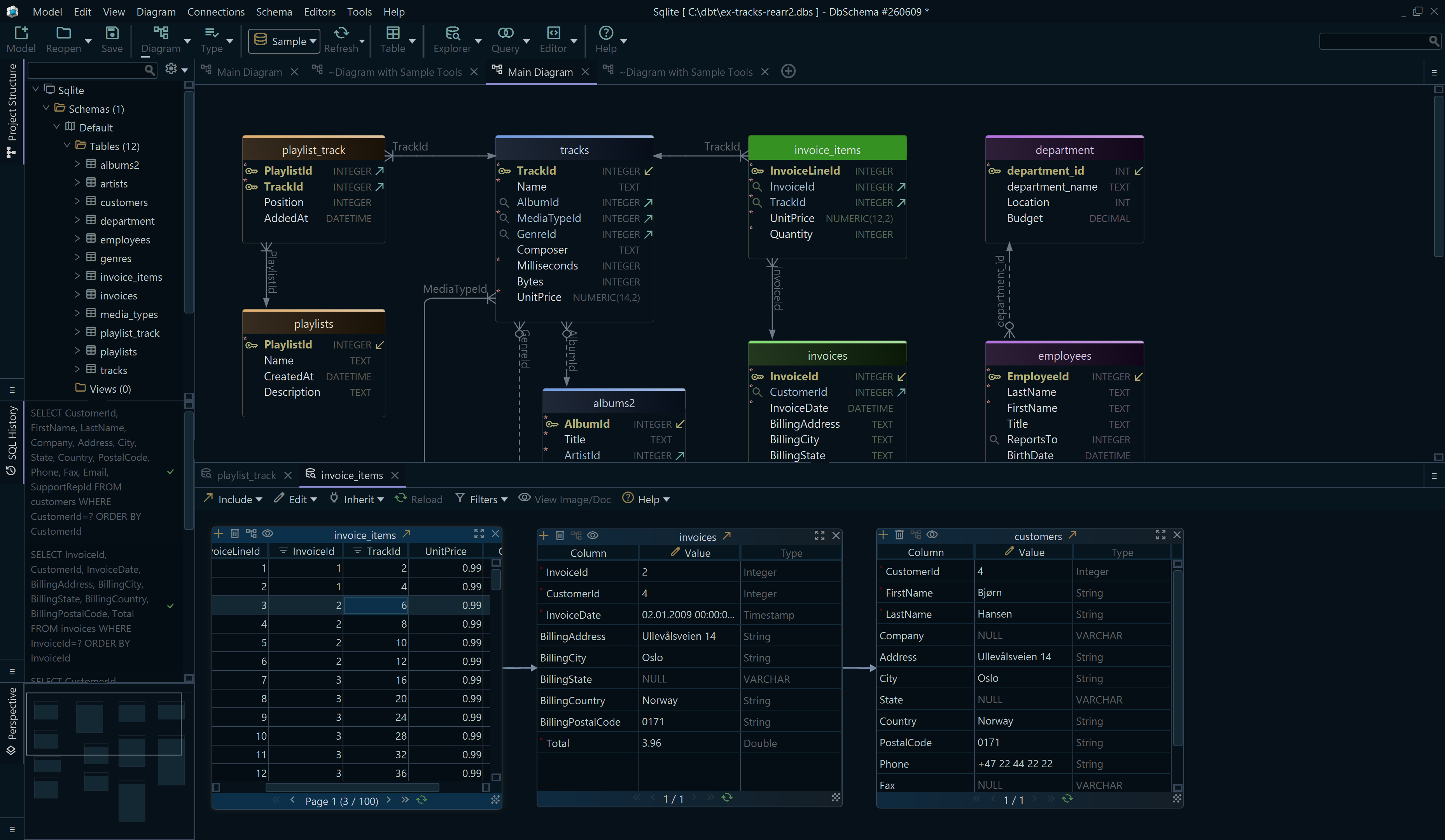
A view and its base table are two objects with one dependency between them, and that dependency is invisible in a folder of migration scripts. In DbSchema the base table is on the diagram, and the statement that creates the view over it runs in an editor beside it.
- In DbSchema, choose Connect to Database, pick Cassandra, fill in the Connection Dialog and click Connect.
- DbSchema reads the keyspace and draws its tables and columns as an interactive diagram.
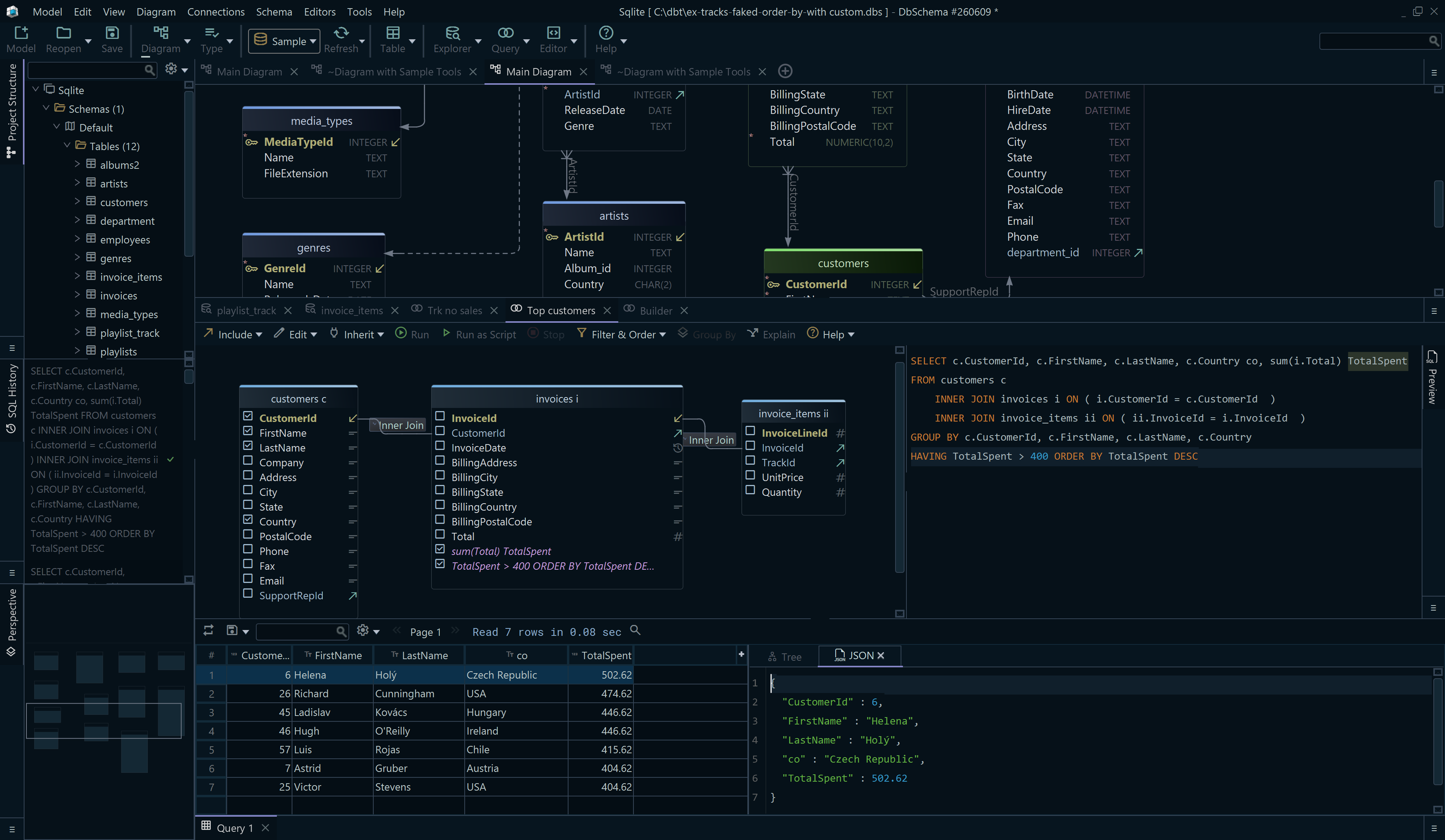
- Open the DbSchema SQL Editor from the Editors menu, paste both statements above, and click Run Script to execute them in order.
- Query the view from the same editor with Execute Query, and DbSchema shows the rows in the Result Pane.
Steps 3 and 4 talk to the live database. The diagram and the design model file are DbSchema's own copy of the keyspace and change only when DbSchema reads it again, so what is on the canvas is the state of the last read rather than the state one second after the script finished.
Operational cautions
The build is the first thing to plan for. Cassandra 5.0 builds materialized views in a single thread by default, and the initial build is parallelized by raising concurrent_materialized_view_builders in cassandra.yaml, a property that can also be changed at runtime through JMX and through the setconcurrentviewbuilders and getconcurrentviewbuilders nodetool commands.
The second is a documented limitation with a name and a ticket. Removing a column the view does not select, by setting it to null or deleting it on the base table, may shadow missed updates to other columns received by hints or repair, and the documentation advises against deletions on base columns that are not selected in views until CASSANDRA-13826 is fixed. A view that selects every base column, as the one above does, has no unselected columns to run into that with.
The free DbSchema Community Edition runs both statements above in its SQL Editor. Download DbSchema at https://dbschema.com/download.html, connect to the keyspace, create the base table and the view in one script, and query both from the editor to check that the new key returns the rows you expected. When that key later turns out to be wrong, How to Alter a Materialized View in Cassandra explains why the fix is a rebuild rather than an alter.