Cassandra ALTER MATERIALIZED VIEW Guide for Safe Changes
For developers maintaining a Cassandra materialized view someone else created, who need to know which changes are an alter and which are a rebuild.
On this page
A caching setting on a materialized view can be changed in place. Almost nothing else about the view can. Cassandra 5.0 gives ALTER MATERIALIZED VIEW one instruction, WITH table_options, so a change to the selected columns, to the WHERE predicates or to the view primary key means dropping the view and creating it again.
There is a check to make before either of those. In Cassandra 5.0, the cassandra.yaml entry for materialized_views_enabled sits under a heading that reads EXPERIMENTAL FEATURES, and the setting defaults to false. The description on that entry states that materialized views are considered experimental and are not recommended for production use.
What ALTER MATERIALIZED VIEW supports
alter_materialized_view_statement::= ALTER MATERIALIZED VIEW [ IF EXISTS ] view_name WITH table_options
table_options is the whole of it. A materialized view is internally implemented by a table, so the options it accepts are the same ones a table accepts, which covers comment, caching, compaction, compression, gc_grace_seconds and default_time_to_live.
The examples below assume a base table and a view over it, in a keyspace named ecommerce:
CREATE TABLE ecommerce.orders (
    order_id uuid PRIMARY KEY,
    customer_id uuid,
    created_at timestamp,
    status text,
    total decimal
);

CREATE MATERIALIZED VIEW ecommerce.orders_by_customer AS
    SELECT order_id, customer_id, created_at, status, total
    FROM ecommerce.orders
    WHERE order_id IS NOT NULL
      AND customer_id IS NOT NULL
    PRIMARY KEY (customer_id, order_id);
What ALTER MATERIALIZED VIEW does not support
The grammar has no branch for the SELECT, so the five columns orders_by_customer carries are the five it will always carry. It has no branch for the WHERE clause, so the two IS NOT NULL restrictions are fixed. It has no branch for PRIMARY KEY, so (customer_id, order_id) is the only way this view can be read. And there is no rename.
Each of those is a drop and a create, in this order:
- Create the replacement view under a new name.
- Wait for it to finish building.
- Move the application's reads to the new view.
- Drop the old view with
DROP MATERIALIZED VIEW.
Step 2 is worth planning for rather than watching. Cassandra 5.0 builds materialized views in a single thread by default, and the build is parallelized by raising concurrent_materialized_view_builders in cassandra.yaml, which can also be changed at runtime through JMX or the setconcurrentviewbuilders nodetool command.
Alter a materialized view in cqlsh
ALTER MATERIALIZED VIEW ecommerce.orders_by_customer
WITH comment = 'Orders accessible by customer id'
AND caching = {'keys': 'ALL', 'rows_per_partition': 'NONE'};
A DDL statement that succeeds prints nothing in cqlsh. To read the stored definition back, including the options Cassandra filled in from its defaults, ask for it:
DESCRIBE MATERIALIZED VIEW ecommerce.orders_by_customer;
caching, compaction and compression are maps, and a map option replaces rather than merges: setting any sub-option of one of them erases every sub-option it had before. The statement above therefore has to name both keys and rows_per_partition even when only one of them is changing.
If the view does not exist, the statement returns an error. Adding IF EXISTS turns that into a no-op, which is what a migration script wants when it may run against a cluster where the view was never created.

Alter a materialized view in DbSchema
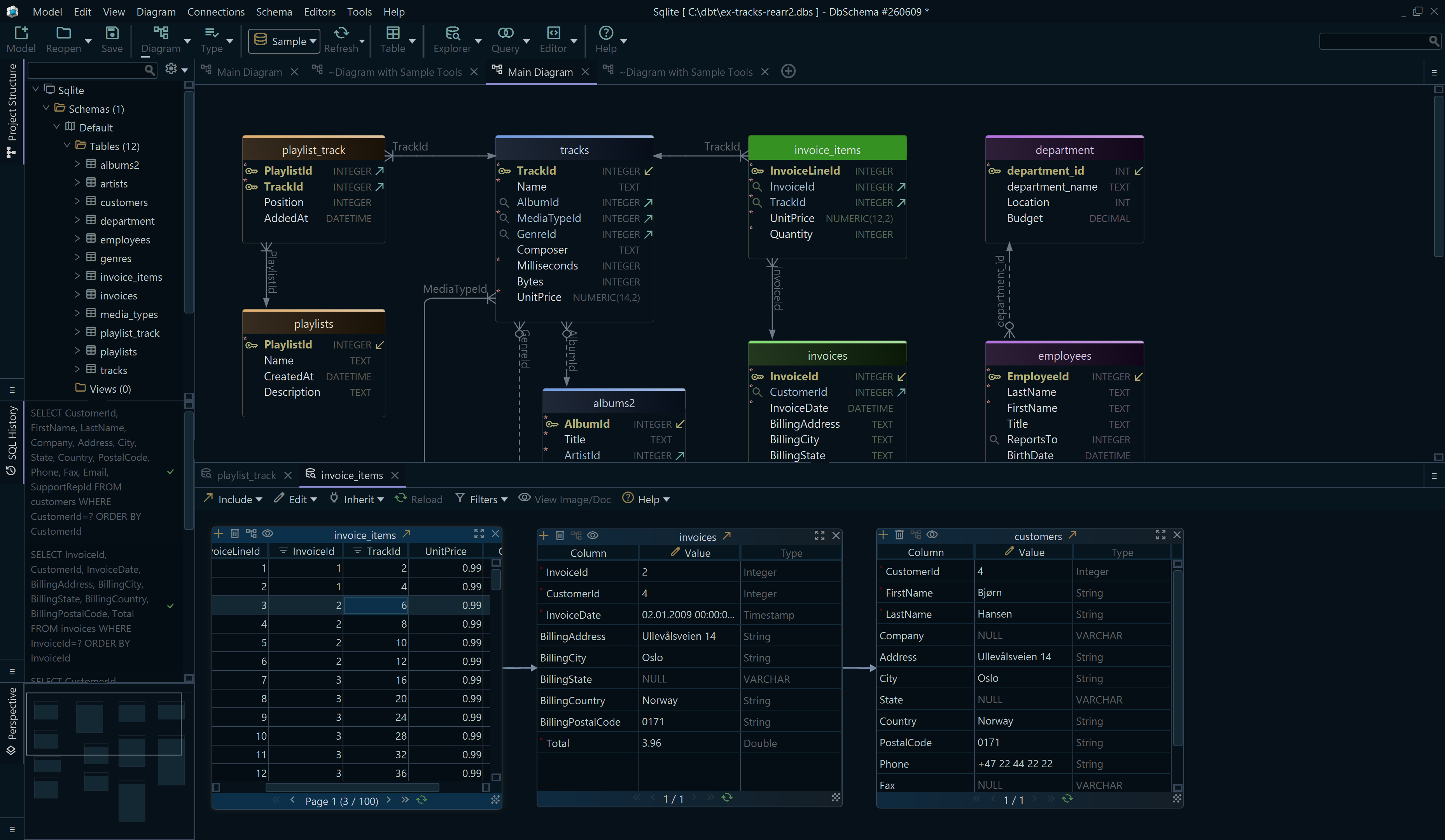
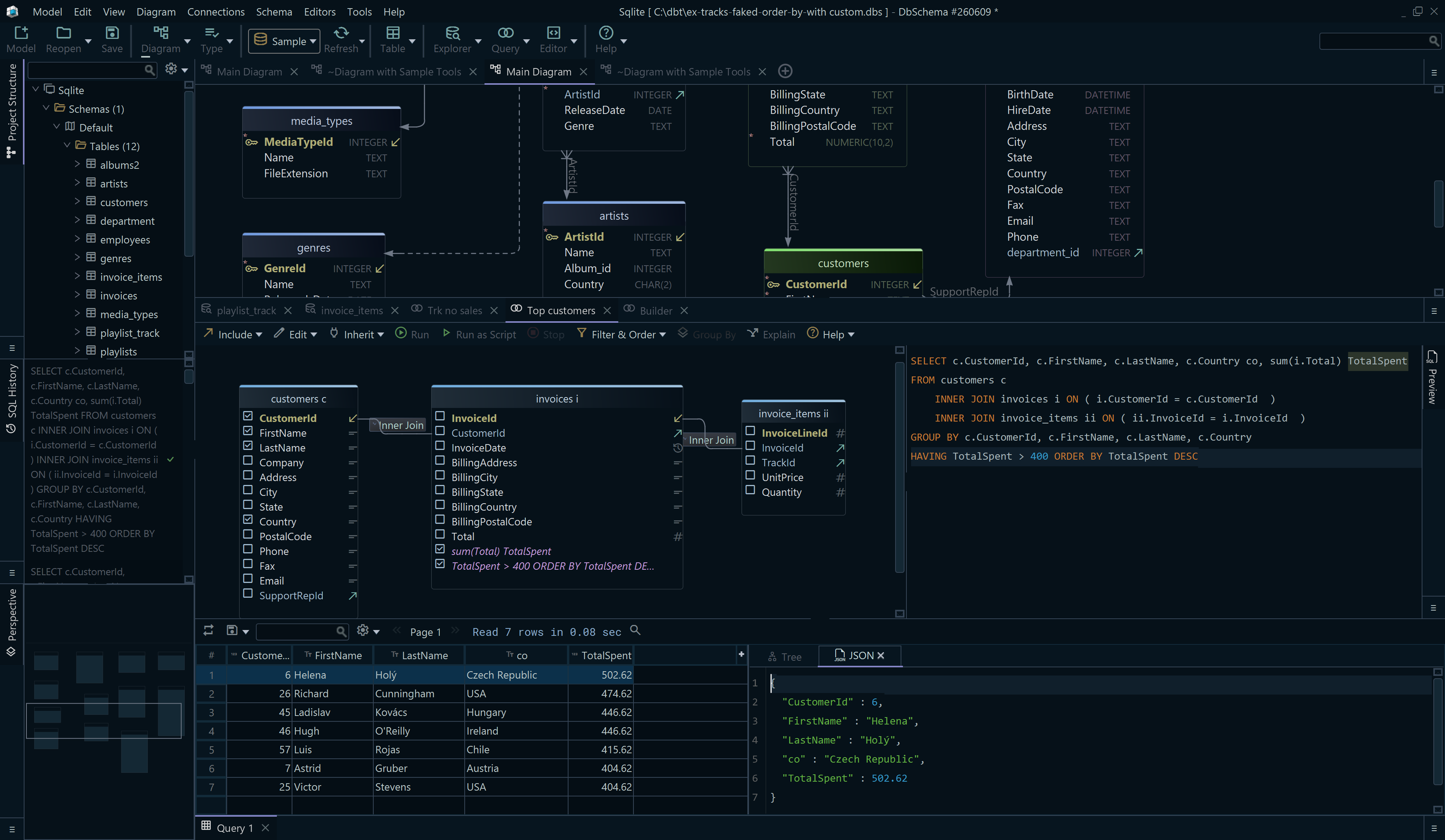
DbSchema connects to Cassandra with its own open-source JDBC driver, listed on the Cassandra connection page, and reads the keyspace's tables and columns into a diagram and a design model file.
- In DbSchema, open the connection to the cluster and let DbSchema read the keyspace.
- Open the DbSchema SQL Editor from the Editors menu, paste the
ALTER MATERIALIZED VIEWstatement and click Execute Query. - Read the view's rows back with a
SELECTin the same editor, and DbSchema shows them in the Result Pane.
Only step 2 changes Cassandra. The diagram and the design model file stay as DbSchema last read them until DbSchema reads the keyspace again. Keeping the editor and the diagram open together is the practical part: the base table the view depends on is on the canvas while you edit the view's options, and a SELECT against either one is two clicks away.
When to recreate instead of alter
Recreate the view when the view primary key has to change, when a different non-primary-key column has to join it, or when the base-table columns the view selects turn out to be the wrong set. Those are the three cases the grammar sends back to CREATE MATERIALIZED VIEW, and How to Create a Materialized View in Cassandra covers the restrictions the new definition has to satisfy.
One documented limitation applies whether you alter or rebuild. Cassandra 5.0 records that removing a column the view does not select, by setting it to null or deleting it on the base table, may shadow missed updates to other columns received by hints or repair, and advises against deletions on base columns that are not selected in views until CASSANDRA-13826 is fixed. A view that selects every base column keeps you out of that case.
Option changes are small enough to be worth doing in the same place you read the schema. Download DbSchema at https://dbschema.com/download.html, which is free in the Community Edition, connect to the keyspace that holds the view, and run the ALTER MATERIALIZED VIEW from the SQL Editor with the base table on the diagram beside it.