Cassandra DROP TABLE Guide in cqlsh and DbSchema
For developers and operators removing a Cassandra table from a cluster that holds data somebody may still want.
On this page
DROP TABLE has no undo. Cassandra 5.0 states that dropping a table results in the immediate, irreversible removal of the table, including all data it contains. There is no transaction to roll back and no statement that puts the table back. What stands between the command and a permanent loss is a snapshot, and whether one is taken automatically depends on a single line of cassandra.yaml.
That line is auto_snapshot, which decides whether a snapshot is taken of the data before keyspace truncation or the dropping of a table. Its default is true, and the documentation calls that default strongly advised, adding that if you set the flag to false you will lose data on truncation or drop. Check the value on the cluster you are about to change, because the value on your laptop tells you nothing about the value in production.
Before you drop a table
Five things to settle first, in this order, on a cluster where you have permission to change schema:
- Confirm the keyspace as well as the table name, and prefer the fully qualified
keyspace.tableform over relying on whichever keyspaceUSEselected. - Look for materialized views and secondary indexes built on the table, and for the application queries that read it.
- Read
auto_snapshoton the cluster rather than assuming the default survived somebody's tuning pass. - Take an explicit snapshot anyway if the data has any value, using the command below.
- Decide whether you want the table gone at all, or only its rows.
That last one has its own statement. TRUNCATE TABLE permanently removes all existing data from the table without removing the table itself, which is what you want when the schema stays and only the contents are wrong.
The examples below work on one table in a keyspace named ecommerce:
CREATE TABLE ecommerce.orders_by_customer_day (
    customer_id uuid,
    order_day date,
    order_time timeuuid,
    order_id uuid,
    status text,
    total decimal,
    PRIMARY KEY ((customer_id, order_day), order_time, order_id)
);
A manual snapshot of it costs a hard link per SSTable file and takes one command:
nodetool snapshot --tag before_drop --table orders_by_customer_day ecommerce
Requested creating snapshot(s) for [ecommerce] with snapshot name [before_drop] and options {skipFlush=false}
Snapshot directory: before_drop
A snapshot is a copy of a table's SSTable files at a given time, created via hard links, and the DDL that created the table is stored with it. Where the cluster does take automatic snapshots, check auto_snapshot_ttl too: it adds a time to live to the snapshots generated by a truncate or a drop, after which they are cleared automatically. Auto snapshots have no TTL by default.
How to drop a table in cqlsh
Select the keyspace, then drop the table the snapshot above covered:
USE ecommerce;

DROP TABLE IF EXISTS orders_by_customer_day;
Do not run that statement against a production cluster until the snapshot from the previous section exists and you have confirmed which keyspace USE selected. The removal is immediate and irreversible, and the only copy of the data afterwards is the one you took beforehand.
IF EXISTS is what makes the statement safe to run twice. Without it, dropping a table that is already gone returns an error; with it, the operation is a no-op, which is the behavior a migration script needs when it may run against a cluster where the table was dropped last month. List what the keyspace still holds to confirm the result:
DESCRIBE TABLES;

How to drop a table in DbSchema
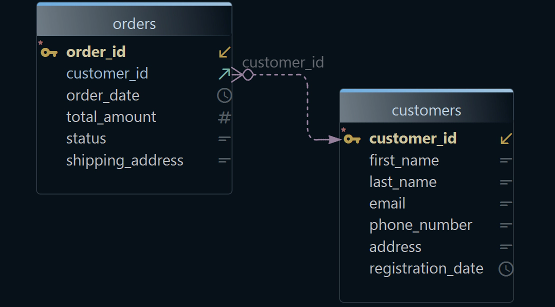
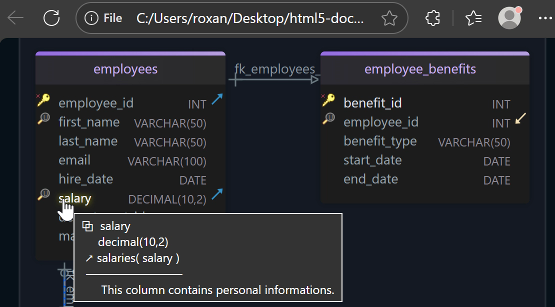
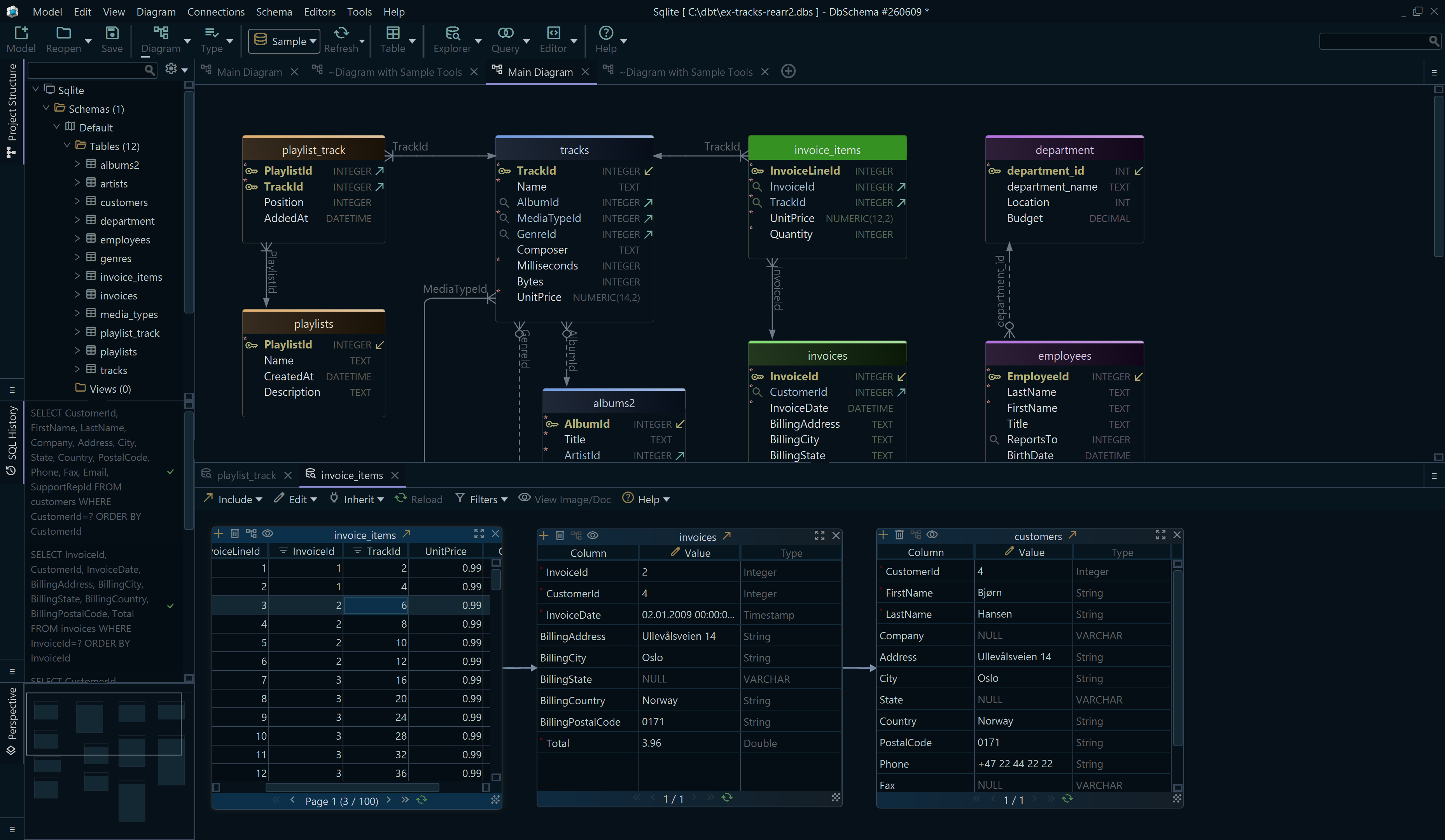
The dependency check in step 2 above is the part that is tedious in a shell and quick in a diagram, because DbSchema draws the whole keyspace at once.
- In DbSchema, open the connection to the Cassandra cluster, and DbSchema reads the keyspace and draws its tables and columns.
- Find the table in the DbSchema diagram and read what else in the keyspace sits next to it before you decide.
- For the connection you keep open on production, tick Read Only Connection on the Settings tab of the Connection Dialog; DbSchema then opens the connection in read-only mode and the database refuses every change made through it.
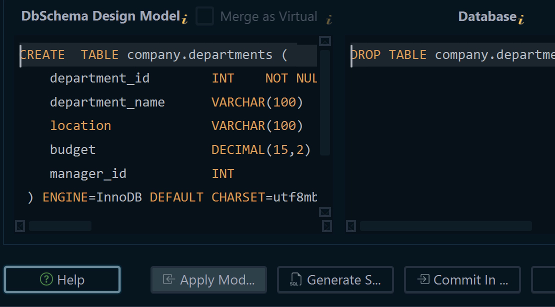
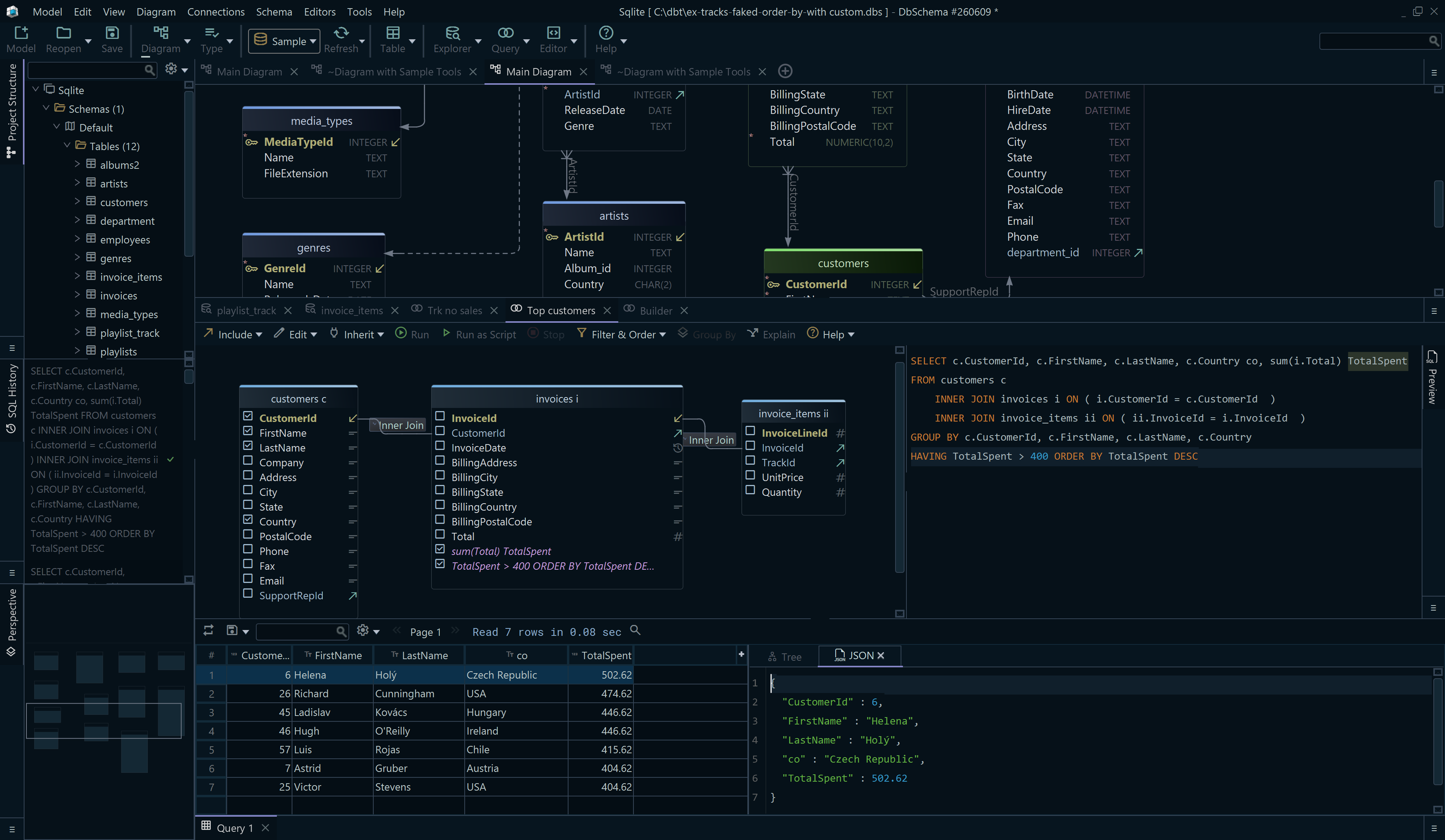
- On a connection that is not read-only, open the DbSchema SQL Editor from the Editors menu, paste the
DROP TABLEstatement and click Execute Query.
Step 4 is the one that reaches Cassandra. The diagram is DbSchema's own copy of the keyspace and still shows the table until DbSchema reads the keyspace again, so do not treat a table still drawn on the canvas as evidence that the drop failed.
What happens after the drop
The table definition and its data are gone from the cluster at once. Where auto_snapshot was true, the data is on disk in a snapshot directory, which is a hard-linked copy rather than a running table: restoring from it is a separate operation, not a rollback. Where the flag was false, the documentation's warning is the whole story, and the data is lost.
Anything built on the table needs the same attention the table did. A materialized view is defined over one base table, so a view whose base table is gone is the next object on the list, and How to Alter a Materialized View in Cassandra covers what can and cannot be changed about one. Application code that still queries the dropped table is the last dependency, and it is the one that will tell you loudly.
Common mistakes
Dropping the right table name in the wrong keyspace is the first, and the fully qualified name removes the whole class of it.
Trusting automatic snapshots without reading auto_snapshot is the second. It is a per-cluster setting that somebody may have turned off to save disk, and its default is only a default.
The third is reaching for DROP TABLE when TRUNCATE TABLE was the statement wanted. Both remove every row. Only one removes the table, and only one leaves the application with a table it can write to the next morning.
The free DbSchema Community Edition covers everything above. Download DbSchema at https://dbschema.com/download.html, connect to the cluster, keep the diagram open while you check what depends on the table, and run the DROP TABLE in the SQL Editor once the snapshot exists.