Design and Manage Google BigQuery Databases Visually with DbSchema
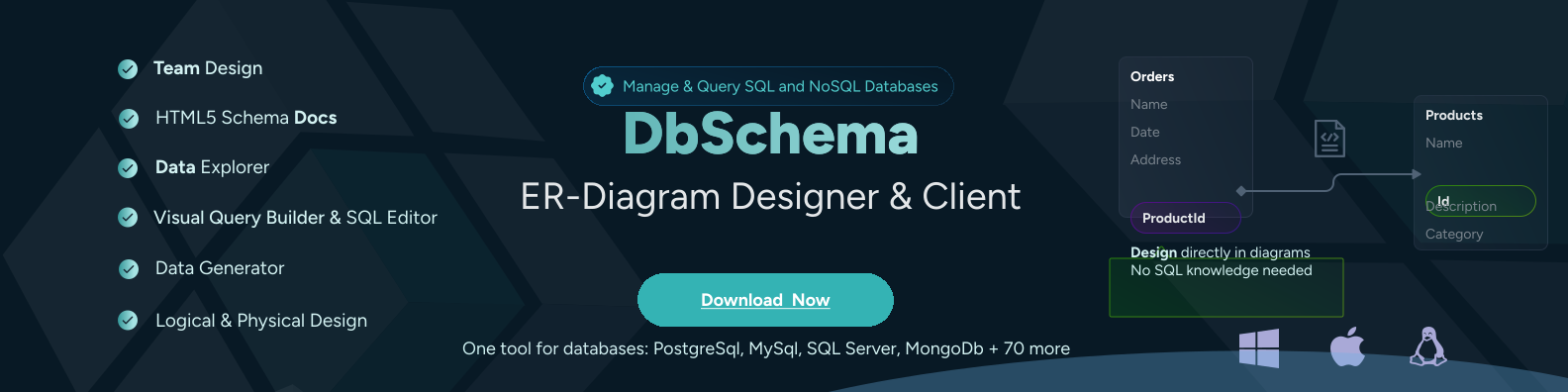
DbSchema lets you design, manage, and document Google BigQuery databases. Create ER diagrams, define tables and columns, and generate SQL scripts - with or without a live database connection.
Use Git to share the design, compare it with the Google BigQuery database, and deploy changes. DbSchema also includes a data editor, query builder, and HTML5 documentation - everything you need in one tool.
Download DbSchema Download Google BigQuery JDBC Driver
Visualizing BigQuery Projects and Datasets

Google BigQuery stores petabytes of analytical data organized into projects, datasets, and tables — a structure that can span dozens of datasets across multiple GCP projects. DbSchema connects to BigQuery via JDBC and renders the dataset-table relationship as an interactive ER diagram, giving your team a single navigable view of the entire data model. This is especially valuable for data teams onboarding new members or auditing schema coverage across business domains.
Run Interactive Queries on BigQuery Data

DbSchema's visual query builder translates table joins and filter conditions into BigQuery SQL without requiring analysts to write it by hand. Queries execute against BigQuery's serverless engine and results appear in the integrated data grid.
Explore Dataset Contents Interactively
The data explorer component lets you browse rows in any BigQuery table, apply column-level filters, and page through results — without opening the BigQuery console. This is practical for verifying data quality after ingestion jobs or spot-checking transformation outputs from dbt or Dataflow pipelines.
Document Your BigQuery Data Model

DbSchema generates HTML schema documentation from your BigQuery metadata, embedding ER diagrams and table definitions into a shareable, offline-capable reference. Distribute it to analysts and stakeholders who need to understand the data model without direct BigQuery console access.
Connecting DbSchema to Google BigQuery
BigQuery requires the Simba BigQuery JDBC driver, available from Google's official driver download page. The JDBC URL format is jdbc:bigquery://https://www.googleapis.com/bigquery/v2:443. For service account authentication, set OAuthType=0 and provide the service account email in OAuthServiceAcctEmail and the private key file path in OAuthPvtKeyPath. Alternatively, Application Default Credentials work when DbSchema runs on a machine already authenticated with the gcloud CLI, removing the need to manage key files explicitly.
Why Teams Use DbSchema with BigQuery
- Navigate multi-project BigQuery environments from a single diagram canvas
- Enable non-SQL analysts to query tables using the visual query builder
- Generate schema documentation for data governance and cataloging requirements
- Inspect table data and validate ETL pipeline output without BigQuery console access
- Design schema modifications in a visual editor before executing DDL statements